
Description
Emerald Object Library is required for this scenery to display as intended! Please see Dependencies!
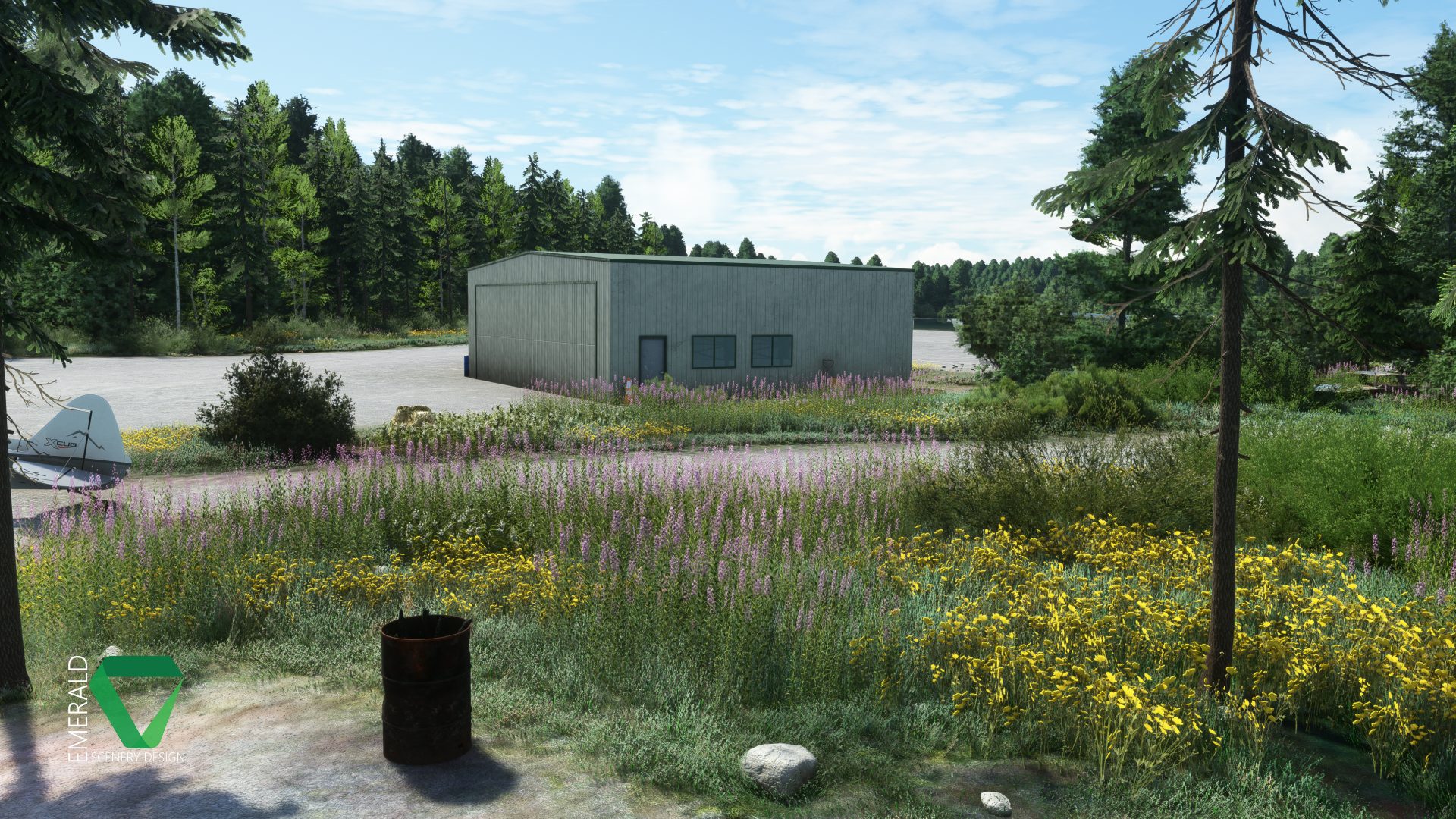
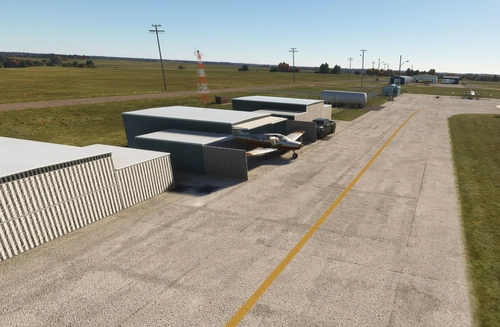
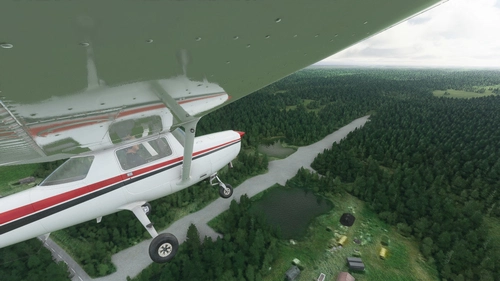
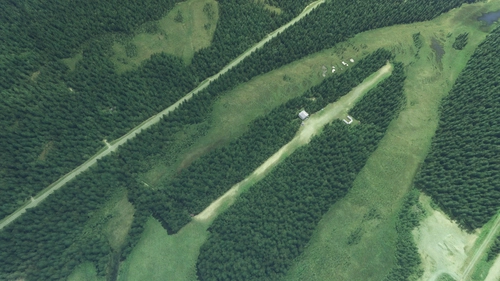
Davidson Strip is located on the southernmost end of Amber Lake. The airstrip has been completely rebuilt from the ground up using custom 3d trees and vegetation! A number of the missing lakes and ponds surrounding Amber Lake now have a water surface defined and have been flattened to allow for float plane operations. Several docks have also been placed around Amber and a few other lakes and ponds, as well as some water overlay issues fixed in the vicinity of the airport. Tree placement has also been redone at and around the airstrip for greater accuracy.
Features
- 30cm/px, AI-enhanced aerial imagery covering the airstrip & color-matched to the surrounding terrain.
- Custom Gravel and Dirt ground materials with NRM textures for PBR and added detail.
- Custom environmentals including Weeds, Wildflowers, Native Shrubs, 3D Trees, Rocks, and Logs.
Dynamic Features
- Bear – Can be found roaming the marshy area to the South of the Airstrip. Will go into hibernation when temperatures fall below freezing.
- Butterflies – Visible around flowers from May through September. Includes 4 different Alaska native variations! Will not show when Rain or Snow is reported.
- Rain Puddles – Appear when Rain has been reported in the area.
- VFX – Burn Barrel & Campfire VFX will appear once temperatures fall to 50℉/10℃ or below.
Requirements
Installation
The included "esd-airport-45aa-davidson" folder should be placed into your MSFS "Packages\Community" folder. The scenery will load the next time you start Microsoft Flight Simulator.
Want more? Check out my other Alaska addons:
- Alaska Lakes: Matanuska-Susitna Valley
- Kantishna Airport, Alaska (5Z5)
- Snowflake Lake & Airstrip, Alaska
- Rangeview Airstrip, Alaska (0AA5)
- Montana Creek, Alaska (21AK)
- Talkeetna Airport, Alaska (PATK)
- Stampede Airport, Alaska (Z90)
- Chunilna Cabin Strip, Alaska [Payware]
- Fort Crosby (8AK5), Alaska [Payware]
Looking for the latest news on projects, updates, and releases? Consider joining the Emerald Scenery Design Discord:
Dépendances
Location
Davidson Strip, Alaska (45AA)
Explore the picturesque Davidson Strip in Alaska, revamped with custom 3D elements and revamped terrain. Featuring custom ground materials, dynamic environmental effects, and unique wildlife encounters. Immerse yourself in this detailed scenery with AI-enhanced aerial imagery and interactive features like bears, butterflies, and rain puddles. Experience the beauty of Alaska with this addon, requiring the Emerald Object Library for a complete experience.

Soutiens

Avis des utilisateurs
5 avis
Historique des versions
- Added and replaced docks around Amber Lake with ESD models. - Adjusted tiling of gravel texture for better scale in 2024. - Excluded autogen houses and replaced with ESD Cabin models. - Fixed a few terraforming issues. - Fixed flickering water puddles. - Removed some terraforming polys which were no longer needed. - Reworked and added multiple new water polygons.
Présent dans des collections(2)


Similaires
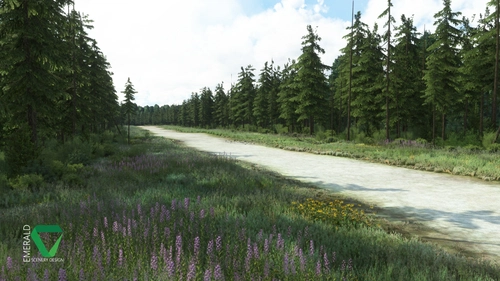
Snowflake Lake Airstrip, Alaska
Fly to the stunning Snowflake Lake Airstrip in Alaska, featuring a 1500 FT gravel runway and detailed scenery with custom environmental elements like butterflies and rain puddles. Experience an authentic backcountry feel with uneven terrain and hand-placed vegetation, ensuring a realistic flight experience. Dont miss out on this immersive addon that brings the beauty of Alaska to Microsoft Flight Simulator.
par Emerald Scenery Design
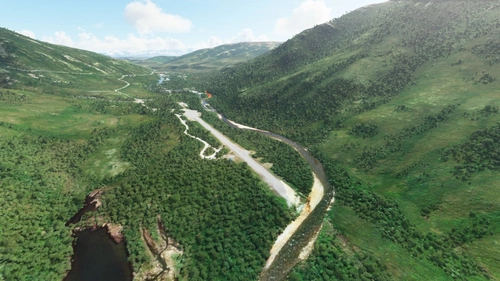
Kantishna Airport, Alaska (5Z5)
Experience a revamped Kantishna Airport in Alaska with this enhanced scenery add-on. Corrected airport elevations, custom gravel textures, and fixed river areas provide a more realistic flight environment. Ensure compatibility with the latest Alaska Water Height fix version for optimal performance. Explore more Alaskan destinations with other add-ons by Emerald Scenery Design.
par Emerald Scenery Design
Rangeview Airstrip, Alaska (0AA5)
Experience the enhanced Rangeview Airstrip in Alaska with custom textures, tree placements, and roads, alongside overhauled lakes and an additional airstrip. This add-on requires the Emerald Object Library for full functionality. Explore more Alaska addons by Emerald Scenery Design for a complete flight sim adventure. Join the community on Discord for updates and discussions.
par Emerald Scenery Design
Montana Creek, Alaska (21AK)
Explore the reworked private airstrip of Montana Creek, Alaska (21AK) with corrected runway elevations and improved tree placement. This add-on also enhances water features in the surrounding area and includes clutter models for added realism. Make sure to have the Emerald Object Library installed before enjoying this scenery in Microsoft Flight Simulator.
par Emerald Scenery Design
Connectez-vous pour participer à la discussion
Se connecterCommentaires(22)
about 8 hours ago
MSFS2024
about 1 year ago
over 1 year ago
over 1 year ago
over 1 year ago
2020, steam version, update 1.38.2.0
over 1 year ago
Script here (See link above form):
https://emeraldscenerydesign.com/support/
over 1 year ago
over 1 year ago
Outside of that, if there are no addons then I'm really not sure. Maybe Davidson got corrupted somehow on your end? Or maybe something else did? It's an odd issue.
Does everything else like the hangar, clutter and vegetation all seem to load OK?
over 1 year ago
All other objects in the scenery show up without issue.
over 1 year ago
over 1 year ago
almost 2 years ago
over 2 years ago
Captain Moonlight (aka Heinz-Werner Arens)
over 3 years ago
I have checked fields everywhere
over 3 years ago
If you mean on the ground - it's because Emerald Object Library needs to be installed. You can find it linked under the dependencies tab above or on Marketplace. And if you already have it, check that it's not nested within another folder in your community.
over 4 years ago
Thanks for your work.
Just a suggestion, could you maybe mention/list/link any dependencies directly after the install instructions, as they are part of the install, so people don't miss them. I realize they are in the download dialogue box and the bar above comments, but new users may not be familiar with this.
over 4 years ago
Hi lawlegge,
Thanks for the suggestion. It should have been like that already, as that's the setup I have for my other addons. This description probably just slipped through the cracks.
I have corrected it now!
over 4 years ago
This doesn't work! There's no folder, only a 7z file that MSFS does not recognize.
over 4 years ago
7z is a compression format like .zip or .rar, which provides better compression. You need either 7-zip or WinRAR to extract it first. 7-zip is really light weight and compatible with pretty much any format you would encounter that needs to be unzipped.