

Description
WARNING ! Only rev 2.0 or up is compatible with the MSFS2020 SU10, please remove your old livery and replace with this one.
Unzip, go INTO the folder and select ONE of the liveries in your downloaded zip file and copy it to your community folder.
Darkstar SR-72 Version "End Day" long range hypersonic nuclear missile bombing platform
The paradox :
A. Asobo Darkstar is based on the Lockheed Martin SR-72 which will start her virgin voyage earliest 2023.
B. SR-72 is an USAF project. Even in the MSFS, it is not for the carrier at all.
C. Asobo engraved "NAVY" on the aircraft model which can not be removed legally.
OK, Is the Darkstar SR-72 USAF or US Navy ?
There is no solution. So I have to pack with two models in this download
Rev 2.0 :
Update for SU10
Rev 1.3 : USA Flag
Two models, choose the one you like after the unzip
1. Dark_USAF : USAF ( USAF logo overlapped the engraved "NAVY")
2. Dark_NAVY: Navy (No USAF texts on top)
Unzip and copy into your Community folder
Darkstar SR-72 Version "End Day"
Darkstar SR-72 Version "End Day" offers two models for your MSFS experience: Dark_USAF and Dark_NAVY. Update to Rev 2.0 for SU10 compatibility and choose your preferred livery after unzipping. Unleash the long-range hypersonic capabilities of this nuclear missile bombing platform.
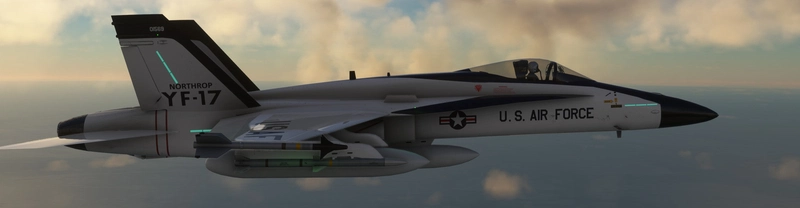
Avis des utilisateurs
2 avis
Historique des versions
Update for SU10
Similaires
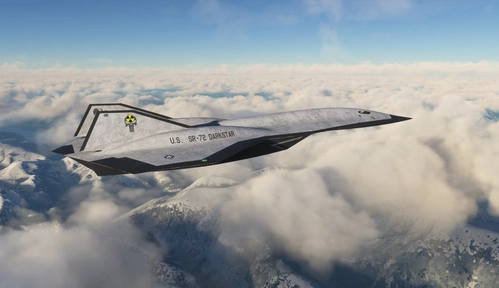
The Hypersonic Bomber - Darkstar Nuclear Punisher
Experience the ultimate hypersonic nuclear bomber, the Darkstar Nuclear Punisher, in Microsoft Flight Simulator. With the possibility of global conflict looming, this advanced aircraft may soon be put to the test in a high-stakes mission.
par Josephm700
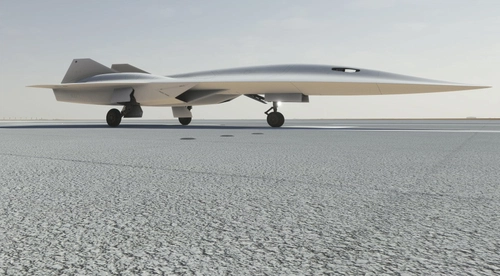
Darkstars White, Red, and Blue Comets
A collection of unique livery options for Microsoft Flight Simulator 2020. Choose between the glowing White Comet, striking Red Comet, or vibrant Blue Bird liveries to enhance your flying experience. Make sure to use rev 2.0 or higher for compatibility with SU10.
par Josephm700
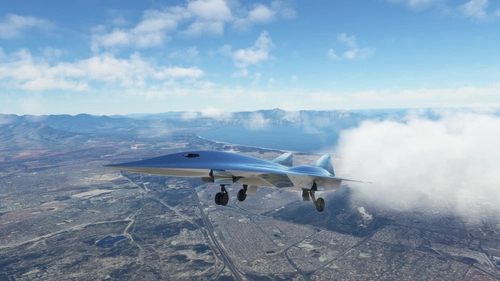
Chrome Darkstar
Two sleek and stylish chrome liveries to choose from in this add-on for Microsoft Flight Simulator, created per special request. Opt for the purely chromed "Dark_Chrome" design or the chromed look with soldering lines in "Dark_ChromeL".
par Josephm700
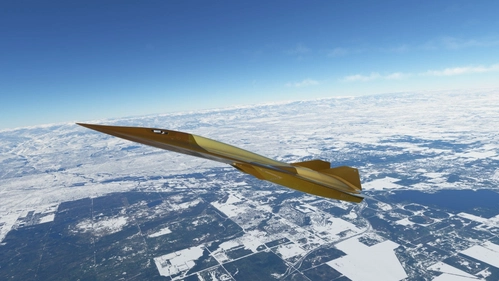
Darkstar SR-72 Glazed
Experience the sleek and futuristic design of the Darkstar SR-72 Glazed add-on, inspired by cutting-edge ceramic technology. This mod features meticulously applied ceramic tiles with glaze coating for enhanced speed and durability. Immerse yourself in the world of high-speed aviation with a livery inspired by Top Gun 2. Choose from the classic grey or black version, or opt for the luxurious Dark_Gold edition.
par Josephm700
Connectez-vous pour participer à la discussion
Se connecterCommentaires(34)
about 1 month ago
about 1 month ago
8 months ago
There are two liveries in the download zip file. Choose the one you like and copy to the community folder.
8 months ago
8 months ago
9 months ago
9 months ago
8 months ago
about 1 year ago
Just tried to install it but It does not seem to work with the latest update of MSFS2020 (Update 16).
Thanks for the work,
8 months ago
about 1 year ago
about 1 year ago
The reason is simple, I don't have money to buy 2024
And, if you got the folder under the folder with the same name, get the inner one.
8 months ago
about 1 year ago
about 1 year ago
about 1 year ago
almost 2 years ago
english: when will it be updated to MSFS 2024?
over 1 year ago
about 2 years ago