
Description
Scenery of Rotterdam
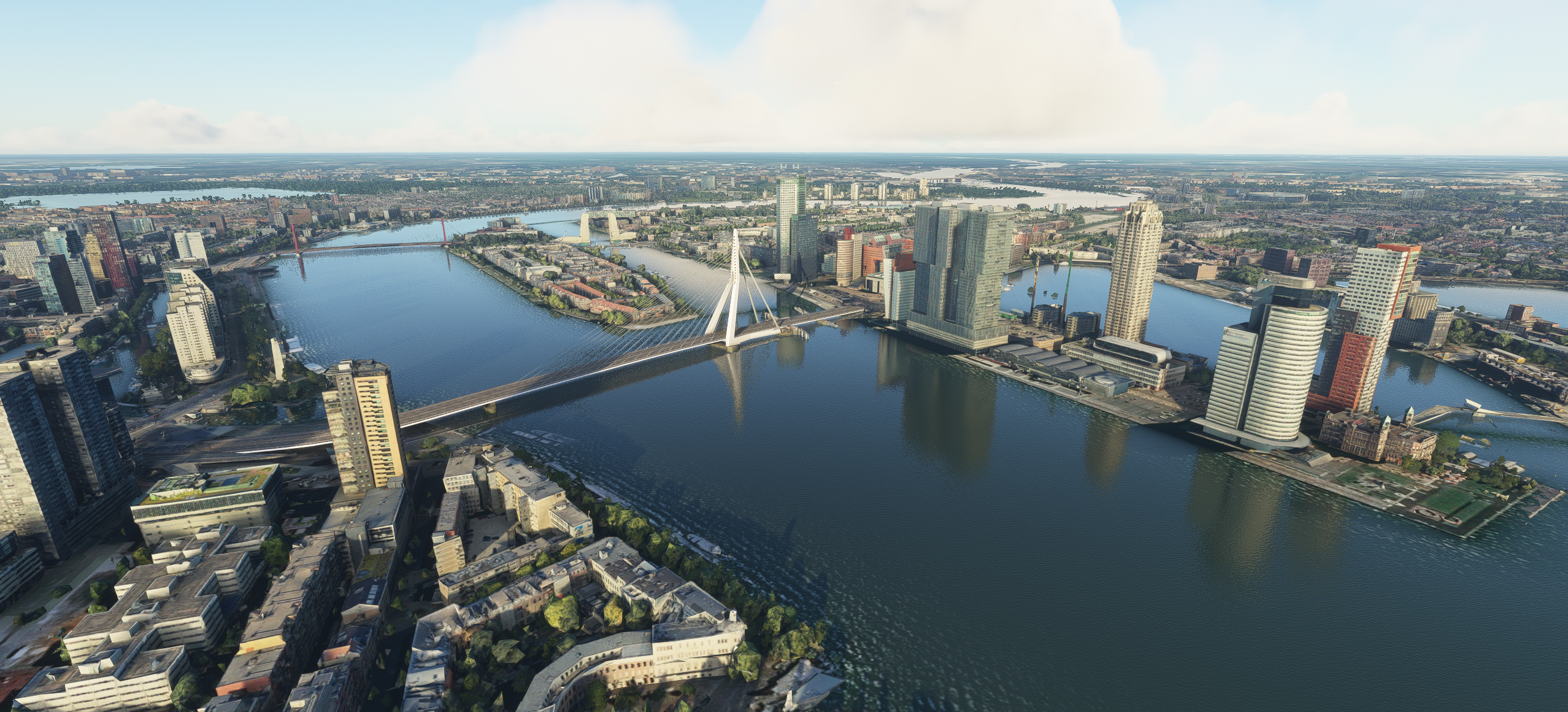
The release of my biggest city-project to date: A nice high quality rendition of the city of Rotterdam. A very large area to explore: From Central Station in the north to Zuidplein in the south of Rotterdam, including all famous buildings! Color corrected and extremely well blended in the surrounding default scenery. including real/default water for maximum realism. Made hundreds of manual adjustments. Night lighting for unique 3D buildings will follow in a upcoming update. I tried to find a good balance in performance vs visuals so that's why the focus is on the inner part of the city. Happy VFR flying!
Known issues:
- Due to the size of the city there could be a performance impact on low-end PC's.
Credits
This scenery has been extracted from Google Maps, hence all 3D credits goes to Google.
This scenery has been generated with the help of the Google Earth Decoder tool.
Update 1.2
- Fixed flashing 'Rhijnspoorkade/Maasboulevard'
- Fixed a mesh-water error in front of the (old) Unilever building.
- Fixed some strange looking quays- Improved the 'Nieuwe Maas' river.
Update 1.5
This update is mainly focused on the optimization of the scenery, a number of bug fixes and the first night lighting parts. The number of texture files has been reduced significantly. From over 15.000 texture files to just 4.500 merged and optimized files! Resulting in less CPU load and shorter loading times.
Update 2.0
- Now supports World Update 4.
- Removed the double Erasmusbridge from the scenery.
- Merged the new MSFS Erasmusbridge (POI) with the Rotterdam scenery.
- Repaired some roofs.
- Fixed some small bugs.
Installation
1. Remove existing Rotterdam inner-city/object addons or older versions of this scenery.
2. Drag and drop the folder 'rotterdam' to your MSFS Community folder.
Location
Rotterdam - City
Explore the high-quality rendition of Rotterdam in this add-on, featuring detailed landmarks from Central Station to Zuidplein. The scenery is color corrected and seamlessly integrated into the default landscape. Experience realistic visuals with upcoming night lighting updates.

Avis des utilisateurs
25 avis
Historique des versions
- Now supports World Update 4. - Removed the double Erasmusbridge from the scenery. - Merged the new MSFS Erasmusbridge (POI) with the Rotterdam scenery. - Repaired some roofs. - Fixed some small bugs.
Similaires
Honolulu
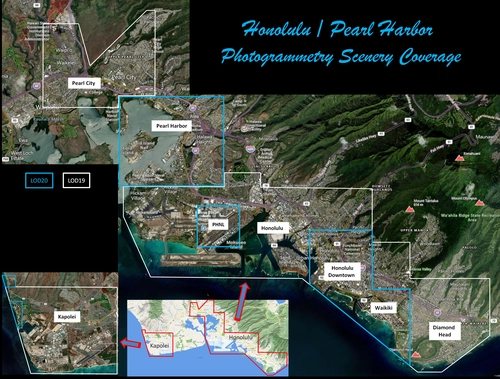
Explore the photogrammetry scenery of Honolulu, including the iconic Pearl Harbor area with optimized performance for better FPS. Discover Waikiki, Honolulu downtown, and more with this detailed addon. Enhance your experience by adding free mods for carriers, battleships, and military airplanes in Pearl Harbor and surrounding bases. Support the creator for future updates if you enjoy this mod.
par steveli
Downtown Los Angeles
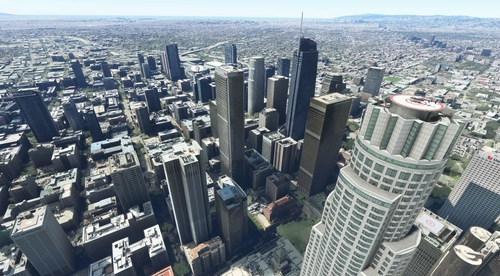
Various buildings and monuments that are missing from Los Angeles in the game that shoudn't be. Wilshire Grand Center, SoFi Stadium, 801 S Grand, 825 S Hill, 888 S Hope, 1000 Grand, Apex the One, Atelier, Aven Apartments, Metropolis Towers, Level Los Angeles
par senecadriver
Paris
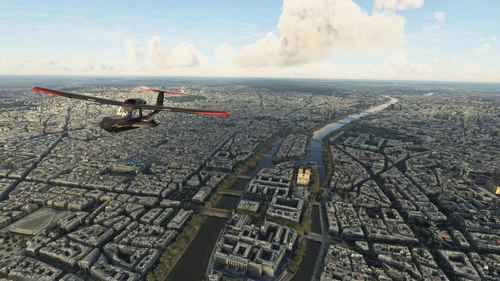
Explore the iconic cityscape of Paris in Microsoft Flight Simulator. This detailed add-on captures the essence of the French capital, featuring famous landmarks and architectural marvels. With accurate GPS coordinates, immerse yourself in the beauty of Paris, known for its historical significance and vibrant culture. Download now and experience the City of Light from a whole new perspective.
par Thalixte
Dubai City Pack
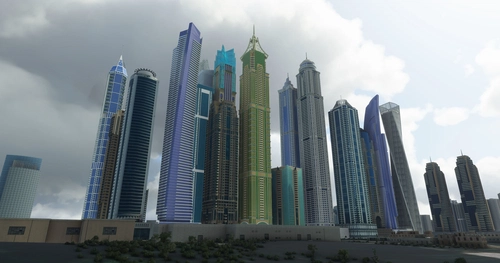
Explore a detailed rendition of Dubai City and Jebbel Ali Port featuring over 250 custom buildings and various landmarks like the iconic hotels and tourist attractions. While focusing on enhancing the daytime visuals, this pack offers improved textures for select buildings, promising a refreshing experience for simmers. Additionally, adjustments have been made to SkyDive Dubai Airport to address previous elevation issues, ensuring a more immersive flight into this dynamic cityscape.
par risuali
Connectez-vous pour participer à la discussion
Se connecterCommentaires(68)
over 4 years ago
Thanks so much for this beautiful scenery!
2 remarks tho: the iconic bridge De Hef is still packed, and i have a dramatic loss in framerate (below 10 over city centre).
Maybe de Hef will be show in full glory after a future update, the framerate is more problematic (and no low-end PC here, btw :-)
over 4 years ago
Thanks for your kind reaction! Please note that Google 3D is used as base for this scenery. So 'De Hef' is indeed packed but the cause is the older Google data.
Performance is most likely a system issue. With my PC (medium-high specs) I can easy reach 35 FPS above the city. In heavy weather it will drop to 30 FPS but still very playable. But please note this is a very detailed large scenery which could be heavy for your system!
over 4 years ago
Hey Matt, loving the scenery before SU9, but are you sure this isn't an issue with the scenery? I am also having trouble with this scenery enabled with an i7-9700K and 2080super. I don't have problems anywhere else in the world except for EHRD with this scenery enabled.
over 4 years ago
Very good scenery and enjoyed it a lot. I would give it 5 stars but since SU9 this scenery kinda stopped working for me tho, very bad performance around EHRD and enormous stutters when looking around caused by this scenery.
almost 5 years ago
Brilliant! Well done Matt!
almost 5 years ago
Hi Matt.
I installed the latest version of your Rotterdam scenery. Absolutely great work. Fantastic that you have taken the trouble to make this. I had a double Erasmusbridge ;-) and that is solved now. But unfortunatly the top of the Willembridge is gone now. Any ideas what might cause this? I am up to date on MFS 2020. (31 october 2021)
almost 5 years ago
Thanks for your kind reply, I just checked the top of the Willemsbridge but it is still there. Maybe there is an other addon/mod active causing this problem? I unfortunately can't reproduce this.
almost 5 years ago
Hi again./ Changed a few things in my graphics options. woprks again. Thanks!
about 5 years ago
Wow, this is my favorite city on the planet. Mainly because it's where I was born and lived for my 1st 8 years. Now 44 yrs in the USA. Can't wait to download and tour the city!
about 5 years ago
Hallo, you delivered some nice work. However the Erasmusbrug is not showing in my scenery. I have World Update 6 installed. Could that be the problem?
about 5 years ago
Thanks for your reaction! For this mod you’ll need to download the World Update 4 update and content:
https://flightsimulator.zendesk.com/hc/en-us/articles/360021262179-How-to-download-World-Update-IV-France-Belgium-Netherlands-Luxembourg
over 5 years ago
over 5 years ago
https://flightsimulator.zendesk.com/hc/en-us/articles/360021262179-How-to-download-World-Update-IV-France-Belgium-Netherlands-Luxembourg
over 5 years ago
over 5 years ago