
Description
NEW Version 1.2.1
Renames modellib.bgl to avoid conflicts and potential CTD
Version 1.2.0
This makes the package COMPATIBLE with World Update II - USA from MS/Asobo.
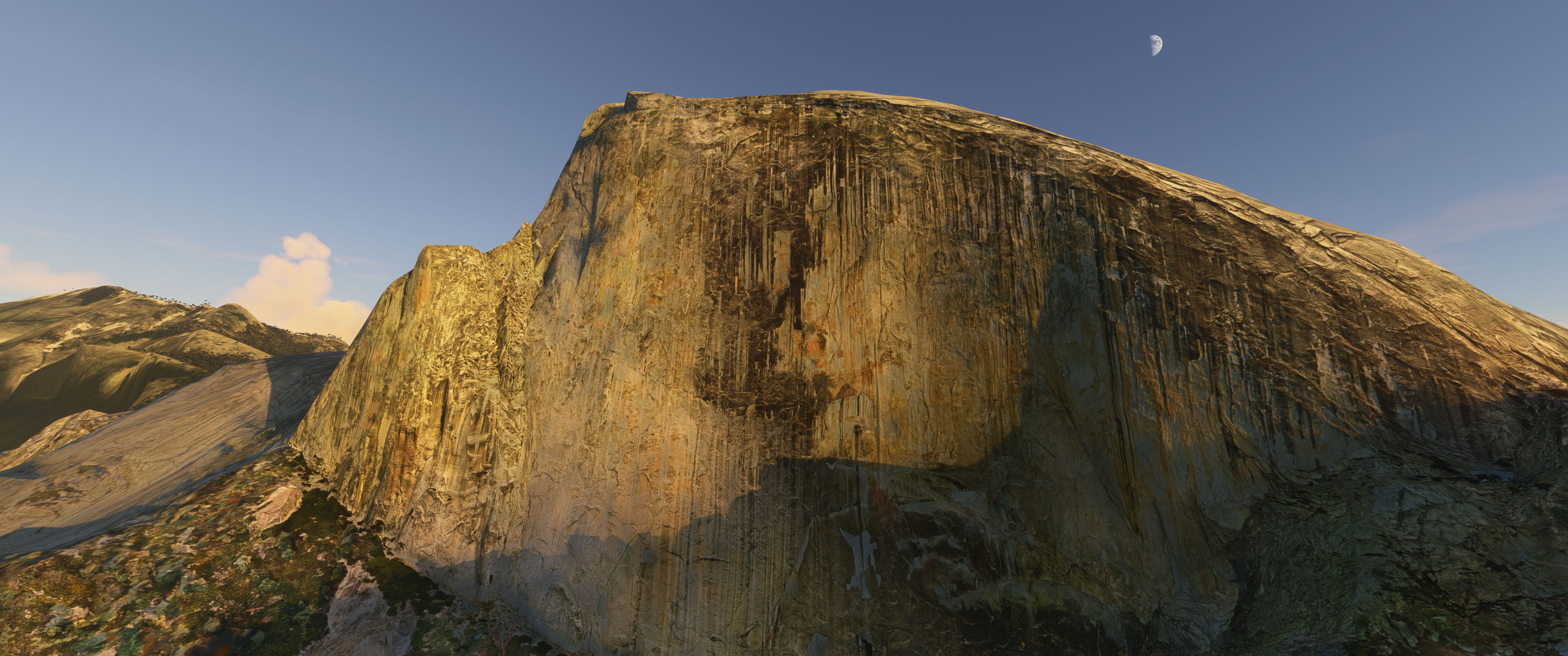
It took a little work and a little patience - you can't directly remove the geometry they added for their version of El Capitan and Half Dome in the world update. I was, however, able to use a terraforming rectangle beneath their new objects to sink them low enough as to not interfere with my geometry. The biggest bummer is that they had also added some terraforming of their own in the update and these could not be removed either. The main artifact I was left with was the blend between the terrain and my objects. It is not quite as seamless as before and I lost some of the procedural trees at that blend as well. In my next update, I'm planning to test adding some bespoke 3D trees of my own to help restore something closer to what I had before.
In the meantime, I would also like to present a fully updated HALF DOME that uses the same technique of my previous El CAPITAN change. It uses efficient lower res geometry with very highly detailed texture and normal maps generated from the highest level capture from Google Maps that I could get (I describe the process in detail in my previous post). The process allows you to get very close to the model without losing detail and is very FPS friendly. Speaking of detail, I have also improved the use "detail maps" in the material definition. Detail Maps can be used to give you a 'pebble-size scale' bump map and color treatment which really helps the surface when you get right up next to it.
In this version, I also ran a "delighting" pass on the color texture map of both objects (El Capitan and Half Dome). This removes the 'baked in shadow' problem that you get from photogrammetry. You'll notice this whenever you are looking at the object at a time of day that differs greatly from the time when the photography was taken.
Finally, I also happy to announce that this version includes a first pass at working COLLISIONS! Yay! Let me say that it is NOT 100% perfect. The only way I could get it to work at this stage was to use a low res proxy of the top surface of each landscape feature. I tried my best to match this as close as possible to the full res object but there are areas where the 'collision' surface is off by as much as 1-2 meters. If you try to land, you may find that you touch down either slightly above or sligtly below the visible surface. I've also occasionally run into situations where you suddenly pop through to the ground way below. I have no idea why this occurs. Without further documentation updates in the SDK this is the best I can do for now.
You can check out my successul.. and not so successful .. landing attempts in the screenshots.
I hope you enjoy the update. The next area I will hit is Yosemite Falls. MS/Asobo have teased the FX particle system release, so I'm hoping to include moving water in the next release!
PLEASE NOTE that the only NEW objects are El Capitan and Half Dome. You will still see older versions of the rest of the park - just in case you think its a mistake when you see it.
___________________________________________________________________________
Previsous Versions 0.1.0 and 1.1.0
I am happy to present my initial release or Yosemite Valley. Its one of my favorite places on earth so I was really excited to see it well represented in the sim. As soon as I saw the first post describing how to work in google map data, I knew I wanted to do this. I've incorporated as much of the detailed geo available in google maps and worked hard to blend them into the existing landscape and color correct them to match as much as possible. All of the major features of the valley are well represented in their data - El Capitan, Half Dome, Glacier Point, Bridalveil Falls, Yosemite Falls, Vernal & Nevada Falls. Especially with the waterfalls I zoomed in for maximum detail and blended those into the surrounding geo.
I consider this just an "initial release". There are several things I hope to tackle in the future, some that just require time, and others that need more from the SDK.
Future work includes:
- Creating normal maps to add finer detail when viewing objects from a closer distance
- Subdividing some areas of the geo and smoothing out some of the weird jagged shapes photogrammetry sometimes creates
- Get the FX system working from Asobo to add working waterfalls
- Get the animal SDK details to add some wandering around the park... (that said, there IS some stationary wildlife if you look very carefully)
- Do more paintwork to reduce the "baked in shadows" on some of the cliff faces from the photomapping
My other pet peeve is the hard shelled photogrammetry trees. I tried to preserve the MSFS trees from the landscape as much as possible. One thing Asobo needs to add is a "decal mode" that allows you to define a polygon projected onto an object that can also accept their vegetation shader. Right now you can only do that with polygons that lay flat on the base terrain mesh. So forgive the hard shell trees I had to leave where my surface didn't match the ground. Hopefully we'll get the ability to fix that in the future.
The other BIG CAVEAT...
I built this with my system in mind and wanted to get as much detail as I could. I do have a pretty beefy system (I9-9820X, 2080Ti 12G, 128G RAM, several 2TB SSDs). That said, I can get a pretty steady 40-45fps flying around in the worst areas. I have no idea how this will work on other systems. Please ... be kind .. and let me know. I could be convinced to work on a lower res version with smaller textures and a step or two of geo simplifying in Blender.
Hope you Enjoy!
Yosemite Valley
Explore the updated version of Yosemite Valley in Microsoft Flight Simulator, now compatible with World Update II - USA. This version features detailed representations of El Capitan and Half Dome with improved textures and collisions. Stay tuned for future updates including Yosemite Falls and FX particle system integration for moving water simulations.


Avis des utilisateurs
16 avis
Historique des versions
Renamed modellib.bgl to avoid potential conflicts and CTD
Similaires
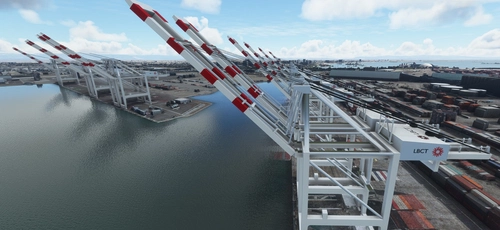
San Pedro Bay Port Facilities, Los Angeles & Long Beach CA USA (V3.0 MSFS2020) / (V1.3 MSFS2024)
This add-on provides detailed scenery enhancements for the San Pedro Bay port facilities in Los Angeles and Long Beach, California, specifically optimized for both MSFS2020 and MSFS2024. Version 3.0 for MSFS2020 features improved models, with significant updates including new cargo crane designs and streamlined asset management. The MSFS2024 version introduces additional upgrades and new details while ensuring compatibility with the latest simulator features.
par FreakyD
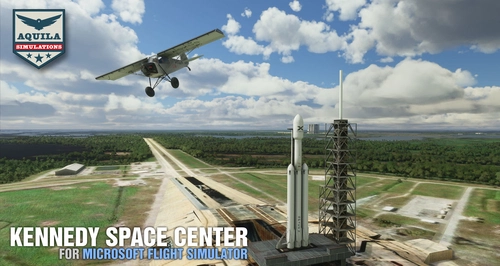
Kennedy Space Center
Explore the iconic Kennedy Space Center in Microsoft Flight Simulator with this detailed add-on, featuring key landmarks such as the VAB Building, Launch Control Building, and Launch Complexes 39A & 39B. Witness the impressive Falcon Heavy Rocket and SpaceX Rocket Assembly building as you embark on virtual space missions. Additional updates promise more buildings and assets to enhance your experience.
par Acktu
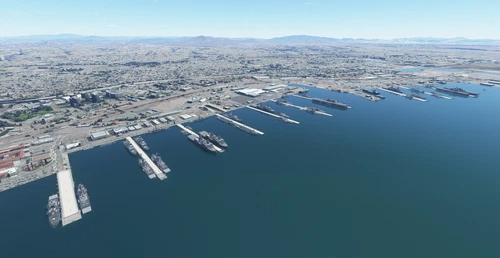
US Navy - San Diego V3.0.1
The US Navy - San Diego V3.0.1 add-on enhances the naval scenery around San Diego in Microsoft Flight Simulator. It includes a variety of updated ship models and improved textures, ensuring compatibility with both MSFS2020 and MSFS2024. Key features include detailed representations of the Rosecrans Submarine Base, multiple naval shipyards, and various classes of ships, including attack submarines and aircraft carriers. Recent updates have focused on model clean-up and the addition of interactive landing pads for helicopters.
par FreakyD
HungaryVFR FS2020
HungaryVFR is a package covering Hungary with airports and landmark sceneries, with its own library. The main goal is to bring as many airports and landmarks to Hungary as many we can, to have an authentic library for the are. The library can be used by other 3rd party scenery developers!
par ekre
Connectez-vous pour participer à la discussion
Se connecterCommentaires(61)
almost 2 years ago
over 4 years ago
Is this scenery fully compatible with WU USA? I have some errors around Al capitain and all your mountains don't have any snow on it, while the rest around is white during winter.
And some of your mountains have a strange surface, like pieces of glass.
about 5 years ago
I just came back from Yosemite, such an awesome place! You should put some bigfoot hidden around your scenery :p
about 5 years ago
Can you release a version for those who don't own an RTX 3090? With my RTX 2080, as (from south to north) I reach El Capitan, the game drops me to 10 fps. When usually, all set to ULTRA, I go on a stable 50 fps.
about 5 years ago
Hi 7orenz.. I actually do have a version with lower res textures that I released on a different site a while back. I'll dig it up and post it here this weekend.
over 5 years ago
Looked great from 11 000 ft, blended well with default scenery. I'm now going to go check it out close to the ground in an ultralight. Thanks for this!
over 5 years ago
Thanks. With the most recent version you should be able to actually land on top of El Capitan and Half Dome, and the detail works right up close to the face of the granite. I have NOT yet reworked the rest of the cliffs in the park (they still have the ugly "cracked look" of early Google Earth captures). Redoing the rest is still my plan, but real life reared its ugly head at has sapped all my free time. (working on vfx for a movie at the moment). I'm still hoping to get back to this as soon as I'm done. Thanks for your patience.
over 5 years ago
Work has taken me away from this for the past several months, but I'm about to jump back in. As a quick answer to those of you having fps issues, the biggest thing I've been doing as I work through upgrading the original version of each area is a simplification of the geo with higher res textures AND adding LOD functionality. In testing with just the two parts that have been upgraded this way (Half Dome and El Capitan), the performance improvement is substantial. The best news is that if you're in a jet flying in the vicinity (but not in the park itself) .. there is almost NO fps impact because the LOD models at that distance are very low res.
I'm doing this in my spare time, so unfortunately I cant promise when this will see the light of day, but it IS coming...
Thanks all..
(working on Yosemite Falls next)
over 5 years ago
over 5 years ago
I'm using an Asus A17 laptop, with gtx1610ti and 8gb ram. I get decent fps on medium to high settings everywhere else.
almost 6 years ago
almost 6 years ago
almost 6 years ago
FYI - i've stared working on a better Yosemite Falls (like El Cap & Half Dome). Hoping that Asobo releases the FX SDK by then to get some moving water as well!
almost 6 years ago
almost 6 years ago
If only i didnt have to deal with my day job ;)
almost 6 years ago
almost 6 years ago
almost 6 years ago