

Description
Noptic 2.3
This Reshade Preset will enhance the look of MSFS using Custom Reshade Effects.
-Noptic Reshade Discord Server-
https://discord.gg/N6WJey7wjM
--------------------------------------
-Installation-
1. Install the Latest Version of Reshade.
2. Run the installer and install it into MSFS. (DX10/11/12)
3. Press home in MSFS and select Noptic 1.8 though the application.
-You MUST install all the special effects through the Installer-
----------------------------------------------------------------------------
Noptic 2.3 Reshade Preset
We create Highly-Realistic Reshade presets for MSFS/P3D/XP11. Our team has strict requirement for the release of a preset in order to provied the Best-Realistic Presets mainly for MSFS. Moreover, our team uses In-Real-Life reference pictures to match the Colors/Brightness/Contrast and so on.


Historique des versions
Aucun historique de version disponible.
Similaires
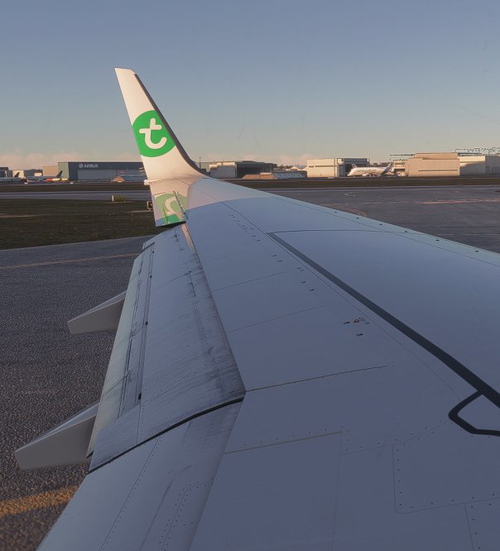
Noptic Reshade - Austria
Introducing Noptic-Austria. This Reshade Preset is far the most realistic Preset ever made for Microsoft Flight Simulator 2020. All the Colors, Brightness, you name it are all matched to Austria. Using Custom Special Effects and over 2 weeks of Tweaking, Here we are with the ultimate Reshade Preset based on Austria.
par Noptic Reshade
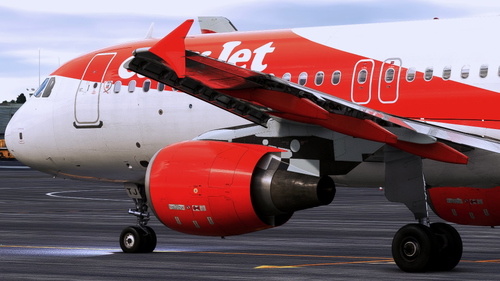
Noptic 2.2 Reshade Preset
We create Highly-Realistic Reshade presets for MSFS/P3D/XP11. Our team has strict requirement for the release of a preset in order to provied the Best-Realistic Presets mainly for MSFS. Moreover, our team uses In-Real-Life reference pictures to match the Colors/Brightness/Contrast and so on.
par Aiden.
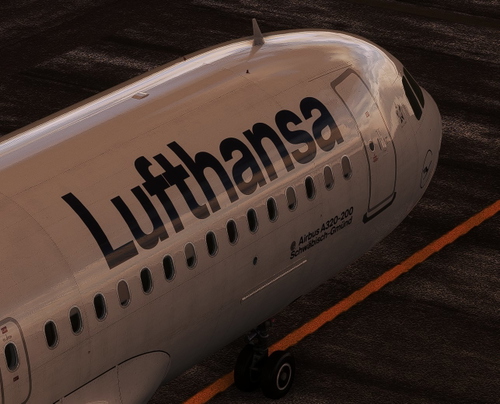
Noptic 2.1 Reshade Preset
We create Highly-Realistic Reshade presets for MSFS/P3D/XP11. Our team has strict requirement for the release of a preset in order to provied the Best-Realistic Presets mainly for MSFS. Moreover, our team uses In-Real-Life reference pictures to match the Colors/Brightness/Contrast and so on.
par Aiden.
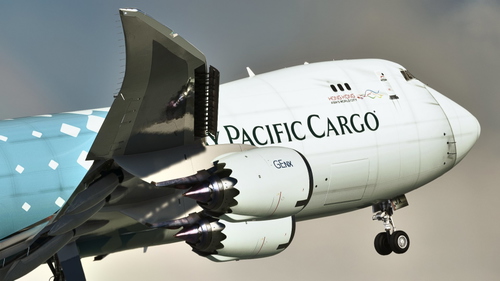
Noptic 1.8 Reshade Preset
We create Highly-Realistic Reshade presets for MSFS/P3D/XP11. Our team has strict requirement for the release of a preset in order to provied the Best-Realistic Presets mainly for MSFS. Moreover, our team uses In-Real-Life reference pictures to match the Colors/Brightness/Contrast and so on.
par Aiden.
Connectez-vous pour participer à la discussion
Se connecterCommentaires(11)
over 3 years ago
Hey there, I have MSFS2020 on MS store, how would I install the reshade presets since its UWP. Would the same process work for other presets?
almost 4 years ago
bro they ar pngs and ini what do i doo
almost 4 years ago
the .ini file is the reshade preset and the .png's are for nvidia
about 3 years ago
about 4 years ago
All I got was a couple of .png's and a .ini file. Am I missing something here?
almost 4 years ago
you need to install the .ini file with the reshade installer.
about 4 years ago
Cheers buddy! :)
about 4 years ago
Love the reshade, but can you guys update the package on flightsim.to instead of uploading a new package for every version? It does get a little confusing, especially the rapid-fire uploading as well
about 4 years ago
Of course! Thanks for the Tip.
about 4 years ago
All good! Looking awesome
about 4 years ago
Finally a preset I actually like, great work!