

Description
This .vmr file is intended to provide model matching for Vatsim (vPilot or other client) in combination with the new FSLTL models.
There are two files included in this download. The first one is for matching airlines if the aircraft type is not available. It will then use a different aircraft but of the same airline. The second file matches as best as possible the aircraft type, if the airline is not known. This model matching can be used together with others, such as IVAO_X_CSL or AIG. The vmr. files included here use FSLTL models only, so for other providers look for a separate model matching (example load order in gallery).
To install, simply unzip the .rar file and copy the two .vmr files into the vPilot folder. Then add the two files in vPilot under Model Matching -> Custom Rules. Finally set the desired order and you are done :)
I recommend the following order:
- FSLTL_Rules.vmr (included in FSLTL)
- FSLTL_Fallback_Airlines.vmr
- FSLTL_Fallback_Aircraft.vmr
This model matching will be updated as new models are provided by FSLTL.
FSLTL Fallback Model Matching (for Vatsim)
FSLTL Fallback Model Matching add-on offers .vmr files for Vatsim users, providing model matching using FSLTL models. It includes files for airlines and aircraft types, ensuring accurate representation during flights. Installation is simple by copying the files into vPilot folder and adding them under Model Matching - Custom Rules. Stay up-to-date as the matching is regularly updated with new FSLTL models.


Historique des versions
Aucun historique de version disponible.
Similaires
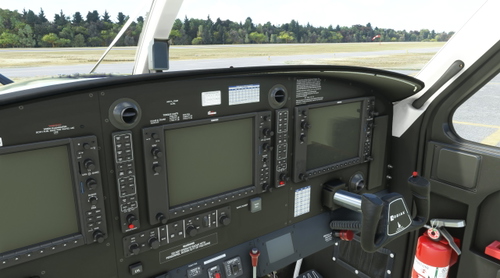
Kodiak 100 - Cockpit Charts
A cockpit mod for the SWS Kodiak 100 Series II, featuring torque limits and takeoff/landing speeds charts. Choose between image file or decal method for display, easily install via drag & drop. Select from two graphical options - blue or black and white print. Compatibility with standard and 3rd party liveries included.
par frulx
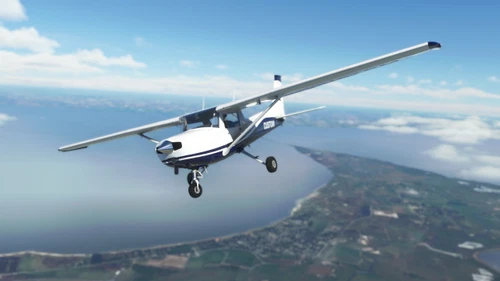
JPLogistics Cessna 152 White & Blue Livery
JPLogistics Cessna 152 White & Blue Livery offers a new design for the Cessna 152, featuring normal and fairings editions created from scratch with handmade and smoothed lines. This livery includes a chrome spinner, reduced prop blur effect, and custom tail number. Simply unzip and install the folder in your community folder to enjoy this unique livery. Explore additional color variations from the creator on flightsim.to.
par frulx
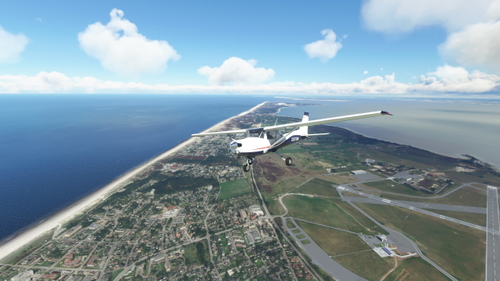
JPLogistics Cessna 152 White & Blue with Red Accent Livery
A new livery for the JPL Cessna 152 featuring white & blue with red accent design. Includes normal and fairings edition, handmade lines, chrome spinner, and custom tail number. Compatible with JPLogistics C152 mod. Installation is easy - just unzip and drag the folder into your community folder. Check out other color variations by the creator.
par frulx
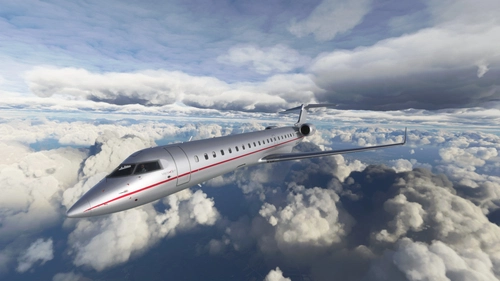
CRJ-700 VistaJet "9H-ILV"
Custom livery for the CRJ-700 featuring VistaJets Challenger 850 9H-ILV adaptation. Enjoy original colors and logos, matte metallic finish, and chrome accents for a realistic look. Easy installation process for a seamless addition to your Microsoft Flight Simulator experience.
par frulx
Connectez-vous pour participer à la discussion
Se connecterCommentaires(5)
almost 4 years ago
Should be integrated inside the model matching coming with FSLTL.
almost 4 years ago
Totally agree! Unfortunately there is only a basic fallback provided for some aircraft yet not for airlines. On Vatsim I personally find it more important to see the correct livery instead of the aircraft type.
almost 4 years ago
I did not think that FSLTL could runb together with Vpilot ???? Am I wrong ??
almost 4 years ago
I don’t know if I fully understand your question. You can use FSLTL with vPilot but for it to work you only can use the models base folder and not the injector. There is a .vmr file in the official FSLTL download, simply put this in vPilot and it will handle the traffic injection. My files here can be added afterwards to reduce the amount of aircrafts with a fully white livery by using different models before ultimately returning to the white models.
almost 4 years ago
Thankyou for nice answer. I think its a good idea to keep it seperate.