
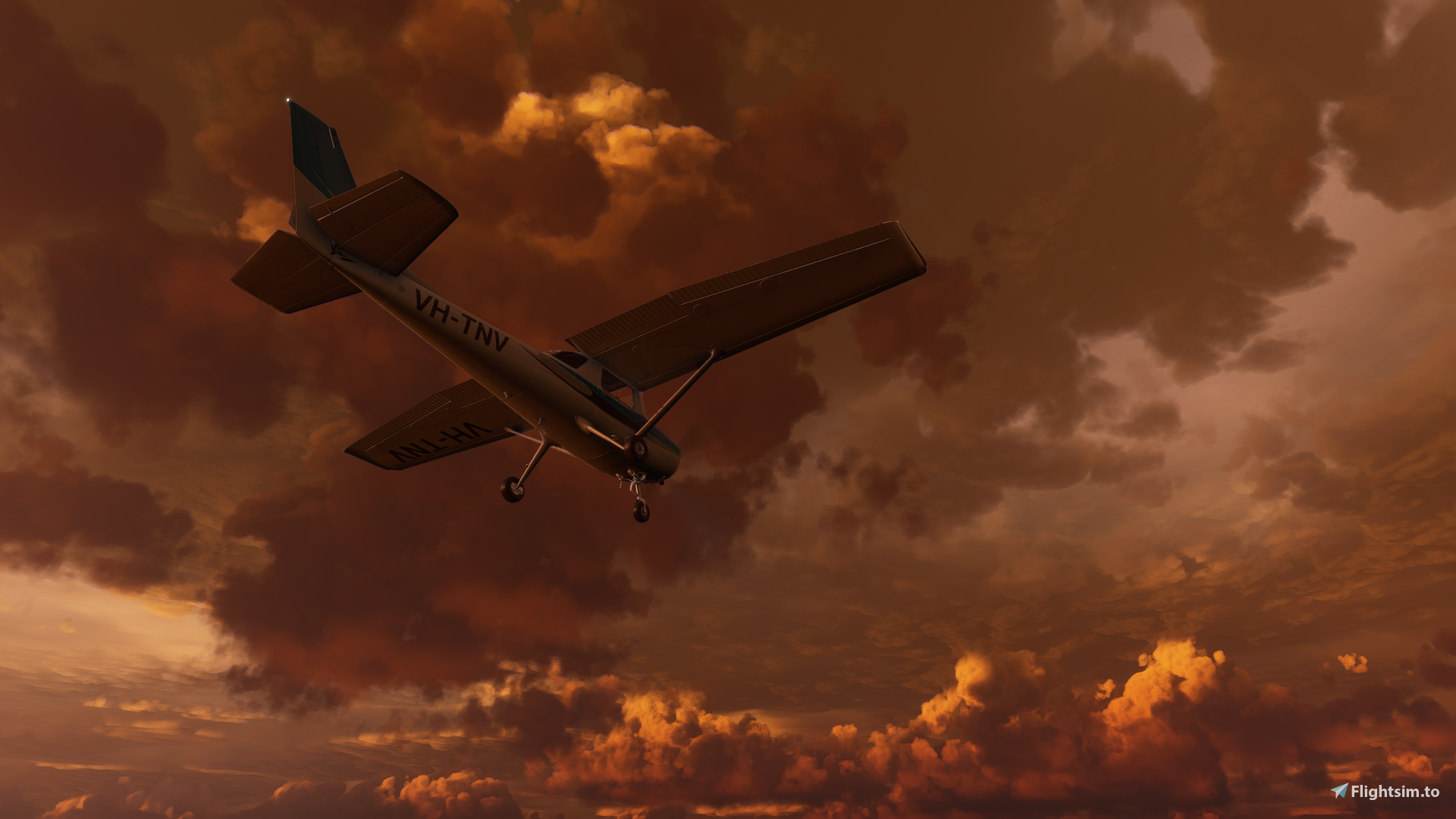
Description
The first 3rd party landing challenge released brings back some spooky memories.
Rewritten from scratch. The weather is the exact weather from the original. I'd made my own models but then found the originals, so used them instead! Plus I added just a little extra 'ambiance' to the area to make it a little extra special. No spoilers!
Sadly, I couldn't add the radio static or the toppled AH. If someone knows how drop me a PM.
Fully functional, except that the leaderboards do not save. Post your score screenshots here instead!
---Known issue: The runway lights do flicker until at a fairly close distance, but add to the ambiance anyway.
---Installation:
Unzip to the Community folder as usual.
Launch the sim and you will find it under Activities, Landing Challenges, Famous (it IS famous right?)
(If you just want to fly around the area, either start a flight at LRTO Runway 04, or I have added a .FLT in the Community folder too if you want it.)
&emoji=&slug=Parorng&button_colour=FFDD00&font_colour=000000&font_family=Cookie&outline_colour=000000&coffee_colour=ffffff)
Brought to you by @Parorng
Halloween Landing Challenge
Relive the Halloween landing challenge with this spooky add-on, rewritten from scratch to recreate the original weather and ambiance. While some elements couldnt be added, it offers a fully functional experience with a leaderboard workaround. Just unzip to your Community folder and find it under Activities for a thrilling flight experience.

Avis des utilisateurs
3 avis
Historique des versions
Aucun historique de version disponible.
Similaires
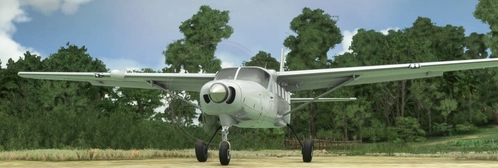
Cessna 208 B Grand Caravan EX - No Pod
A modified version of the Cessna 208 B Grand Caravan EX without the pod, featuring a completely reworked Asobo model with animations, extended nosewheel cowl, and remapped textures. This add-on includes multiple registration locations, performance tweaks, and a livery converter. Future plans include a float version, skydiving and cargo variants, and more customizations.
par Parorng
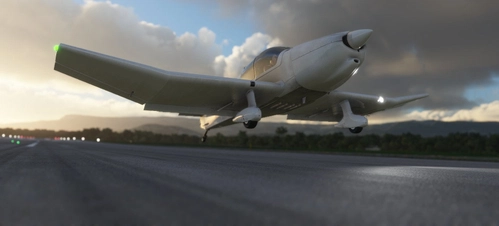
Robin DR250-160 Capitaine
Fly the skies with the Robin DR250-160 Capitaine add-on, featuring a redesigned aircraft model with improved animations and weight adjustments. Experience the thrill of flying a tailwheel conversion, perfect for challenging terrains like the French Alps. Enhance your flights with working copilot functionality and compatibility with various liveries. Embark on high-altitude adventures at unique airstrips in France and Italy, optimized for this exhilarating aircraft.
par Parorng
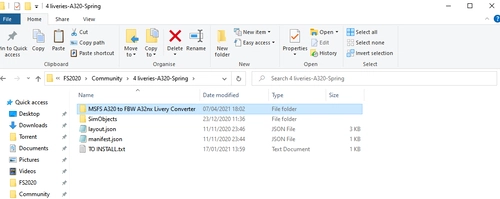
Asobo to FlyByWire Livery Converter
Convert your Asobo A320 liveries to FlyByWire A32nx with ease using this batch file converter. Simply place the folder into the livery you want to convert and run A32nx.bat. Follow the prompts to seamlessly migrate your livery, maintaining compatibility with both aircraft models. Available for smoother livery transitions, courtesy of Parorng.
par Parorng
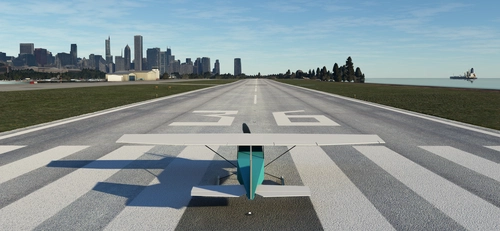
Cessna 182RG Flight Simulator 4.0 Style
Welcome back to the 1980's! To celebrate 40 years of Microsoft Flight Simulator, I decided to recreate the FS4 C182RG I grew up with. Flight Simulator 4.0 was what I started simming with. I spent thousands of hours flying around the US, and exploring the built in aircraft editor. When the expansions came I was quick to grab them, including Tahiti and Melbourne Australia. Back then the FS world was ONLY the US, so these were placed in a big blue square in the centre of the US map. I still have the original FS4 files, transferred faithfully from medium to medium over the decades. Unfortunately I do not have the expansions any more though, unless they're buried in a box somewhere. FS4 can be run on modern PCs using DosBox, and it does it surprisingly well. Enjoy this recreation of our history.
par Parorng
Connectez-vous pour participer à la discussion
Se connecterCommentaires9
Can't wait to see what they come up with this year (or whether they simply recycle it)...
'landingchallenge-lrto-halloween-parorng' goes into the community folder (ie: you need to unzip it)
Edited: I noticed a similar comment on one more mission, which certainly has no other modules.There must be some conflict with other mods in my environment. I need to locate this on my side. I'll let you know if I can find something.