

Description
Touch Portal pages for CJ4 Working Title
Main page :
- Autopilot control (Flight Guidance Panel)
- Flight Instruments
- PFD control (Display Control Panel)
- Spoiler Lever (slider)
- Thrust lever (slider + shortcut button)
- Gears, Flaps, Park brake, Trim
- Exterior Lights panel
Second Page :
- MFD control (Cursor Control Panel)
- Engine starter
- Engine informations
- Ice protection panel
- Electrical panel
- Interior Lights panel
- Radio
- Fuel control
- Fan, Cabin temp&Pressure control
Requirements
- Touch Portal app Pro version (~14€ in app purchase) on your tablet Android or iOS
- The Touch Portal software on your PC (https://www.touch-portal.com/)
- MSFS Touch Portal Plugin & WASimModule Plugin (2 files, require v1.1.0.6 or above)
- via github or via flightsim.to
- Working Title CJ4 Mod (tested with v0.12.14 ) : https://www.workingtitle.aero/packages/cj4/releases
How to
check the readme.pdf file included for installation instructions and some notices
Last word
If you have any question, suggestion, use Flightsim.to comments or private messages.
Touch Portal pages for CJ4 Working Title
Touch Portal pages for CJ4 Working. Main page with Autopilot control (Flight Guidance Panel), Flight Instruments, PFD control (Display Control Panel), Spoiler Lever (slider), Thrust lever (slider + shortcut button), Gears, Flaps, Park brake, Trim, Exterior Lights panel. Second Page with MFD control (Cursor Control Panel), Engine starter, Engine informations, Ice protection panel, Electrical panel, Interior Lights panel, Radio, Fuel control, Fan, Cabin temp&Pressure control


Avis des utilisateurs
1 avis
Historique des versions
Aucun historique de version disponible.
Similaires
Touch Portal pages for FlyByWire A32NX
Touch Portal pages for FlyByWire A32NX. More than 200+ buttons/displays spread over 4 pages (with button to switch of page). Inlude : EFIS (Capt. side), FCU, FMA (beta), Thrust lever, Park brake, Flaps, Gear/Auto brake, Fire, Hydraulic, Fuel, Electric, APU, ADIRS, Air Cond, Cabin pressure, Calls, De Ice, GPWS, Lights, Oxygen, Signs, ATC / TCAS, RADIO (Capt. side), ECAM, ENGINE page, Radar ...
par GoodSeb
Touch Portal pages for Fenix Simulations A320
Touch Portal pages for Fenix A320. More than 200+ buttons/displays spread over 4 pages (with button to switch of page). Inlude : EFIS (Capt. side), FCU, Thrust lever, Park brake, Flaps, Gear/Auto brake, Fire, Hydraulic, Fuel, Electric, APU, ADIRS, Air...
par GoodSeb
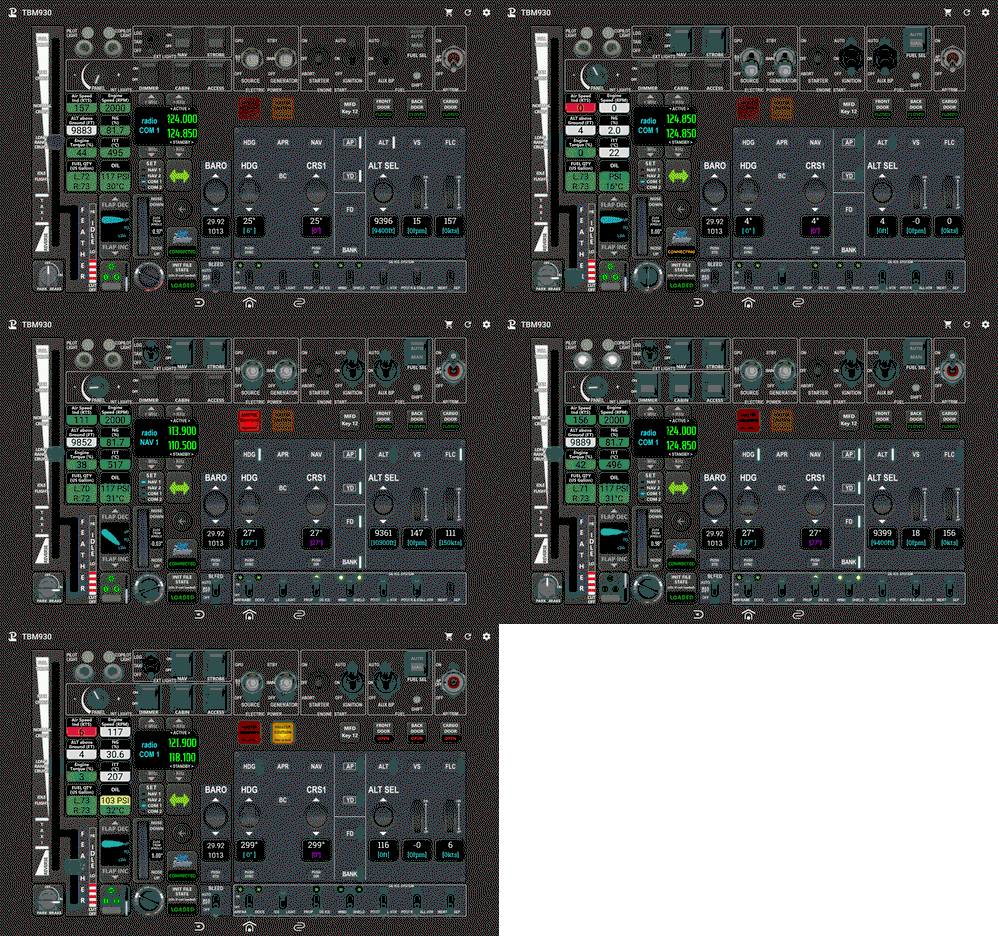
Touch Portal page for TBM 930
Complete Touch Portal page for Asobo TBM 930. This page contains Electical/Starter/Fuel buttons, Exterior and Interior lights buttons, AutoPilot buttons, Gear/Park brake/Flaps buttons, Throttle, Radios, Aircraf infos... Required MSFS Touch Portal Plugin, WASimModule Plugin
par GoodSeb
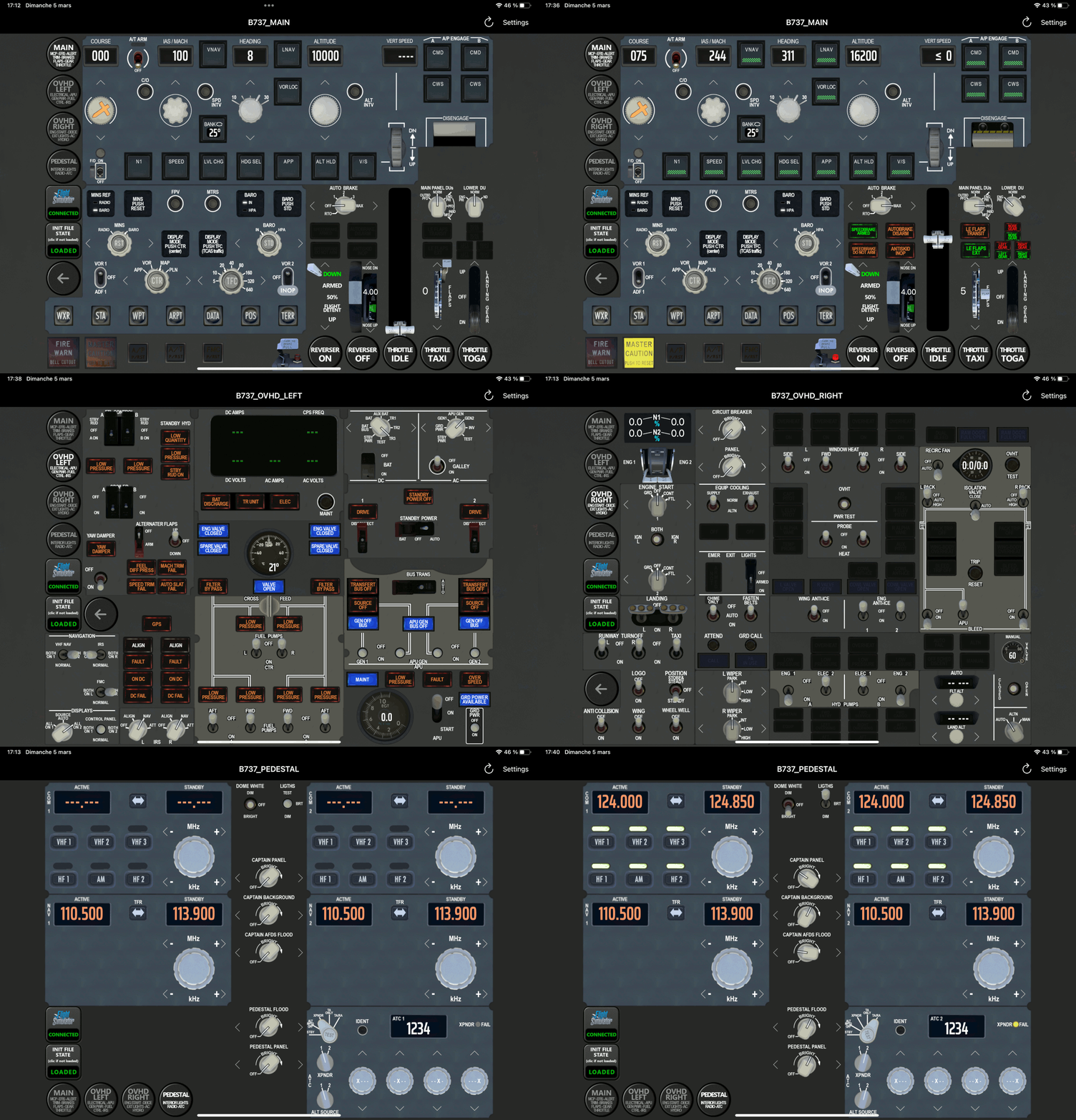
Touch Portal pages for PMDG 737 series
Touch Portal pages for PMDG B737 series. More than 200+ buttons/displays spread over 4 pages (with button to switch of page): EFIS (Capt. side) and MCP, Thrust lever (slider + shortcut button), Park brake, Flaps, Trim, Gear/auto brake, Electrical, APU, GEN Power, FUEL, Controls, IRS, Engine start, DeIce, Exterior lights, Air cooling/pressure, Hydraulics, Radio, ATC, Interior lights ...
par GoodSeb
Connectez-vous pour participer à la discussion
Se connecterCommentaires(8)
over 1 year ago
almost 3 years ago
I Just downloaded the Nice looking CJ4 page :)
However, it can not find the : GSCJ4.ini File. I have searched all files and nothing :(
I have other .ini files for other Tp-pages
How is the ini file created? I thought it was created when importing the page into TP!?
almost 3 years ago
https://flightsim.to/file/45777/touch-portal-pages-for-fenix-simulations-a320
about 3 years ago
almost 4 years ago
Hi, as with the A32NX, I have not the throttle grip and more, I have not the Spoilers grip.
Touch portal version : V3.1 build 7 with MSFS-TouchPortal-Plugin-1.2.0.0_UEmr2
almost 4 years ago
hello, it seems to be a very strange bug of touchportal (only on ipad? because i don't have it on android). Try this workaround in touchportal pc application (copy slider, delete it and re paste the slider) :
1) right click on the proplever slider > copy > slider.
2) right click on the proplever slider > delete
3) right click on the top empty button > paste > paste button.
Refresh the page on your tablet
almost 4 years ago
This looks Great and I have been using TouchPortal for over a year now. I have a problem though. Init File State will not connect. Plug in is in and started and the WASimModule is in the right folder but here on the site and the PDF says 1.1.0.6 The Github place to DL is only 1.1.0.0. I looked around but could not find this version. Could you provide a link the the WASimModule? The Pages look great but no functional. Thanks
about 4 years ago
NICE, NICE, NICE - thanks for sharing your work.