
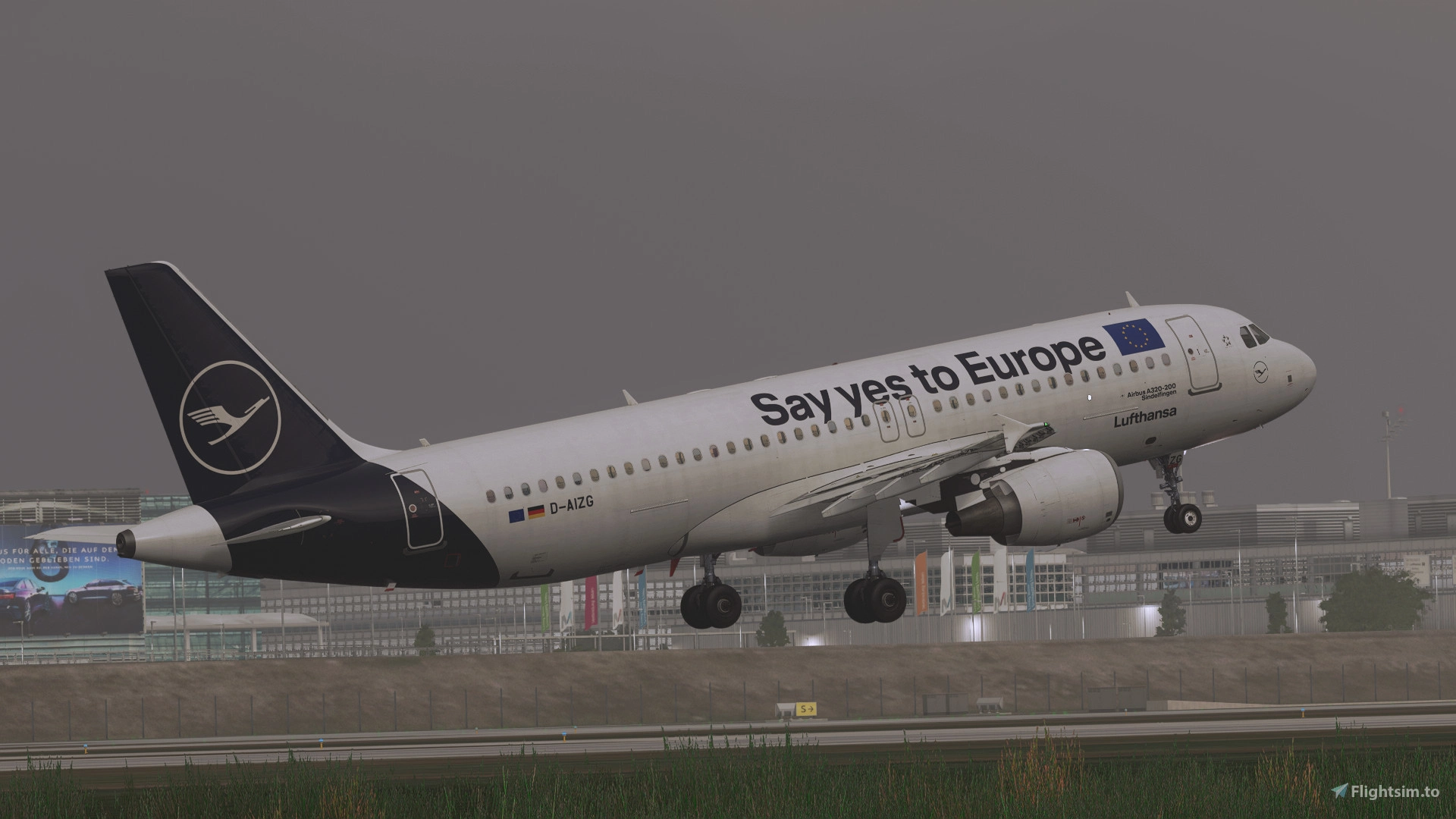
Description
This is a reshade preset that aims to produce the most realistic shaders on MSFS.
Installation:
YOU MUST HAVE RESHADE INSTALLED TO USE THIS PRESET.
RESHADE: https://reshade.me
1. Download preset and save to any location
2. Open MSFS and use assigned shortcut to open Reshade menu
3. At the top of the menu, left click and navigate to the downloaded preset
4. Enjoy!
Created by Inkly
MSFS 2020MSFS 2024
Ultra Realistic Reshade Preset for MSFS
Enhance your visual experience with this ultra realistic reshade preset for MSFS. Created by Inkly, this preset aims to deliver the most lifelike shaders in the simulator. Make sure to have Reshade installed before downloading and following the simple installation steps provided.
Téléchargements6K
Version1.0
Taille du fichier1.63 KB
PubliéIl y a 3 ans
Mis à jourIl y a 3 ans


Avis des utilisateurs
5.0
4 avis
5
100%
4
0%
3
0%
2
0%
1
0%
Historique des versions
Aucun historique de version disponible.
Connectez-vous pour participer à la discussion
Se connecterCommentaires(16)
6 months ago
over 1 year ago
over 1 year ago
over 2 years ago
thou may i have one request?
can you please tone down the contrast in cockpit and brightness on horizon?
thanks
over 2 years ago
about 3 years ago
about 3 years ago
almost 3 years ago
over 2 years ago
about 3 years ago
over 3 years ago
over 3 years ago
where can i assign shortcut to open reshade menu?
over 3 years ago
Same ?
over 3 years ago
Press the "home" button on your keyboard and get in the "Setting" winglet. I don't have the sim opened but i'm pretty sure you can find it pretty easily, or else check a reshade tutorial on this element
over 3 years ago
I am amazed at how this changes the sim. Very realistic. Very happy. Thank you for your time and work. Great addition.
over 3 years ago
Thanks! :)