
Description
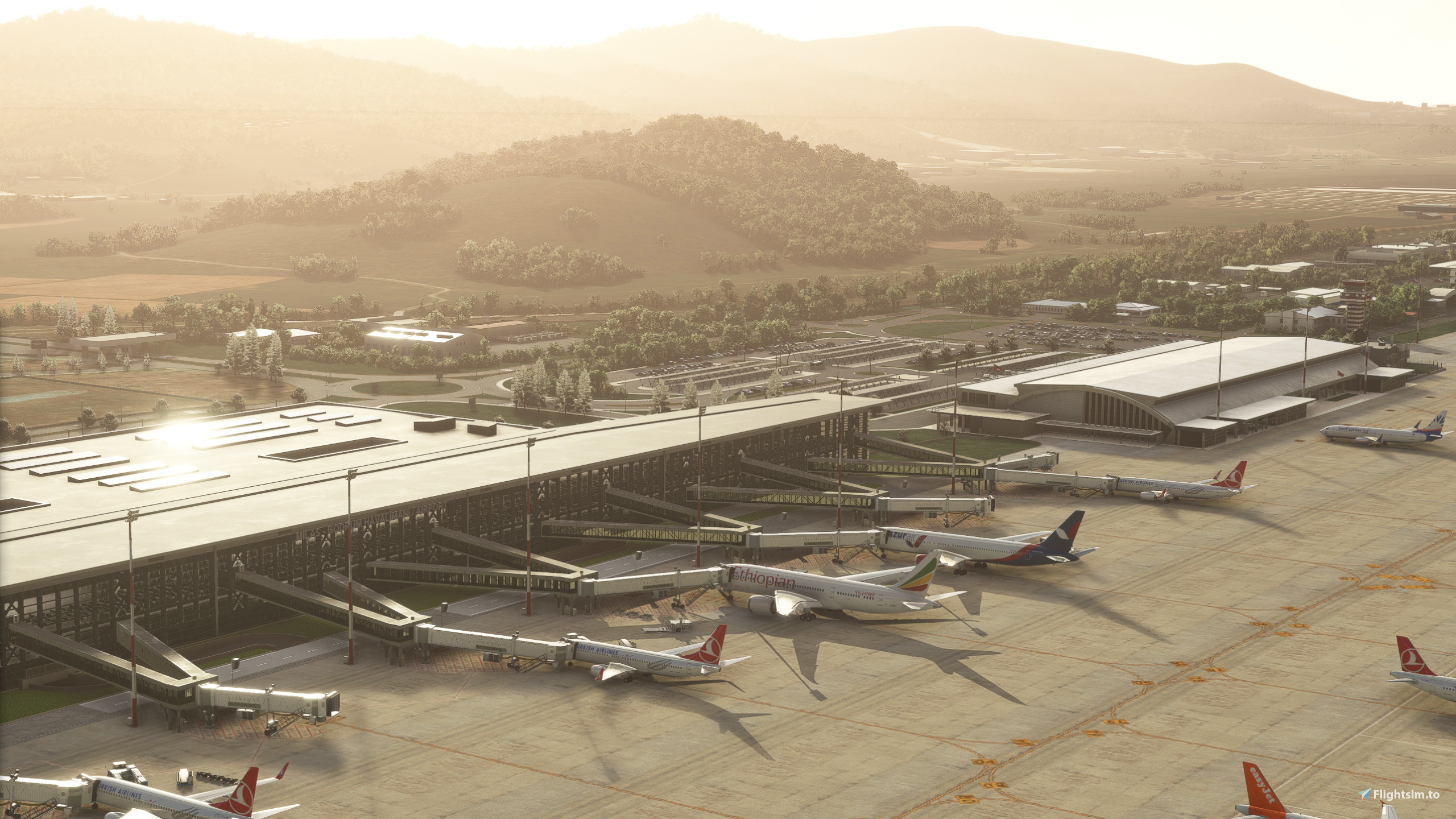
GSX Profile - LTFE Milas Bodrum - Justsim
Profile Includes -
- Animated Pushback
- Havas Ground handling
- Vehicle Placements
- Jetway Floor heights
- Pax waypoints in jetway connector
Just to note - Gate 8 has two A/B gates. The A gate has a misplaced jetway making it impossible to use without colliding with the jetway, it is marked as "Ga extra". The B gate is a small gate that has been animated without VDGS and with a marshaller - The rest of the airport replaced Default VDGS, there is a version you can dowload that excludes GSX VDGS to use the one provided at the airport.- So far only jetway gates have been animated, I plan to do a few bus gates in the future, please let me know if that is important to you and would like to see it.
Thank you, lmk of any issues you have, Happy Flying!
To Install:
Copy the downloaded file, ICAO-xxxxxx.ini, and place it in the GSX Config
directory. Typically found in:
C:\Users\\AppData\Roaming\virtuali\GSX\MSFS
GSX Profile - LTFE Milas Bodrum - Justsim
Enhance your ground handling experience at LTFE Milas Bodrum Airport with this GSX Profile by Justsim. This profile includes animated pushback, Havas ground handling, accurate vehicle placements, and jetway floor heights. Note: some gates may have specific instructions for use, and future updates may include animated bus gates. Install instructions included for easy setup. Happy Flying!


Avis des utilisateurs
2 avis
Historique des versions
Aucun historique de version disponible.
Similaires
GSX Profile - WSSS Singapore Changi - Cloudsurf Asia
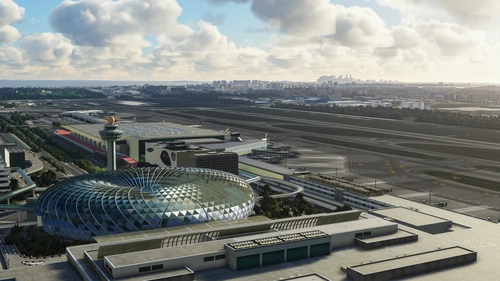
Enhance your GSX experience at WSSS Singapore Changi with this Cloudsurf Asia profile, featuring vehicle positions, VDGS, pushbacks, jetway floor heights, and more handling ops. This edited profile aims to provide comprehensive coverage of commercial stands, with ongoing refinements for a seamless ground handling experience. Simply install the file and start enjoying a more realistic and detailed airport environment.
par Jqro
GSX Profile - KSEA Seattle Tacoma (bmworld & amsim)
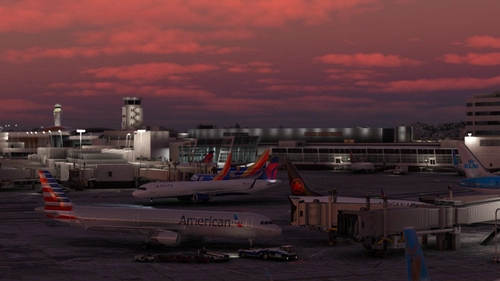
Enhance your GSX experience with this KSEA Seattle Tacoma Airport Profile by BMWorld and AMSIM. Includes detailed terminal models for a realistic ground handling simulation. Simply download and copy the ICAO-xxxxxx.ini file to your GSX Config directory to enjoy this completed airport profile. Terminals A, B, C, D, N, Q, and S are all modeled for your immersion. Happy flying!
par Jqro
GSX Profile - NZAA Auckland - Flightbeam
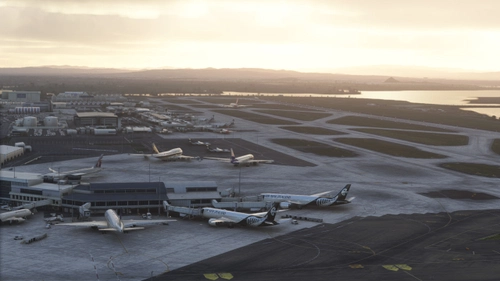
Enhance your airport operations with the GSX Pro Profile for NZAA Auckland by Flightbeam. This detailed profile replaces default VDGS, featuring realistic vehicle positions, pax waypoints, pushbacks, jetway floor heights, and handling operators. Simply copy the downloaded file to your GSX Config directory for easy installation.
par Jqro
GSX Profile - SCEL Santiago - LVFR
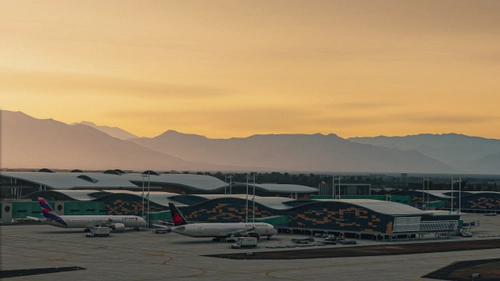
GSX Pro Profile for SCEL Santiago Chile by Latin VFR. Enjoy realistic vehicle and stop positioning, pushbacks, VDGS placement, and jetway floor heights. All gates are included with ongoing updates planned. Simply copy the downloaded file to your GSX Config directory to install. Happy flying!
par Jqro
Connectez-vous pour participer à la discussion
Se connecterCommentaires(3)
over 2 years ago
over 3 years ago
MXI version please!
over 3 years ago
thank you ...
very nice profile