
Description
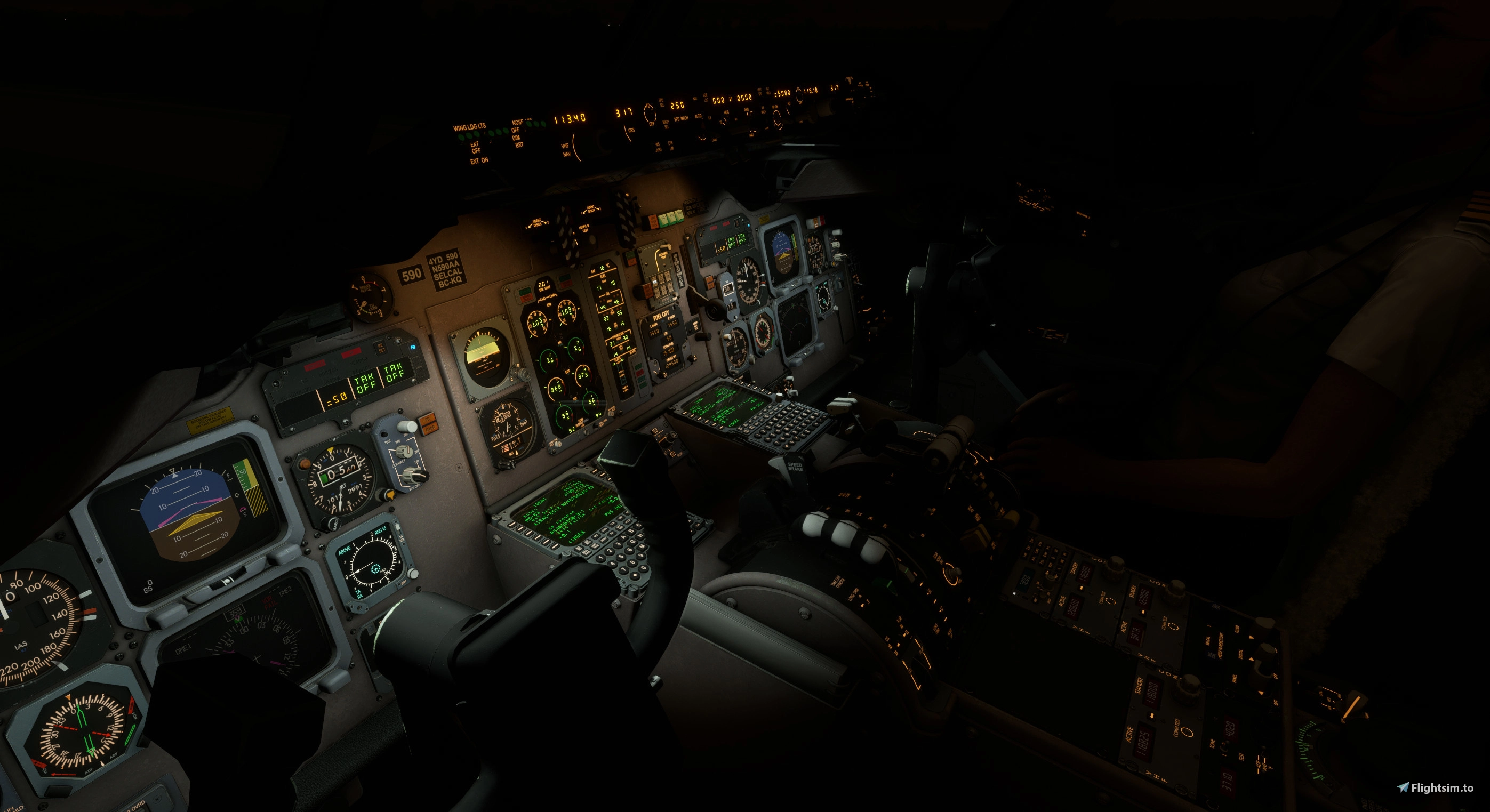
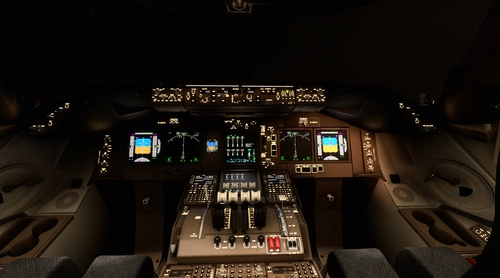
Leonardo MD80 VC Light Mod
Compatible with MSFS2020 maddongx and maddog 20th anniversary ed.
MSFS2024 WIP.
Major retweaks of the lights and pieces
v2.0
1) minimum ambient light on the panels from the gauges and integral lights (does not change with panel brightness due to LSH not providing potentiometer number)
2) flood light placement, properties, and throw same as v1.0
3) VR camera entry added
4) annunciator brightness lowered to be able to read the buttons at night (be sure to set the brightness button to dim on OH panel)
5) beacon and nav light intensity and color corrected
v1.1 compatible with maddogx version 1.2b227
1) Systems.cfg update reflected in v1.1
v1.0 compatible with maddogx version 1.2b152
1) Improved VC flood lights in the VC:
2) fixed placement of center glareshield light cones
3) adjusted incandescent light color
4) added front panel glareshield light bounce for volumetric lighting effect
5) adjusted throttle quadrant flood light intensity
6) viewpoint camera adjusted (mainly for VR users)
Install
Delete prior version and place the folder "zLSH_MD80_VC_lights" in MSFS2020\Community folder.
Leonardo MD80 VC Light Mod
The Leonardo MD80 VC Light Mod enhances the virtual cockpit lighting for the MD80 in MSFS2020, including both the Maddog X and the 20th Anniversary Edition. This mod features improvements such as ambient light adjustments, corrected beacon and navigation light intensities, and updates for VR compatibility. The latest version, 2.0, introduces fine-tuning of flood light placement, annunciator brightness adjustments, and ensures proper lighting visibility for nighttime operations.


Avis des utilisateurs
2 avis
Historique des versions
1) minimum ambient light on the panels from the gauges and integral lights (does not change with panel brightness due to LSH not providing potentiometer number) 2) flood light placement, properties, and throw same as v1.0 3) VR camera entry added 4) annunciator brightness lowered to be able to read the buttons at night (be sure to set the brightness button to dim on OH panel) 5) beacon and nav light intensity and color corrected
Similaires
Inibuilds A350 Aircraft Light Mod
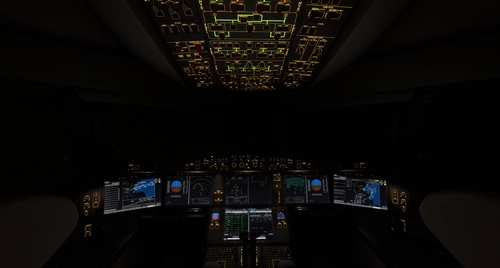
The Inibuilds A350 Aircraft Light Mod enhances both virtual cockpit and external lighting for the ini A350 aircraft, compatible with MFS2020 and MFS2024. This add-on includes a series of updates that improve light visibility, adjust light intensities, and ensure compatibility with various aircraft versions. Key features include refined internal ambient lighting and external light effects, aimed at providing a more realistic flying experience. Installation is straightforward, requiring placement of the mod into the appropriate Community folder for each simulator version.
par kdfw
Fenix A319-A320-A321 Cockpit Light Mod
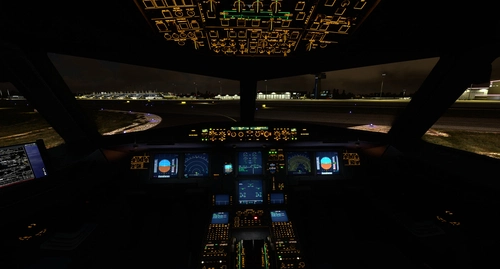
Fenix A319-A320-A321 Cockpit Light Mod, provides improved surface illumination through light projection and reflection in the cockpit. This mod includes subtle lighting cues to create a better sense of space and immersion, particularly beneficial for VR users flying at night. Simply place it in your MSFS2020Community folder for installation.
par kdfw
Aerosoft/Toliss A346 Light Mod
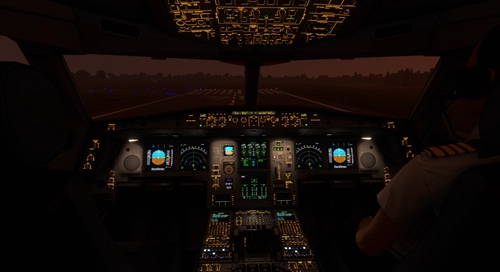
This add-on enhances the lighting for the Aerosoft and Toliss A340-600, improving both virtual cockpit and external lights. It introduces projector-style front panel flood lights and reworks key elements such as strobes, landing lights, and navigation lights. The mod addresses visibility issues with beacons by adding custom effects. Some limitations exist, such as static LCD brightness and light knob controls due to model constraints.
par kdfw
Asobo Aircraft Dimmable VC flood light mod 6 pack
Enhance the cockpit lighting in Microsoft Flight Simulator with the Asobo Aircraft Dimmable VC flood light mod 6 pack V6.0. This mod features improvements for various aircraft including the Boeing 747-8i, Boeing 787-10, and Citation Longitude, with updated light reflections and effects. Easily install this mod to elevate your flying experience by adjusting flood lights, strobes, and more. Explore the enhanced virtual cockpit lighting and make night flights more immersive.
par kdfw
Connectez-vous pour participer à la discussion
Se connecterCommentaires(19)
10 months ago
over 1 year ago
over 1 year ago
with this mod , map lights and briefcase lights are no longer working!
over 1 year ago
over 2 years ago
Is this compatible with the Hirez mod here:
https://flightsim.to/file/32666/fly-the-maddog-x-cockpit-overhaul-hires
over 2 years ago
over 2 years ago
over 2 years ago
over 3 years ago
over 3 years ago
i don't have the expansion pack so don't know the file structure.
over 3 years ago
The file structure is identical to the 82 except it's MaddogX83 and MaddogX88 for the two additional addons. I've gotten it to work by adding 2 extra sets to the layout.json, one for each file for the MaddogX83 folder and one for the MaddogX88 folder https://i.imgur.com/reoov5V.jpg
over 3 years ago
i see, zLSH_MD80_VC_lights\SimObjects\Airplanes\MaddogX with \MaddogX83 and \MaddogX88 paths. i'll add them for the next update.
over 3 years ago
I believe the way you have it structured, I only needed to add the references to layout.json. No extra files needed, but I will double check.
over 3 years ago
if systems.cfg are different from the base MD80, then i cannot publish a simple fix. if this is the case, it should be a simple step for the user to copy/paste the [lights] section to the other systems.cfg files.
over 3 years ago
Ok I checked. I did add another group of files, one for folder MaddogX83 and one for MaddogX88. I also added a copy of the lines in layout.json with those references as well. I'm unsure of the systems.cfg are different, but it seems to work without any further updates.
almost 3 years ago
over 3 years ago
Makes the night ambience spot on, great mod!
over 3 years ago
Superb
over 3 years ago
Thank you