
Description
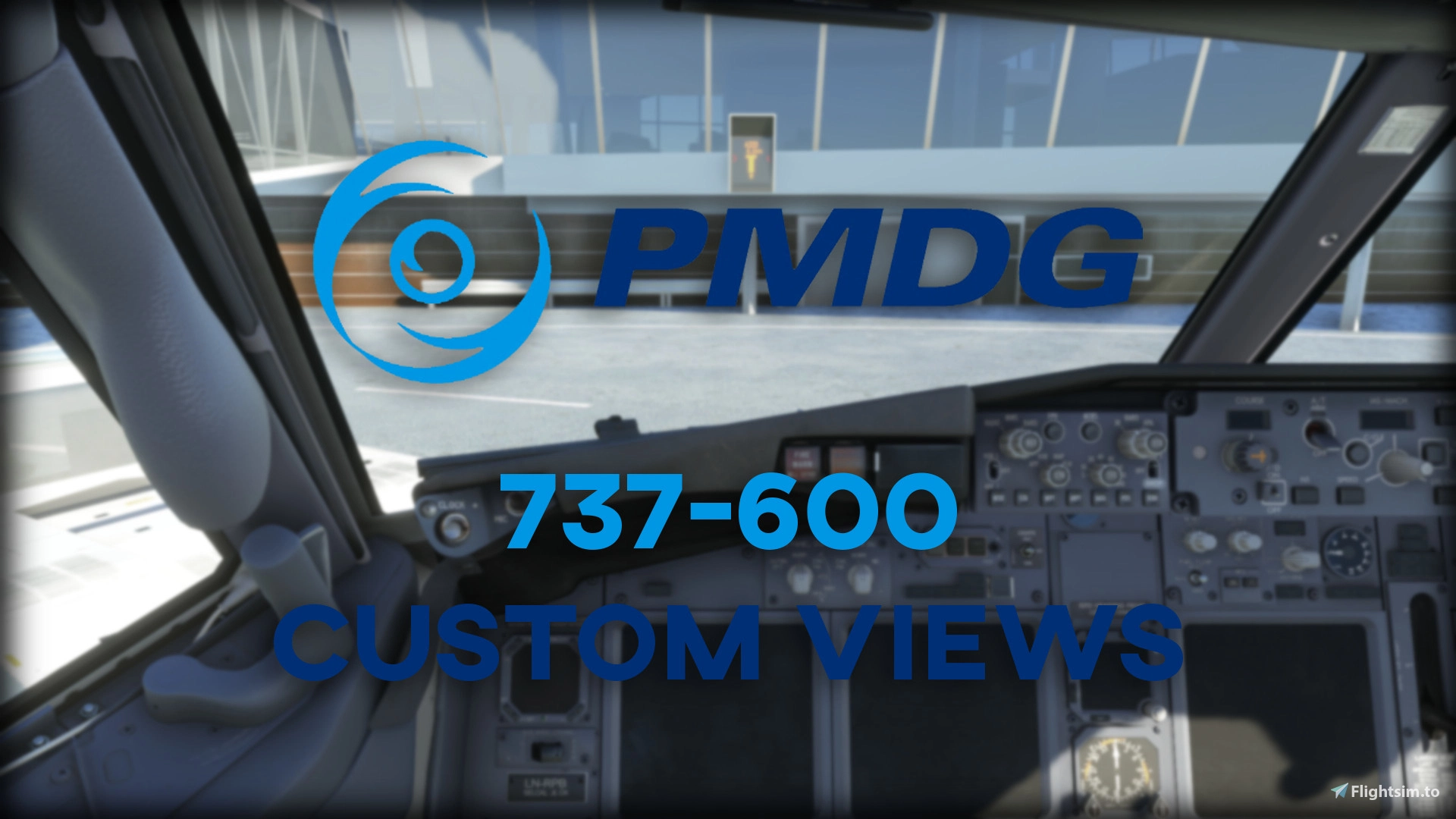
Custom Camera Views for the PMDG 737-600
The views have been setup as follows:
- Camera 1: IRS Switches
- Camera 2: Overhead Panel
- Camera 3: Flight Management Computer
- Camera 4: Central Panel
- Camera 5: Throttle Area
- Camera 6: Left Engine View
- Camera 7: Right Engine View
- Camera 8: Left Wing View
- Camera 9: Right Wing View
- Camera 0: Go-Pro Dashcam View
IMPORTANT!
== Installation Instructions ==:
Depending on your version of MSFS 2020, follow the relevant path:
Microsoft Store:
C:\Users\[UserName]\AppData\Local\Packages\Microsoft.FlightSimulator_8wekyb3d8bbwe\LocalCache\SimObjects\Airplanes
Steam:
C:\Users\[UserName]\AppData\Roaming\Microsoft Flight Simulator\SimObjects\Airplanes
Before doing anything else, make a backup of the PMDG 737-600 folder as to not lose your own custom views.
Simply copy the relevant folders for the custom views you wish to use from the download file, into the Airplanes directory.
Please do not copy and paste these files into your Community folder, as you will instead get a view of the cargo hold, which is incorrect!
Launch MSFS 2020 and test out the views for your relevant airframe(s).
Feel free to adjust/change the views as needed!
Feedback and suggestions welcome! Enjoy!
Custom Camera Views for PMDG 737-600
Custom Camera Views for PMDG 737-600 addon offers a variety of cockpit perspectives, from overhead panel to engine and wing views. Easily install the custom views following provided instructions for your version of MSFS 2020 and experiment with different angles. Enhance your flight simulation experience with these detailed camera setups. Your feedback and suggestions for improvements are encouraged.


Avis des utilisateurs
1 avis
Historique des versions
Aucun historique de version disponible.
Similaires
Custom Camera Views for PMDG 737-800 / BBJ2 / BCF / BDSF
Custom Camera Views for PMDG 737-800 series with views for passenger, BBJ2, BCF, and BDSF airframes. Features multiple detailed camera angles including zoom-ins, overhead panel, and wing views. Follow installation instructions carefully to enhance your flight simulation experience. Test out and customize views in Microsoft Flight Simulator 2020 for an immersive flight experience.
par ElectroxSoldier
Custom Camera Views for PMDG 737-900 / 900ER
Enhance your cockpit experience with custom camera views for the PMDG 737-900 series. Explore various key perspectives including overhead panel, throttle area, and engine views. Follow simple installation instructions for a seamless setup in MSFS 2020 and customize views to your liking. Try it out and provide feedback for further improvements!
par ElectroxSoldier
Custom Camera Views for iniBuilds A310
Customize your iniBuilds A310-300 experience with tailored Camera Views for every panel and wing detail. From Upper Overhead Panel to Go-Pro Dashcam View, enhance your perspective in Microsoft Flight Simulator. Simply follow the installation instructions and start exploring your aircraft from unique vantage points. Your feedback and ideas are valued - make the most of your flying adventure!
par ElectroxSoldier
Custom Camera Views for Fenix Sim A320
Custom Camera Views for the Fenix Sim A320 provides a variety of custom perspectives, including Co-Pilot, Overhead Panel, MCDU, Central Panel, EFB, Engine Views, Wing Views, and a Go-Pro Dashcam View. The installation instructions guide you on how to set up these views based on your version of MSFS 2020, allowing for easy customization and adjustment. Share your feedback and enjoy exploring your aircraft from different angles with these tailored camera views.
par ElectroxSoldier
Connectez-vous pour participer à la discussion
Se connecterCommentaires(1)
almost 2 years ago