Flightsim.to

    Custom Views

    Browse Custom Views user content for Microsoft Flight Simulator 2024 and 2020. Parcourez 992 add-ons publiés par notre communauté.

    Dernière mise à jour
    BlueBirds 757-200 (APPLIES TO ALL VARIANTS WITH CABIN) - [MSFS 2024]

    BlueBirds 757-200 (APPLIES TO ALL VARIANTS WITH CABIN) - [MSFS 2024]

    This add-on provides custom camera views for all cabin-equipped variants of the BlueBirds 757-200 in Microsoft Flight Simulator 2024. It includes preset views for the cockpit, various instrument panels, and exterior wing and engine angles. Installation requires placing files in the main MSFS directory and configuring key assignments for easy access. Backup of existing camera files is recommended before installation.

    DaivadeF1DaivadeF1
    MSFS2024
    0.0(0)
    3
    1.2 KB
    11 hours ago
    iniBuilds A350-900 and ULR Custom Camera Views (Cabin) - MSFS 2024 ONLY

    iniBuilds A350-900 and ULR Custom Camera Views (Cabin) - MSFS 2024 ONLY

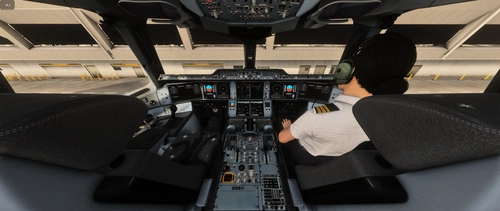
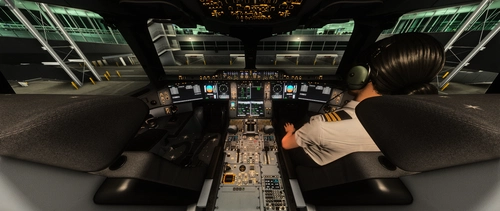
    This add-on provides custom cockpit and cabin camera views for the iniBuilds A350-900 and ULR in Microsoft Flight Simulator 2024. It includes preset angles such as full cockpit, pilot, overhead, MCDU, engine, and wing views, each mapped to specific key combinations. Installation requires copying files into the MSFS main directory and assigning custom cameras in settings. Designed exclusively for MSFS 2024, this pack enhances in-game perspective options.

    DaivadeF1DaivadeF1
    MSFS2024
    0.0(0)
    13
    1.3 KB
    2 days ago
    iniBuilds A350-1000 Custom Camera Views (Cabin) - MSFS 2024 ONLY

    iniBuilds A350-1000 Custom Camera Views (Cabin) - MSFS 2024 ONLY

    This add-on provides a set of custom camera views for the iniBuilds A350-1000 in Microsoft Flight Simulator 2024. It includes cockpit, pilot, overhead, OIS, MCDU, pedestal, engine, and wing perspectives mapped to ALT 0-9. Installation requires copying files into the main MSFS directory, not the Community folder. Users are advised to backup existing files before installation and configure key assignments for the new camera views.

    DaivadeF1DaivadeF1
    MSFS2024
    0.0(0)
    19
    1.2 KB
    Yesterday
    Custom Camera Views [Aerosoft CRJ 550]

    Custom Camera Views [Aerosoft CRJ 550]

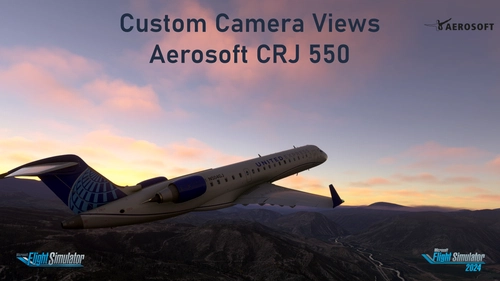
    Custom camera views made by me, adapted to fit this aircraft. All my camera packs follow the same scheme, so you always know which key gives you which view: pilot, co-pilot, wings, engines and panels. Manual installation into the MSFS main directory, then assign the keybinds to your keys for quick access. Cheers!

    Jojo1887Jojo1887
    MSFS2020/24
    5.0(1)
    13
    1.7 KB
    5 days ago
    Custom Camera Views [Aerosoft CRJ 700ER]

    Custom Camera Views [Aerosoft CRJ 700ER]

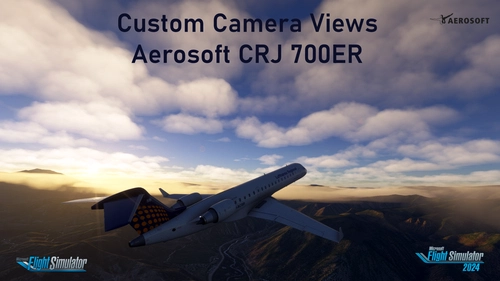
    Custom camera views made by me, adapted to fit this aircraft. All my camera packs follow the same scheme, so you always know which key gives you which view: pilot, co-pilot, wings, engines and panels. Manual installation into the MSFS main directory, then assign the keybinds to your keys for quick access. Cheers!

    Jojo1887Jojo1887
    MSFS2020/24
    0.0(0)
    10
    1.7 KB
    5 days ago
    Inibuilds A400M | Chaseplane Preset | V1.0

    Inibuilds A400M | Chaseplane Preset | V1.0

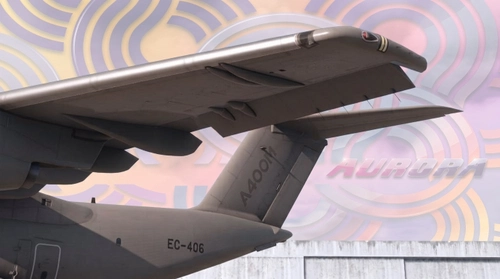
    This add-on provides a custom Chaseplane camera preset specifically for the Inibuilds A400M-160 in Microsoft Flight Simulator. The preset is designed to enhance camera views for the aircraft, as there is no default profile included. Installation instructions are provided to guide users through importing the preset into Chaseplane. The add-on is intended for users seeking a tailored camera setup for this aircraft variant.

    Aurora1345Aurora1345
    MSFS2024
    0.0(0)
    4
    29.1 KB
    6 days ago
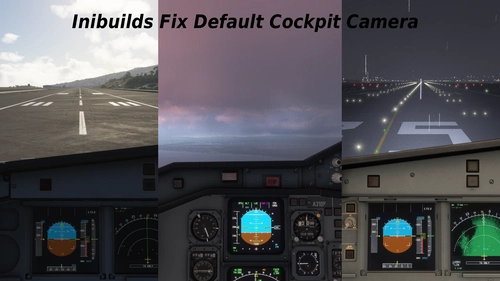
    Inibuilds Fix Default Cockpit Camera

    Inibuilds Fix Default Cockpit Camera

    This add-on adjusts and corrects the default cockpit camera positions for several Airbus aircraft in Microsoft Flight Simulator, including the A310, A320, A321, A330-200, A330-300, Airbus Beluga XL, and A400M. It aims to provide improved default camera views for a more accurate cockpit perspective.

    I172SPI172SP
    MSFS2024
    5.0(1)
    22
    23.9 KB
    1 week ago
    TFDI MD11 default cockpit camera fix

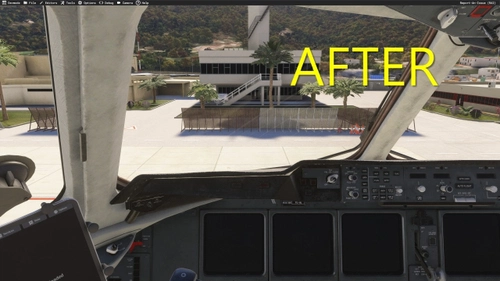
    TFDI MD11 default cockpit camera fix

    This add-on provides an improved default cockpit camera angle for the TFDI MD-11 in Microsoft Flight Simulator. It ensures better visibility of the full PFD and MFD without needing to adjust the camera view. The fix is compatible with all MD-11 variants and remains unaffected by official updates. Installation requires extracting the file into the community folder.

    gzmichaelfxggzmichaelfxg
    MSFS2024
    0.0(0)
    14
    4.8 KB
    1 week ago
    Antonov An2 default cockpit camera fix

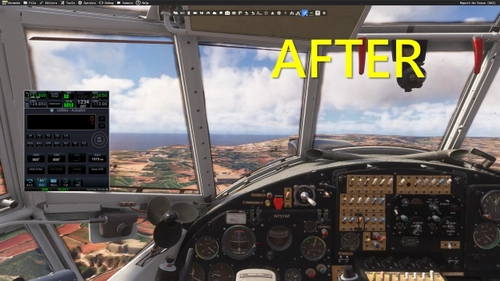
    Antonov An2 default cockpit camera fix

    This add-on provides a correction for the default cockpit camera angle in the ATSimulations Antonov An2. The fix is designed to work across all available variants of the aircraft. It aims to improve the initial cockpit viewpoint for a more accurate perspective. Installation is straightforward and enhances overall visibility within the cockpit.

    gzmichaelfxggzmichaelfxg
    MSFS2024
    0.0(0)
    33
    5.8 KB
    1 week ago
    MSFS 2024 747-8i Custom Camera Views (PASSENGER VARIANT)

    MSFS 2024 747-8i Custom Camera Views (PASSENGER VARIANT)

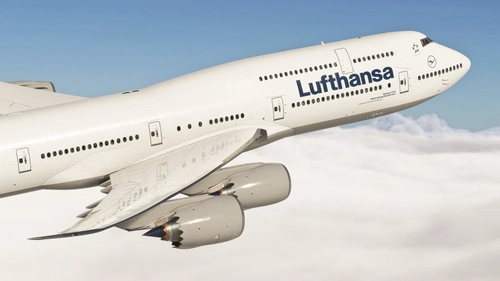
    This addon provides a selection of custom camera views for the Asobo 747-8i passenger variant in Microsoft Flight Simulator 2024. Views include multiple wing, engine, landing gear, and cockpit perspectives. Users should verify or set their own keybinds for loading custom cameras in simulator settings. Installation instructions and directory path are provided for easy setup.

    Wi11Wi11
    MSFS2024
    0.0(0)
    20
    1.3 KB
    2 weeks ago
    Custom Camera Views [Aerosoft CRJ 900/1000]

    Custom Camera Views [Aerosoft CRJ 900/1000]

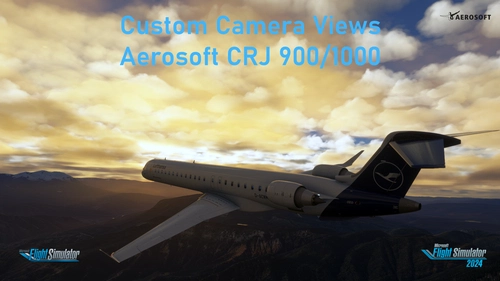
    Custom camera views made by me, adapted to fit this aircraft. All my camera packs follow the same scheme, so you always know which key gives you which view: pilot, co-pilot, wings, engines and panels. Manual installation into the MSFS main directory, then assign the keybinds to your keys for quick access. Cheers!

    Jojo1887Jojo1887
    MSFS2020/24
    0.0(0)
    27
    3.4 KB
    2 weeks ago
    Showing 1 - 12 of 992 results
    234...50