
Description
Analog Radio Altimeter
Will continue to be developed as time permits.
Remove old versions prior to installing new version.
Current Version : V1.2
Description::
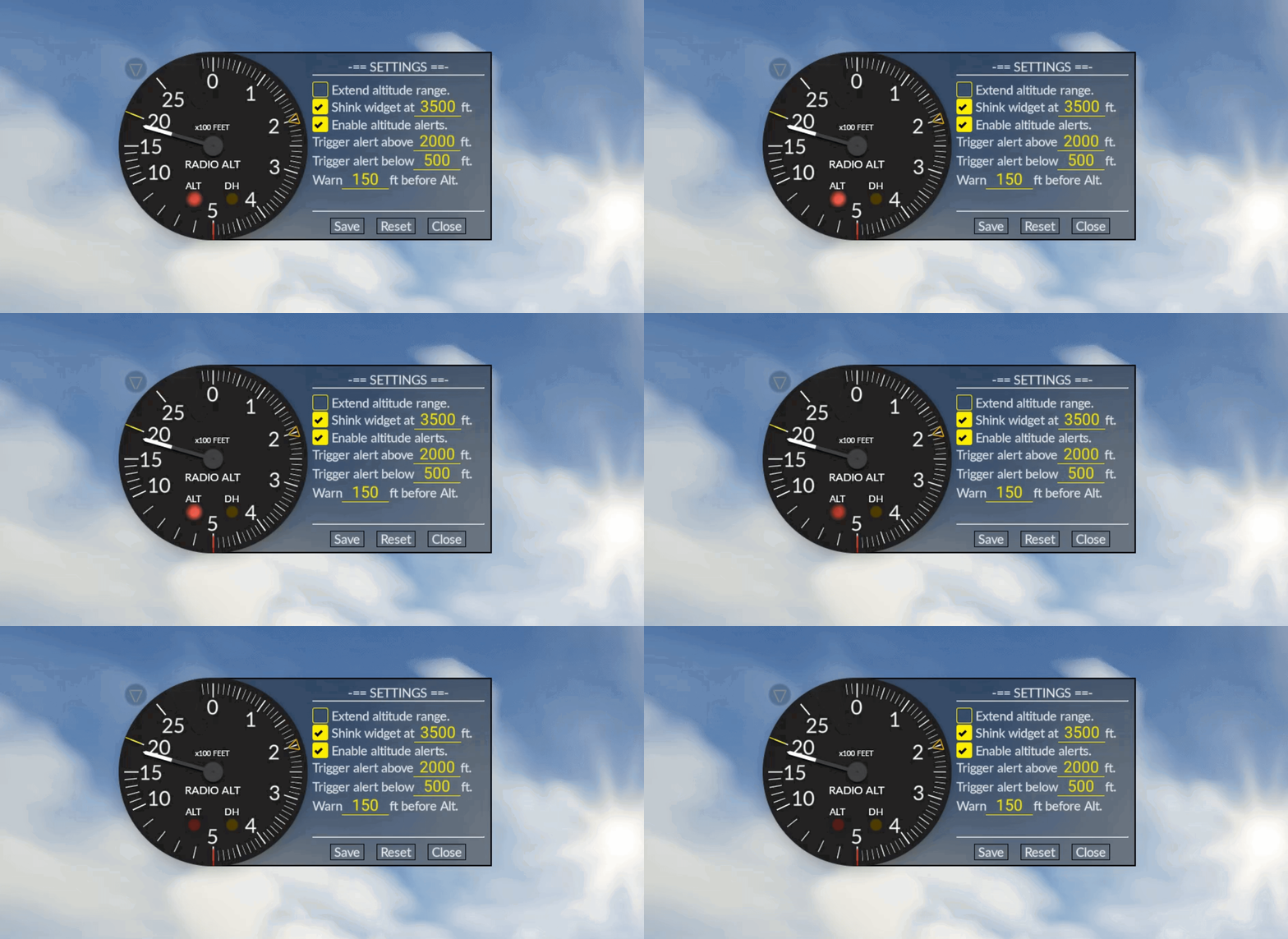
Not much to say, it's an analog radio altimeter widget.
Features / Instructions::
Decision height selector:
- Rotate the knob with the scroll wheel to set the decision height altitude,
when decending the amber DH lamp will light at this altitude.
- Press on the knob will change the increments between; 1ft, 10ft* & 100ft. (& 1000ft in Extended mode)
*default
Altitude Min / Max warning selector:
- Enabled via the configuration screen.
- Set max altitude via the "Trigger alert above ____ft." data field.
- Set min altitude via the "Trigger alert below ____ft." data field.
- Set the pre-alert margin via the "Warn ____ ft before Alt" field.
Settings Explained: (accessed by pressing the (>) on the right top of the widget.)
"Extend altitude range." : increases the max altitude to 20,000ft AGL.
"Shrink widget at _____ft." : Enable's and sets altitude to automatical shrink widget when passing set altitude.
"Enable altitude alerts." : Enable's altitude alert markes and indicators on widget face.
"Trigger alert above _____ft." : Sets the upper altitude to trigger the alert.
"Trigger alert below_____ft." : Sets the lower altitude to trigger the alert.
"Warn_____ft before Alt. : Sets altitude in feet before the upper/lower limits for the pre-alert flash.
Buttons:
[SAVE] : Saves changes and commits them to the widget settings.
[RESET] : Reverts all changes.
[CLOSE] : Closes the settings window, note changes will be lost.
Double clicking on the shrunken widget will restore it to full size.
Requirements::
//42 Flow Pro is required.
Installations::
1: Download the script package you want to install
2: Extract the zip into your Community folder
3: Launch MSFS
4: The new scripts should be available in the wheel editor. (under 'Community Widgets' > 'SirGr3mlin')
p42 - flow - radio altimeter
A simple yet functional analog radio altimeter widget for Microsoft Flight Simulator. Features decision height selector and altitude warning selector with customizable settings. Requires //42 Flow Pro add-on to function properly.


Avis des utilisateurs
2 avis
Historique des versions
Changelog V1.2 - Added the ability to restore the widget from shrunken mode by double clicking the shrunken widget. - Adjusted code and cleaned up some code. - Removed Version from file name.
Similaires
Air to Air Refueling
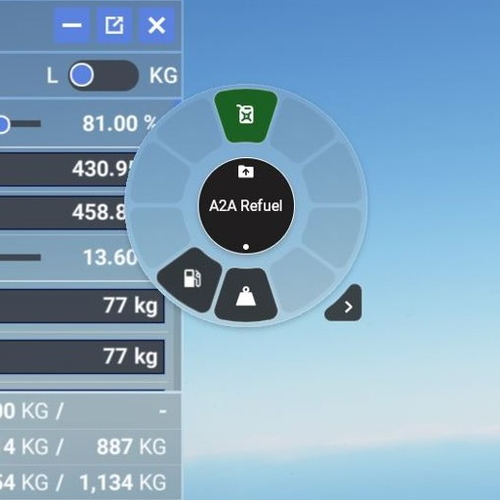
Enhance your flight simulation experience with the Air to Air Refueling add-on, version 2.1. This script enables realistic air-to-air refueling operations based on real-world data, with conditions such as maintaining a flight altitude above 15,000ft. Select refueling options easily with adjustable settings and switch between "AAR Tanker" or "AAR Receiver" modes. Compatible with the Boeing F/A 18E Super Hornet and requires //42 Flow Pro for installation.
par SirGr3mlin
Active Pause Toggle Widget
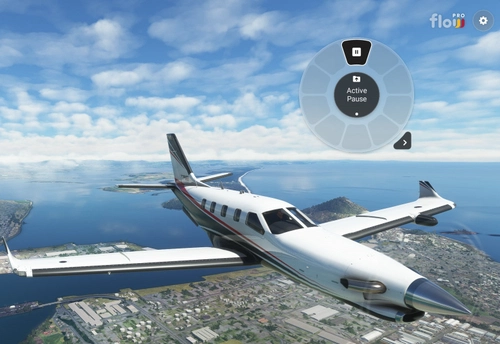
A simple widget allowing toggling of the sims paused / disabled state from the Flow Pro Wheel. Requires //42 Flow Pro for installation. Simply download the script package, extract it into your Community folder, launch MSFS, and access the new scripts in the wheel editor.
par SirGr3mlin
Connectez-vous pour participer à la discussion
Se connecterCommentaires(11)
over 2 years ago
about 2 years ago
when you go inside the folder is there another single folder inside it or layout.json, manifest.json, ReadMe.txt, [Flow] and [ContentInfo]
about 2 years ago
After extracting the zip folder, there are 2 folders in the main folder...[Flow] and [Contentinfo] along with the layout, manifest and readme files. I just tried placing the main folder in the Community folder and ran the sim. Your widget does not show up under the "Community Widgets" section of Flow Pro. All of my other add-on widgets are listed in this section.
about 3 years ago
almost 3 years ago
about 3 years ago
about 3 years ago
about 3 years ago
Thank you this has been fixed in version 1.1
about 3 years ago
about 3 years ago
about 3 years ago