
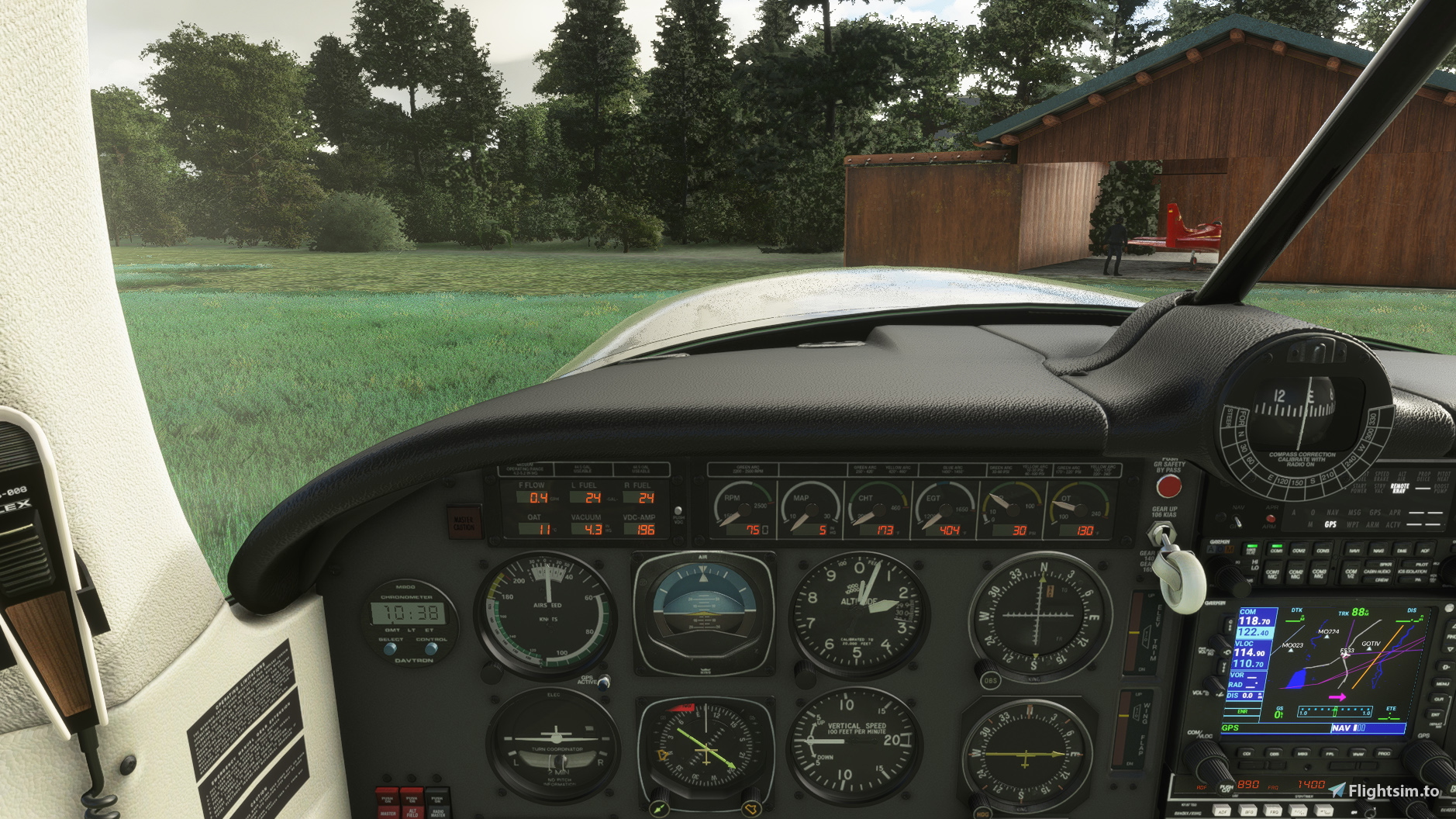
Description
Hi
Like with the P.149 and the G.21 Goose I decided that the camera positions in the cockpit of the Mooney didn't completely suit me.
So I changed them to my personal liking. Here they are.
Installation:
Just drag and drop into your Community folder
If you have a previous version installed you may want to reverse the original files first:
To reverse a previous installation of my mod up till Version 4.0, please follow there steps:
1. The camera.cfg file should be located at:
(...)\Official\Steam\carenado-aircraft-m20r-ovation\SimObjects\Airplanes\Carenado_M20R_Ovation\cameras.cfg (Steam version)
or
(...)\Official\OneStore\carenado-aircraft-m20r-ovation\SimObjects\Airplanes\Carenado_M20R_Ovation\cameras.cfg (Microsoft Store version)
2. Delete "cameras.cfg"
3. Rename "cameras_old.cfg" to "cameras.cfg"
Attention: after an update to the plane via the content manager you might have to reinstall this file.
Best wishes
Archer374
Mooney M20R Ovation - Better Cameras
Customize your cockpit experience with the Mooney M20R Ovation Better Cameras mod by Archer374. Personalize your camera positions for a more tailored flying experience. Simply drag and drop the files into your Community folder to install. Make sure to follow the instructions for reversing any previous installations.
Soutiens

Avis des utilisateurs
2 avis
Historique des versions
- added instrument view for GPS - added instrument view for switches - added instrument view for radio stack - added instrument view for fuel selector - improved instrument view of the panel to make using EFB easier - several small improvements
Similaires
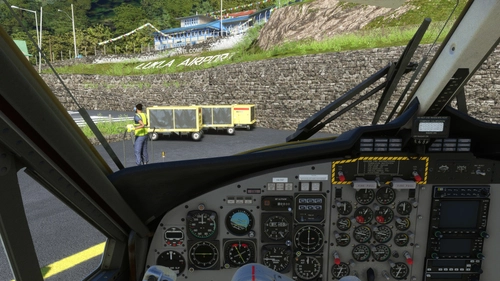
Aerosoft DHC-6 Twin Otter - Better Cameras
Enhance your aerial photography experience with the Aerosoft DHC-6 Twin Otter - Better Cameras V1.1 add-on. This mod features reworked Quick Views, updated instrument views, and improved camera angles for a more immersive flight simulation. Compatible with Microsoft Flight Simulator, simply drag and drop the files into your Community folder to enjoy the enhancements.
par Archer374
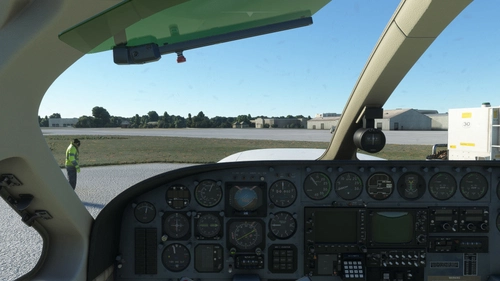
Flysimware Cessna C414 Chancellor - Better Cameras
Enhance your virtual cockpit experience with custom camera views for the Flysimware Cessna C414 Chancellor. This mod provides optimized instrument views for improved visibility, including adjustments to engine gauges and radio/GPS positioning. Simply drag and drop into your Community folder to install. - Archer374
par Archer374
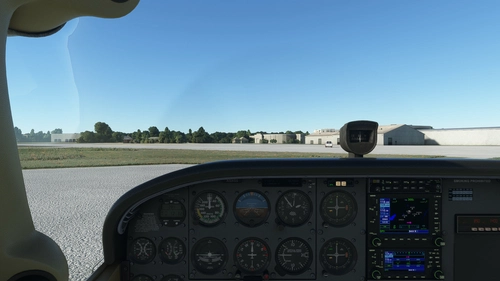
Asobo + Bogalu + WBSim Cessna C172 (Classic and G1000) - Better Cameras
Enhance your visibility with the Asobo + Bogalu + WBSim Cessna C172 add-on, featuring improved camera angles for better instrument visibility and enhanced cockpit views for both Classic and G1000 variants. This mod also includes a version with a higher seating position for improved visibility over the aircraft nose. Compatible with various Cessna 172 mods and enhancements, this package is a must-have for C172 enthusiasts looking to optimize their flying experience in Microsoft Flight Simulator.
par Archer374
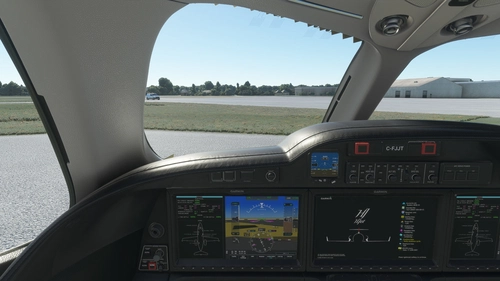
FlightFX Honda HJet HA420 - Better Cameras
Enhance your FlightFX Honda HJet HA420 experience with this add-on featuring additional camera views and improved instrument visibility. Explore new perspectives like the Engine Fire Buttons and AP panel, as well as new instrument views including fuel controls and gear lever. Simply drag and drop into your Community folder for easy installation.
par Archer374
Connectez-vous pour participer à la discussion
Se connecterCommentaires(11)
over 3 years ago
And thanks for the much better cameras too!
almost 5 years ago
you have inverted ovation and pa44 seminole better cameras download
if i download ovation i get seminole :)
almost 5 years ago
Thanks. And sorry. Have corrected it. :-)
almost 5 years ago
no prob thank you
about 5 years ago
hi, what are there two uploads of both the 339 and the Mooney? Which one do i download please ? thank you!
about 5 years ago
Sorry, I'm not sure what you mean.
over 5 years ago
I also notice you couldn't make it drag and drop as well, a shame.
over 5 years ago
Had my changes done shortly after the plane came out, same with the PA44. And when I did the Waco I thought I'd put the others up for download as well. My angles and zoom settings are slightly different from yours, so I guess people now have a range to chose from :-)
Strangely with all Carenado planes, the camera.cfg simply doesn't work with drag and drop. The Goose and the P.149 work fine through the community folder.
over 5 years ago
over 5 years ago
over 5 years ago