
Description
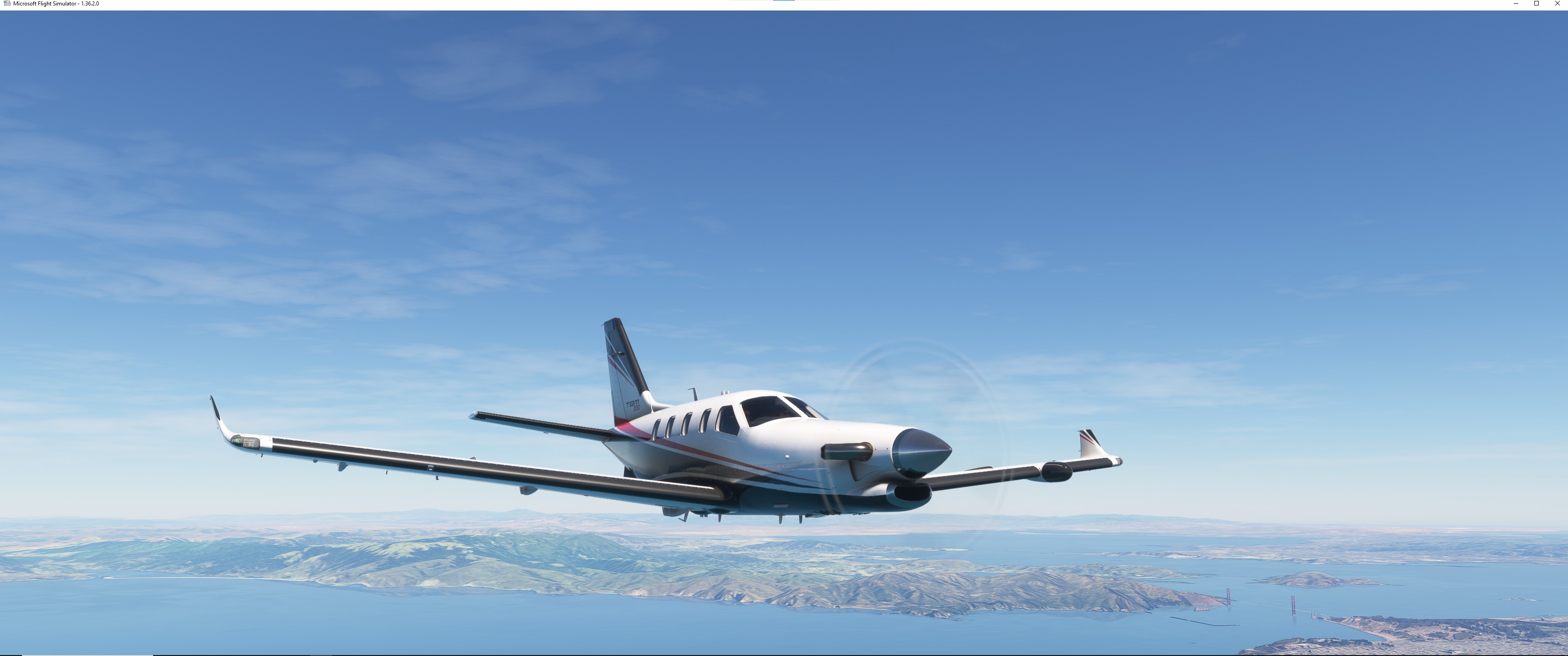
This is a modification to the MSFS 2020 default Asobo TBM 930 aircraft and is primarily aimed at improving the aircraft flight model to make its overall performance more closely match the actual aircraft, providing a much closer experience to flying the real aircraft. Multiple changes have been made to the flight model and engine parameters which are detailed in the Change Log. This mod does not add any new features or functionality to the original default aircraft.
This mod is easily installed by simply unzipping the download file and copying the mge-asobo-aircraft-tbm930 folder to the MSFS Community folder. It will then replace the existing default Asobo TBM 930 aircraft in the MSFS aircraft selection screen, and will also continue to utilize all of the existing available Liveries. To uninstall the mod and return to using the MSFS default aircraft, simply remove it from the Community folder.
Microsoft Flight Simulator © Microsoft Corporation. Asobo TBM 930 Realism Mod was created under Microsoft's "Game Content Usage Rules" using assets from Microsoft Flight Simulator, and it is not endorsed by or affiliated with Microsoft.
Asobo TBM 930 Realism Mod
Enhance the realism of the Asobo TBM 930 aircraft in Microsoft Flight Simulator 2020 with this mod. Improvements to the flight model and engine parameters bring you closer to the real aircraft experience. Simply install by unzipping the download file and enjoy a more authentic flying experience. Compatible with existing liveries, this mod is easily removable to revert back to the default aircraft.


Avis des utilisateurs
6 avis
Historique des versions
Version 1.4.1 ⦁ After a RUNWAY start the overhead TAXI/LDG light switch was in the wrong position... It was set to the TAXI position instead of the correct LDG position. It is now set to the LDG position as shown in the BEFORE LINE UP checklist step, which turns on both the TAXI and LANDING lights.
Présent dans des collections(1)


Similaires

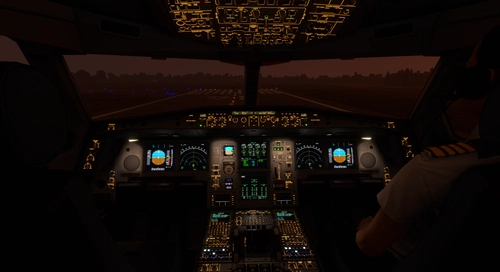
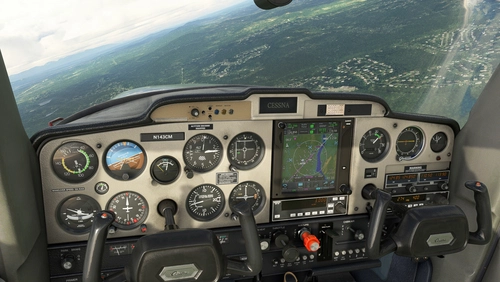
Asobo C172SP AS1000 Realism Mod
Enhance the flight dynamics of the Asobo C172SP AS1000 aircraft with this mod, which also includes the FLOATS and SKIS variant. This modification aims to provide a more realistic flying experience by adjusting engine and flight model parameters, weight, and balance. Detailed documentation and real-world training guides are included for easy installation and compatibility with other mods.
par MGouge425
Asobo Baron G58 Realism Mod
Enhance the realism of the Asobo Baron G58 in MSFS 2020 with this mod. Improvements to the flight model provide a more authentic flying experience, closely matching the performance of the actual aircraft. Easily install the mod by copying the folder to the Community folder, and enjoy the detailed changes listed in the documentation. Note: Only compatible with MSFS Deluxe Edition and Premium Deluxe Edition.
par MGouge425
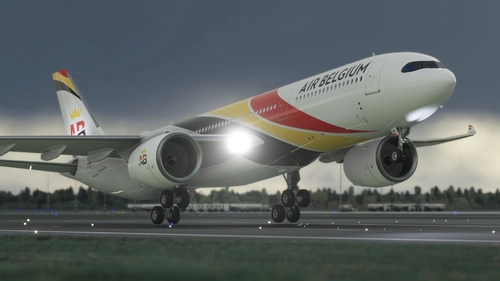
Asobo B747-8i Realism Mod
Enhance your Boeing 747-8i experience with this realism mod for the MSFS 2020 default aircraft. This modification focuses on improving the flight model to closely match the actual aircrafts performance. Detailed changes can be found in the included documentation, addressing bugs like the landing gear failure. Easily installed by transferring files to the Community folder, this mod aims to provide a more authentic flying experience.
par MGouge425

Asobo Icon A5 Realism Mod
Enhance your flying experience with the Asobo Icon A5 Realism Mod for MSFS 2020. This mod focuses on adjusting the flight model and performance of the default Icon A5 to align it more closely with the real aircraft. From improved flight parameters to enhanced weight and balance, this mod offers a more authentic and satisfying flight experience. Easily install this mod to enjoy a more realistic flying experience with the iconic and versatile Asobo Icon A5 aircraft in Microsoft Flight Simulator.
par MGouge425
Connectez-vous pour participer à la discussion
Se connecterCommentaires60
Without this mod it can be set easily, but with the mod it doesn't work.
Is this mod officially compatible for the Asobo TBM 930 in MSFS 2024?
Greetings, Boudewijn Nijssen
To perform a max rate climb without exceeding these limits, open the Pressurization DUMP valve before takeoff which will allow the cabin altitude and climb rate to remain the same as the aircraft, and the DIFF PSI to remain at 0, during your initial climb. When you reach 10,000 ft. close the DUMP valve to pressurize the cabin and keep the cabin altitude below the limit. The DIFF PSI will then slowly rise as your altitude increases further, until you reach the limit of 6.5 PSI, after which you must then reduce your climb rate if you have not reached your target cruise altitude.
To increase the max power and torque during climb out and cruise, turn the INERT SEP switch OFF after takeoff.
Pressing the TOGA button in the air will set the GA (go around) mode, which will disconnect the autopilot and arm the autopilot Pitch mode with 10° nose up and the Roll mode with wings level.
Thank you for your modifications sir. I just did the same test run at KGCN. And it went much better indeed. I tried the take off run again with 20 knots crosswind. In around 75% of the cases I could keep it straight with full rudder. In the other 25% of the cases I had to use 1 tap of diff. braking to keep it from going of the runway, but after that it was controllable enough to make it past the 40 knots, where enough rudder action again is present to keep it straight until V1. So it is much better then the last time, as then I could not keep it on the runway with almost continuous diff. braking, which can not be realistic. But now this is much better. My experience is that the crucial point is around 40 knots. Because, above 40 knots there is enough rudder action available. So if you keep it straight enough to 40 knots, you are in the clear.
Because this 20 knots crosswind is the maximum, and almost never happens, I am going to keep your mod and use it now. This is good enough rudder action for me, and some more realism in the flight model is appreciated. And you have done a lot too achieve that, so I read in all your specifications. I like the TBM 930 for its looks, range, etc. Too bad there is no payware variant of the 930, only the TBM 850. Hopefully someday somebody makes a good payware variant. Until that time I am happy with this plane.
Thanks again. Greetings from the Netherlands, Boudewijn