
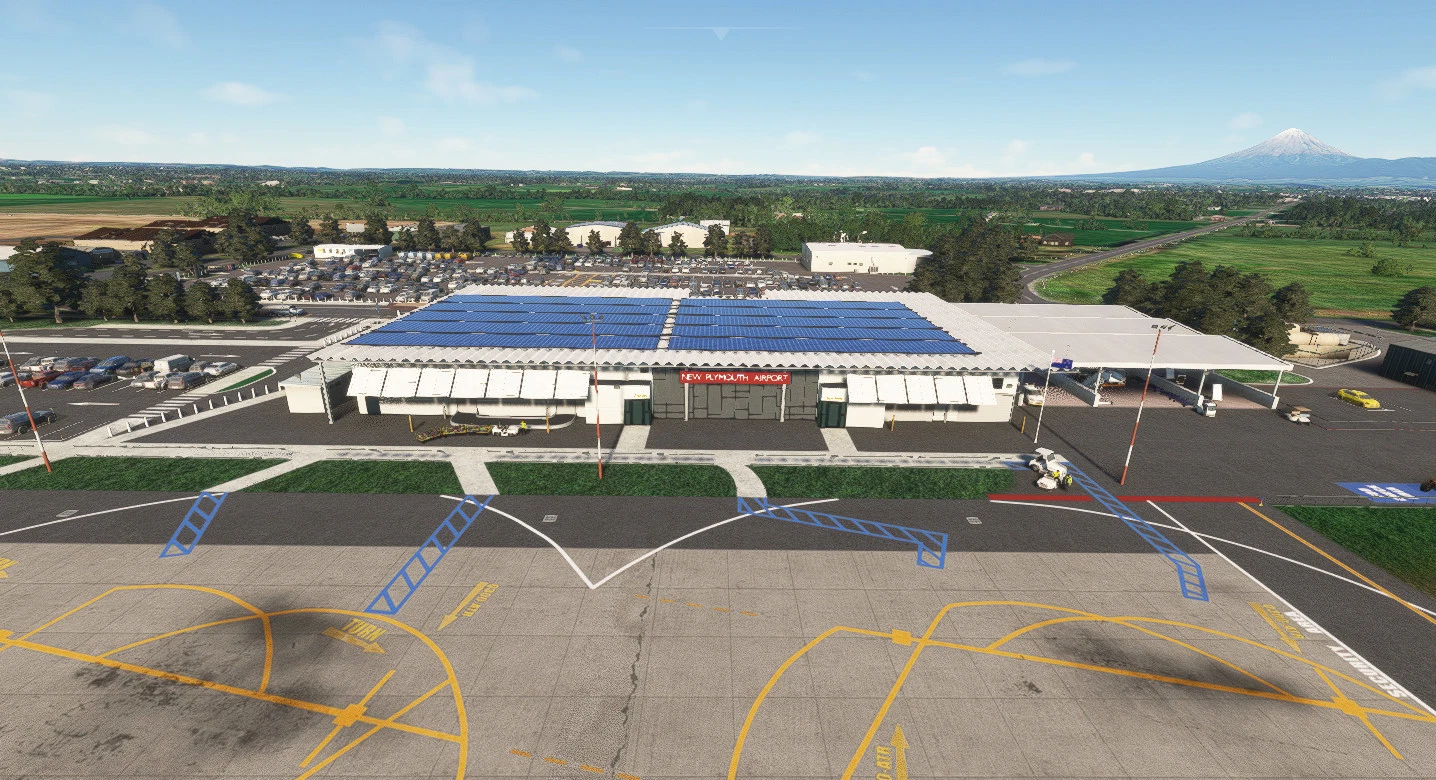
Description
NOTE: The dependancies listed in the dependancies section are required for both FS2020 and FS2024.
FS2024 Section
V1.1 30 Nov 24
- Stage 1 conversion to FS2024. Fixes missing buildings, corrects terrain and textures.
- Makes the airport work fine and look fine.
- Look out for further fixes and updates as I discover cool things in the new SDK.
V1.3 19 Dec 24
- Changed the terrain pathing references for the new terrain engine to read the surfaces correctly into FS2024.
- Moved a parking spot to make more room to taxi past it.
- Removed the hidden parking under the helipads left over from FS2020 version.
- Corrected some linework.
- Other minor corrections from FS2020.
- Wow this airport looks crazy good in FS2024 and works so well in career mode.
V1.4 20 Dec 24
- Replaced the popping tower with one that won't pop. Known aggressive LOD issue that I have no faith in Microsoft correcting.
V1.5 30 Jan 25
- Final converstion update to FS2024
- Removed and replaced the last of the popping objects.
- Changed the Control tower again, this one is nicer. Added a bloke waving from it, and popped a NZ flag on it as well.
- Removed all rocks that might show up.
V1.7 28 Dec 25
- FS2024 version update.
- Replaces/substitutes many missing objects caused by SU4. Too many to list.
- Fixes lighting issues also caused by updates in SU4.
- All of my scenery is now being checked for this total mess they caused us Dev's.
- Adds FS2024 Helicopter cold and dark parking.
- Adds taxiway exit lighting from the main runways.
- Some other minor fixes and additions.
V1.8 15 Feb 25
- Removed the terminal sign which never rendered correctly.
- Created Say Intentions AI taxituner profile (this is not included, comes with SI AI...)
FS2020 Section
Your sim must be up to date with all world updates installed. You do not need any photogrammetry installed, just the base world updates as I borrow scenery from those resources. This project makes extensive use of the UK2000 Scenery Library which is free in the Marketplace. Please make sure you have it installed.
A GSX profile for this scenery by goldmund can be found here.
Welcome to New Plymouth Airport as I continue to build quality airports for NZ. As always my work is based on the most recent aerial photography and airport charts. I make no claim to reproduce 100% but my work is always as true to life as my creative license will allow within the bounds of the SDK.
V 1.1
Everytime I build a new airfield, it becomes my favourite. I have a LOT of favourites now. Features of this one include:
- Payware quality, minus the massive download and internal teminal modelling BS.
- A personal hangar for you to begin your journey from within! (GA_Small Parking 1) - see the video trailer which features this.
- High detail everywhere, including custom carparks, custom ground markings and textures.
- Control tower with two ATC staff watching over you.
- Accurate apron area with some cool texturing.
- Basically the usual CoolGunS quality with friendly FPS as the No1 priority.
V 1.2 (25 May 24)
- Added a missing taxi-sign exit from the main runway to taxiway Hotel.
- Moved the spawn position of the internal hangar (GA Small Parking 1) closer to the entrance to the hangar.
- Added cars to the carpark immediately in front of the apron which I had neglected to do.
- Created a gravel connection between the helicopter apron and the GA apron you can use. Watch for FOD in your Duke Turbine!
- Replaced the redchecker building near the VOR station which was fading in and out of reality for some weird reason.
- Added more eye-candy objects.
V 1.3 (23 Jul 24)
- This airport now contains a workaround for the MSFS Helipad bug that prevents cold and dark starts. I have placed a small parking spot under each of them numbered 100, 101 etc. These are not connected to the taxi paths and can be chosen as an alterative to their matching Helipad so as to achieve a cold and dark spawn.
- Mowed the MSFS grass textures down to 1/3rd of their stock length. Makes a massive difference especially for taxiing and Helipads.
- Removed some more ugly blotches I had missed.
V 1.4 (23 Jul 24)
- Corrected any taxisigns and placed them in the right position and orientation.
- Replaced the stock lines with my own custom ones. Now all ground markings and lines will be colour matched.
- Made some other minor corrections and additions.
- This should be the last update before MSFS 2024.
Ensure your sim is up to date, see the note in yellow at the top for details.
Enjoy.
HELP ME STOP THE WIFE CHUCKING A TANTRUM:
If you appreciate the work that I have done and it gives you joy, PLEASE consider smashing that Paypal button and donate to the cause, just $5 or $10 or whatever you think is fair. I would love to continue to pump out these near-payware quality airfields for you to all enjoy but I have to justify my time and effort these days to the wife. Help me take her out to dinner or she will put a stop to anymore ''time-wasting" :(
Tip:
Don't forget to reload your Little Navmap scenery library now and then in order to keep your new airfields accurately portrayed within it. This way all your new taxiway designations are updated among other things.
LNM automatically searches through your community folder during the process which runs in the background so you can keep simming.
From the menu bar of LNM: Scenery Library | Load Scenery Library | press Load. When finished, press Use Database.
Instructions:
Unzip and drop into your Community folder.
Enjoy.
-=CoolGunS=-
Dépendances
Location
NZNP - New Plymouth Airport, New Zealand (2023)
Explore the detailed reconstruction of New Plymouth Airport in New Zealand with this add-on. Features include payware quality, personal hangars, high detail customizations, and realistic textures. Compatible with updated sim versions and designed for optimal performance.



Avis des utilisateurs
7 avis
Historique des versions
Removed the terminal sign which never rendered correctly. Created Say Intentions AI taxituner profile (this is not included, comes with SI AI...)
Similaires
NZHN - Hamilton Airport, New Zealand (2023)
Experience a high-quality, detailed reproduction of Hamilton Airport in New Zealand with this add-on. Features include over 1000 hand-placed objects, detailed airport buildings, surrounding scenery, and more. Ensure your sim is up to date and dive into this meticulously crafted airport scenery.
par CoolGunS
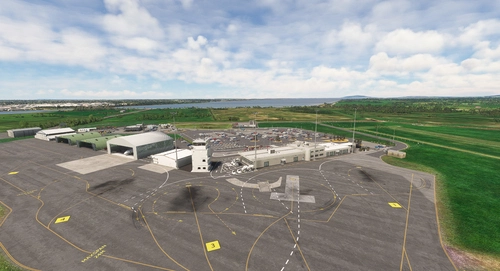
NZNV - Invercargill Airport, New Zealand (2023)
Enhance your flight simulation experience with this detailed add-on featuring Invercargill Airport in New Zealand. Enjoy working AI Traffic, GSX compatibility, and various improvements in the latest updates. Follow the development journey as the scenery evolves with new features and enhancements. Step into the world of aviation with a touch of realism in this immersive airport recreation.
par CoolGunS
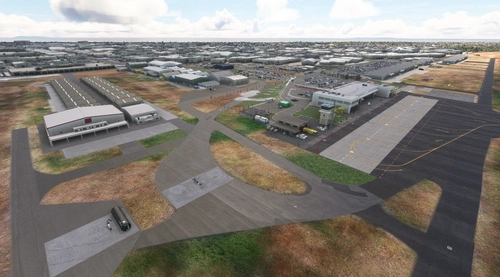
NZTG - Tauranga Airport, New Zealand
Experience the complete rebuild of Tauranga Airport in New Zealand to 2023 standards. Discover hand-placed 3D models, upgraded terminals, new runways, and accurate taxiway designs in this detailed scenery enhancement. Update to the final version for optimized FPS and added features like private business hangars and detailed clutter. Unzip, drop into your Community folder, and enjoy the immersive transformation by -=CoolGunS=-.
par CoolGunS
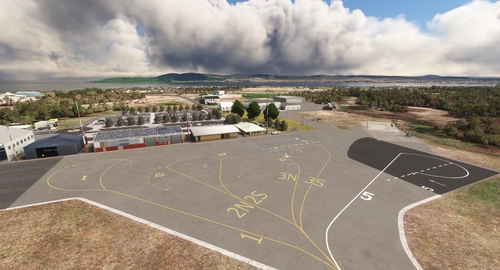
NZAP - Taupo Airport, New Zealand (2023)
Explore Taupo Airport in New Zealand with this detailed scenery add-on that includes over 300 hand-placed objects, custom apron markings, and realistic airport structures. Version 2.0 marks the completion of both stages, featuring high detail and true-to-life elements such as helipads, a campsite, and accurate carpark layouts. Keep an eye out for updates to enhance your flight simulation experience at this unique location.
par CoolGunS
Connectez-vous pour participer à la discussion
Se connecterCommentaires(35)
about 1 year ago
Is it possible the exclude missing?
about 1 year ago
about 1 year ago
about 1 year ago
about 1 year ago
UK2000 Scenery Library is installed.
about 1 year ago
about 1 year ago
about 1 year ago
about 1 year ago
about 1 year ago
about 1 year ago
about 1 year ago
almost 2 years ago
almost 2 years ago
about 2 years ago
about 2 years ago
Here is a link to a really handy interactive map of all Asobo addons that I find invaluable. https://www.google.com/maps/d/u/0/viewer?mid=1KUg5jwyT_9k2A9n5IZ99UChlhfVUfO5S&hl=en_US&ll=42.389471433077354%2C1.6241354231491418&z=7
about 2 years ago
Many thanks
about 2 years ago