

Description
BKSQ Duke B60 StreamDeck XL & PLUS profile & AAO Scripts
by Guenseli
You need LORBYs AAO and its StreamDeck Plugin to run this StreamDeck profile.
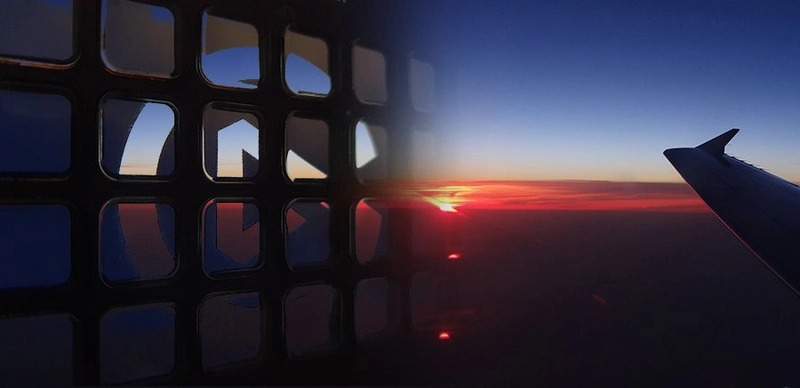
This profile contains both versions of the Duke, Piston AND Turbine! Preview picture here show just Turbine, don't be confused.
ATTENTION!
PLEASE READ CAREFULLY!
- When you import SD profiles, make sure to delete the old ones, otherwise you'll get profile copies.
- Make sure to always have the latest AAO and AAO StreamDeck plugin versions!
- I just create the SD profiles! For any connection issues, SD plugin not working, Buttons show "?" or nothing, no reaction of the SD etc., please contact the developer of AAO! And please read the AAO Manual or the short Troubleshooting PDF
- It is - as the title says - just for the StreamDeck XL (!). Please do not ask for a 15 button conversion. This will not happen as this will more than double the amount of development and support for me as I do not have a 15 button SD. Sorry.
- Please ask if you want to use parts of my SD profiles, icons or AAO scripts or whatever! And please ask everytime you start a new project! You have to credit and link me in your description! If you use my work, you are then not allowed to beg for own donations!
Installation:
Install the SD XL profile by double clicking at BKSQ Duke.streamDeckProfile
Install the SD PLUS profile by double clicking at PLUS BKSQ Duke.streamDeckProfile
Import the AAO script BKSQ_Duke_AxisAndOhsScripts.xml according to the AAO manual
You can use the AAO scripts of course for other hardware, too!
Donations are welcome!!! it is a lot, really a lot of work, and some donations make future projects easier ;) thx!
If you want to donate directly as friend without a PayPal fee, then use this adress, please: www.paypal.com/paypalme/GuenterSteiner
BKSQ Duke B60 StreamDeck XL & PLUS profile & AAO Scripts
Enhance your cockpit experience with the BKSQ Duke B60 StreamDeck XL & PLUS profile & AAO Scripts by Guenseli. This alpha version includes SD profiles for both the piston and turbine Duke, with continuous updates in the works. Make sure to follow installation instructions carefully and stay updated with the latest AAO versions for optimal performance. Donations are welcome to support the ongoing development of this project.



Avis des utilisateurs
8 avis
Historique des versions
added FOD gauge (you can see it only in the Turbine of course) AP GS button: I do not find any variable ... is it working in reality, or just announcement? small fixes here and there
Similaires
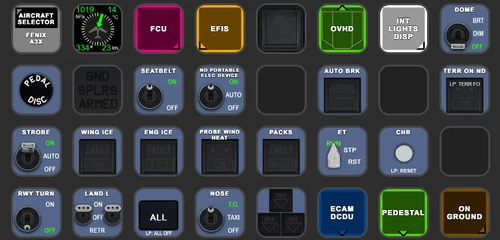
FENIX A3XX AAO Scripts & StreamDeck XL & PLUS Profile
Customize your Microsoft Flight Simulator experience with FENIX A320 AAO Scripts & StreamDeck XL Profile by Guenseli. This add-on offers a seamless integration with LORBYs AAO and StreamDeck Plugin for optimal performance. Explore the detailed installation instructions for enhanced functionality with a VRInsight MCP Combo II. Elevate your simulation setup with this meticulously crafted add-on.
par Guenseli
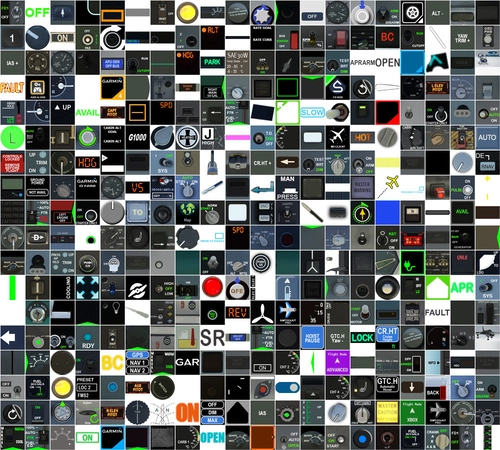
Icon Pack for Elgato StreamDeck
A collection of over 3500 icons designed for Elgato StreamDeck and similar devices, created by Guenseli. Ideal for personal use with a disclaimer against commercial usage. Icons are detailed and diverse, providing a variety of options for customization. Credits required if used in public projects, with a suggestion for donations to support the creators work.
par Guenseli
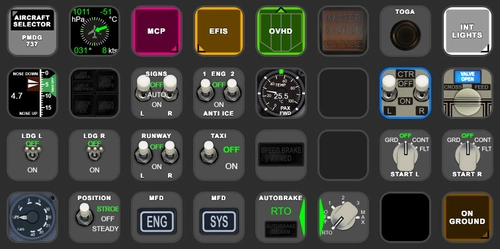
PMDG 737 AAO Scripts & StreamDeck XL & PLUS Profile
Enhance your PMDG 737 experience with the PMDG 737 AAO Scripts & StreamDeck XL & PLUS Profile by Guenseli. Make sure to update your Elgato Software to version 6.0 or higher for compatibility. This profile is specifically designed for the StreamDeck XL and requires LORBYs AAO and its StreamDeck Plugin to run smoothly. Get ready to elevate your cockpit with this detailed and user-friendly add-on.
par Guenseli
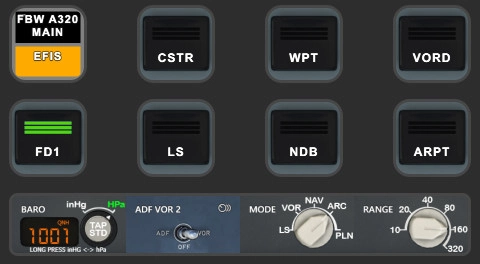
FBW A320 AAO Scripts & StreamDeck XL & PLUS profile and MCP Combo template
Enhance your FBW A320 experience with tested AAO Scripts and StreamDeck profiles for XL & PLUS versions. Ensure to delete old profiles before import and always use the latest plugin versions for seamless integration. Contact AAO developer for any connection issues and give credit if using parts of these profiles in your projects. Install scripts and profiles for an immersive flight simulation experience.
par Guenseli
Connectez-vous pour participer à la discussion
Se connecterCommentaires(35)
3 months ago
I've done some flights in the SD+ version and couple of things that I missed was the option to turn both mags, and most importantly an option to change baro.
I imagine taping the alt window to change it would be great, along with the option to change thousands by pressing the rotary like the real unit with no acceleration needed. Thank you very much
4 months ago
almost 2 years ago
almost 2 years ago
You can use both but can't it port over or sth like that.
AAO has much more possibilities. My profiles wouldn't be possible without in that form.
about 2 years ago
about 2 years ago
about 2 years ago
about 2 years ago
over 2 years ago
about 2 years ago
over 2 years ago
over 2 years ago
over 2 years ago
Are there still plans for a Cruiselevel report? ;)
over 2 years ago
over 2 years ago
over 2 years ago
over 2 years ago
over 2 years ago
over 2 years ago