
Description
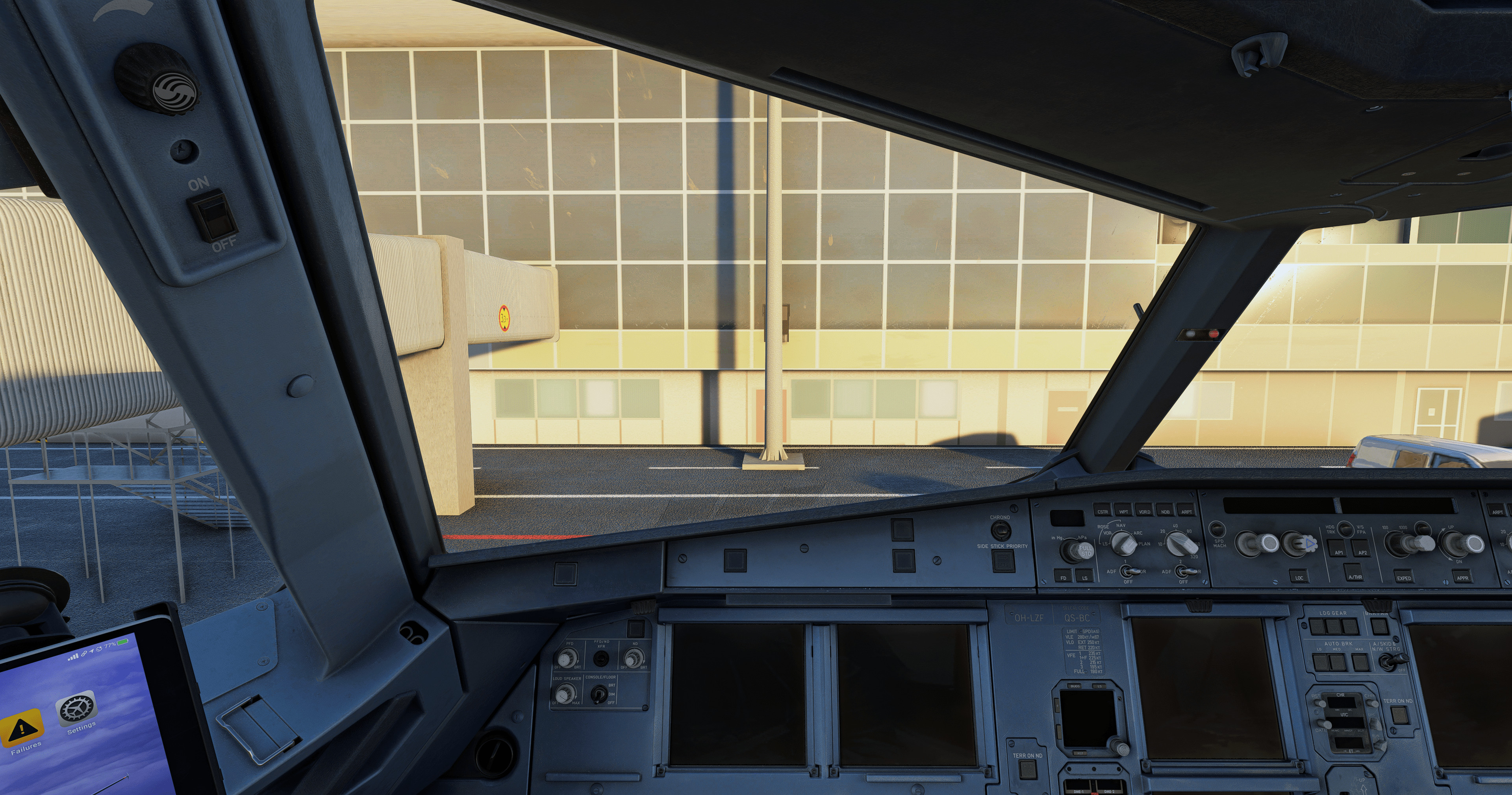
Custom cameras for the Fenix extension pack A321 including various cockpit views and wing views.
Simply download and copy the CFG file to %AppData%\Roaming\Microsoft Flight Simulator\SimObjects\Airplanes\FNX_321_IAE (or FNX_321_CFM)
For GAMEPASS PLAYERS ONLY the file directory will be %localappdata%\Packages\Microsoft.FlightSimulator_8wekyb3d8bbwe\LocalCache\SimObjects\Airplanes\FNX_321_IAE (or FNX_321_CFM)
Enjoy!!!
Custom Views for the Fenix Extension Pack A321
This add-on features custom camera views designed for the Fenix extension pack A321, including a variety of cockpit and wing perspectives. Instructions for installation are provided, specifying file locations for both standard and Game Pass users. The custom views enhance the virtual flying experience by offering diverse options for cockpit and exterior visibility.

Avis des utilisateurs
1 avis
Historique des versions
Aucun historique de version disponible.
Similaires
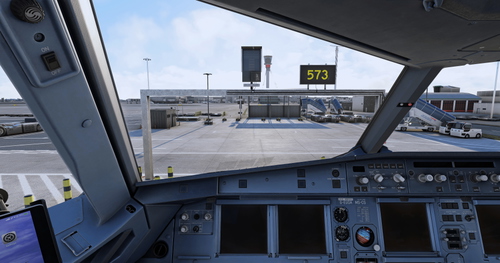
Custom Views for the Fenix A319
This add-on offers a selection of custom wing and cockpit views specifically designed for the Fenix A319 expansion pack (CFM/IAE) in Microsoft Flight Simulator. Users can easily install the mod by copying the provided CFG file to the designated aircraft directory. The add-on is intended for Game Pass players as well, with alternative file paths included for installation.
par Cloud_SV
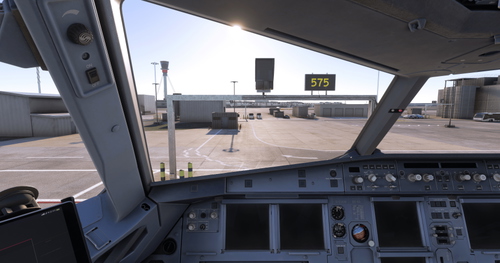
Camera pre-set for Fenix B2
Custom cameras preset for the Fenix A320, offering a range of cockpit and wing views. Easily install by downloading and copying the CFG file to the specified directory in Microsoft Flight Simulator. Specifically designed for Gamepass players as well. Enjoy immersive views with this add-on!
par Cloud_SV
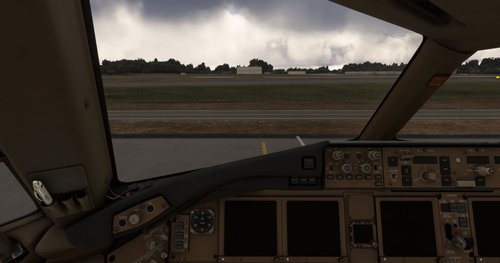
PMDG 777-300ER custom views
Customize your PMDG 777-300ER experience with this add-on, featuring a range of cockpit and wing views. Easily install by downloading and copying the CFG file to the specified directory. Perfect for Game Pass Players, enhance your flight simulator adventures now.
par Cloud_SV
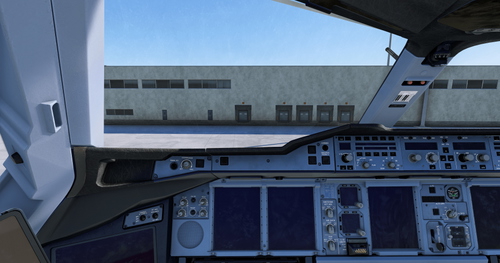
Custom Views for the FBW A380X
This add-on provides custom camera views for the FBW A380X, featuring a variety of cockpit and wing perspectives. Users can easily install by copying the provided CFG file to the designated directory, tailored for both general and Game Pass players. Enhance your flight experience with these specialized views designed for the popular aircraft.
par Cloud_SV
Connectez-vous pour participer à la discussion
Se connecterCommentaires(7)
10 months ago
about 1 year ago
about 1 year ago
Please make sure you follow the instructions carefully. Also the simulator needs to be restarted (if already open) after you have put the file in the directory applicable to you (i.e depending on how you purchased the simulator).
Please also check your key bindings within the simulator and that it is the custom view bindings you have set.
Please let me know if you still have problems failing these measures.
about 2 years ago
about 2 years ago
Ce commentaire a été supprimé
about 2 years ago
about 2 years ago
I have disclosed where to find the roaming file in the description, I apologise if it is not immediately obvious/confusing. The file should appear after your first load into the aircraft, failing this you can always create the folder in the directory with the appropriate name (e.g. FNX_321_CFM) and copy the CFG here manually. Hope this helps!