
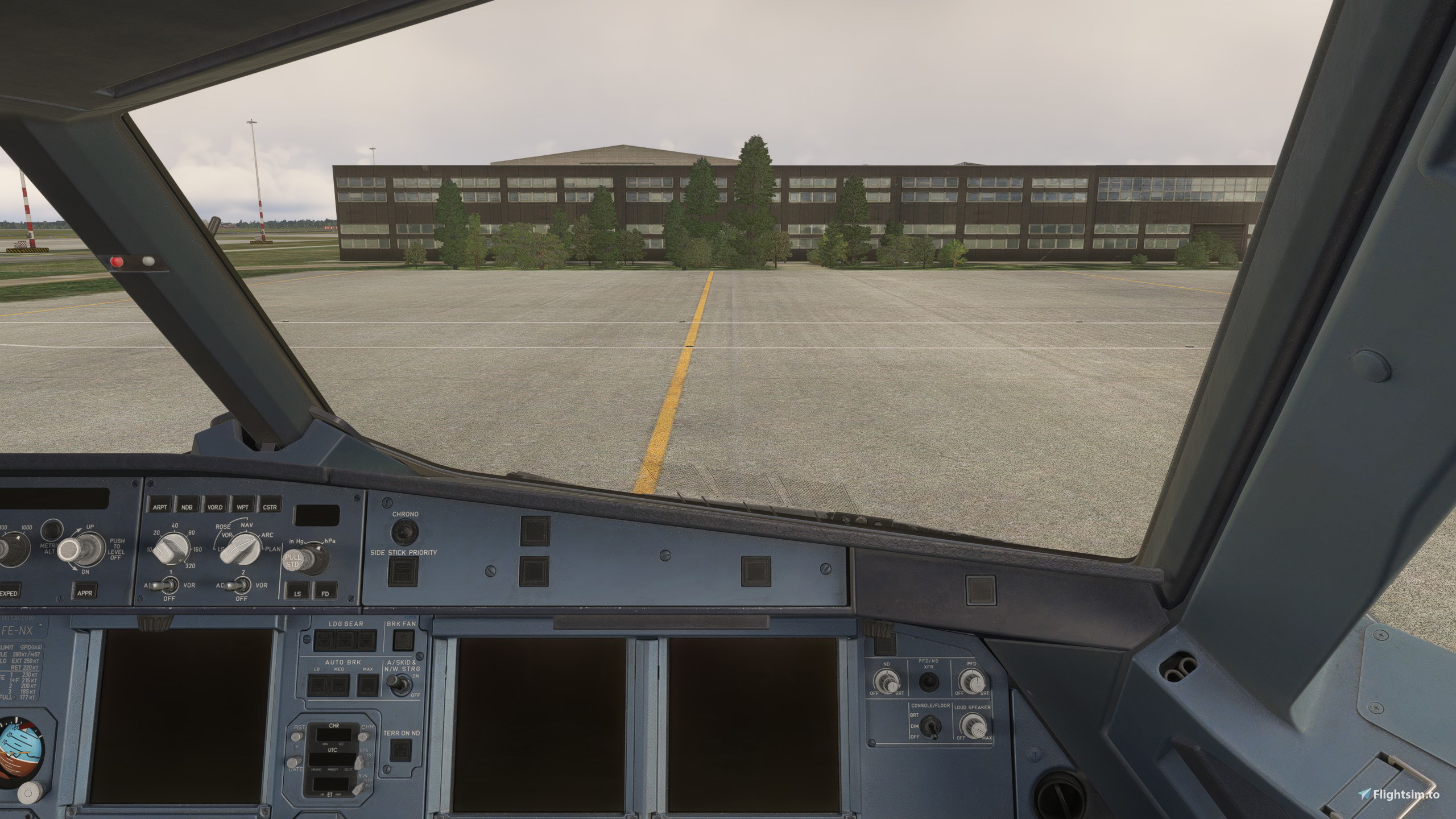
Description
Custom camera views for the Fenix A319 CFM and IAE. Includes cockpit views and fixed showcase views. To install, drag and drop the folder 'z-msfspatrick-camera-fnx-319' into the MSFS community folder.
Be aware the views within this mod are prioritized over the default fixed showcase views as well as your own custom saved camera views. Revert to your previous views by removing this mod from the community folder.
The following custom views are included:
- Custom camera 0: Dashboard view
- Custom camera 1: EFB view
- Custom camera 2: Pedestal view
- Custom camera 3: MCDU view
- Custom camera 4: Captain view
- Custom camera 5: ECAM System Display and MCDU view
- Custom camera 6: First Officer view
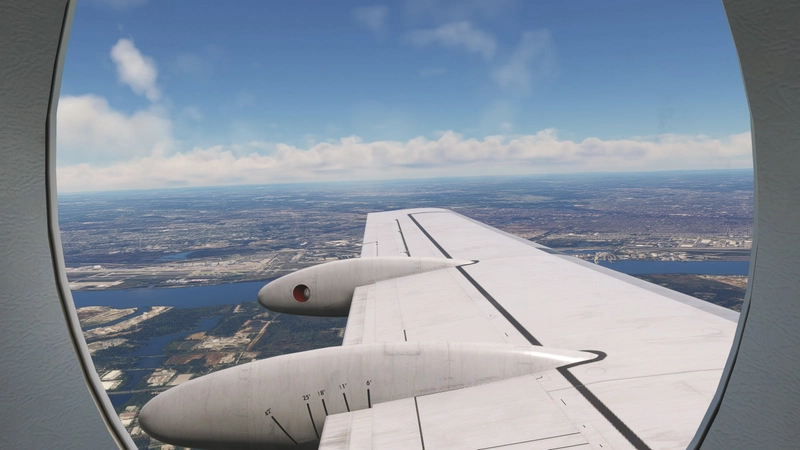
- Custom camera 7: Left side view
- Custom camera 8: Overhead view
- Custom camera 9: Right side view
- Fixed camera 1: Left FWD wing view
- Fixed camera 2: Left MID wing view
- Fixed camera 3: Left MID wing view
- Fixed camera 4: Left AFT wing view
- Fixed camera 5: Right FWD wing view
- Fixed camera 6: Right MID wing view
- Fixed camera 7: Right MID wing view
- Fixed camera 8: Right AFT wing view
- Fixed camera 9: Outside showcase 1
- Fixed camera 10: Outside showcase 2
- Fixed camera 11: Outside showcase 3
- Fixed camera 12: Outside showcase 4
Fenix A319 Custom Camera Views
This add-on provides a selection of custom camera views specifically for the Fenix A319 CFM and IAE. It includes various cockpit perspectives such as the dashboard, EFB, and views from both the captain and first officer positions, alongside multiple fixed showcase views. The installation process requires simply dragging the designated folder into the MSFS community folder, and the custom views will override default settings until the mod is removed.
Avis des utilisateurs
5 avis
Historique des versions
Aucun historique de version disponible.
Similaires
Fenix A320 Custom Camera Views
This add-on provides custom camera views for the Fenix A320, featuring both cockpit perspectives and fixed showcase views designed for the CFM and IAE variants. Users can access a variety of views, including dashboard, EFB, and multiple wing perspectives, enhancing their simulation experience. Installation is simple, requiring the drag and drop of a folder into the MSFS community folder. Note that these custom views will override default and previously saved settings until the mod is removed.
par MSFSPatrick
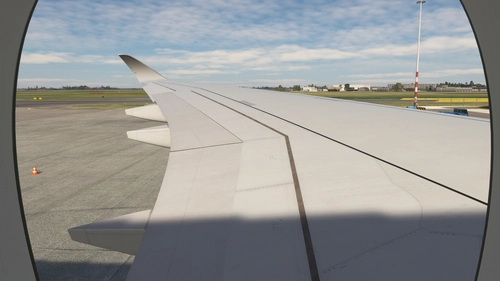
iniBuilds A350 Custom Camera Views
This add-on provides custom camera views for the iniBuilds A350 (-900 and -1000). It includes a variety of cockpit and fixed showcase views, designed to enhance the simulation experience. Installation is straightforward, requiring a simple drag-and-drop into the MSFS community folder. Note that these custom views will override default settings.
par MSFSPatrick
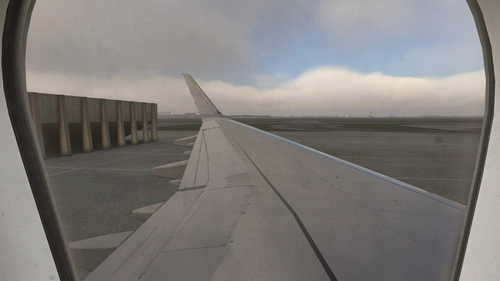
Fenix A321 Custom Camera Views
This add-on provides a set of custom camera views specifically designed for the Fenix A321 CFM and IAE models. It includes various cockpit perspectives and fixed showcase views, allowing enhanced visual access to key instrumentation and cockpit areas. Installation is straightforward by dragging the designated folder into the MSFS community folder, with the option to revert to default views by removing the mod. A total of 20 custom and fixed camera views are included for a comprehensive viewing experience.
par MSFSPatrick
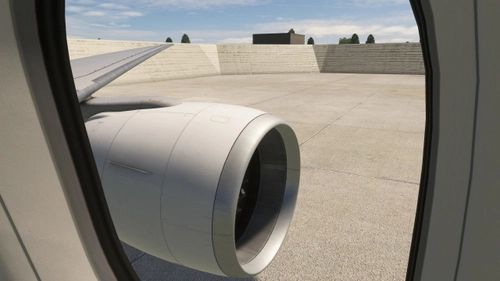
PMDG 777-300ER Custom Camera Views
This add-on provides custom camera views for the PMDG 777-300ER, featuring a range of cockpit and exterior perspectives. It includes 10 custom cockpit views focusing on different instruments and pilot positions, as well as 12 fixed showcase views for various angles of the aircraft. Installation requires simply dragging the folder into the MSFS community folder, and it overrides both default and previously saved camera settings. Users can restore their original views by removing the mod from the community folder.
par MSFSPatrick
Connectez-vous pour participer à la discussion
Se connecterCommentaires(16)
3 months ago
9 months ago
what are the buttons ? for the views
9 months ago
about 1 year ago
about 1 year ago
about 1 year ago
about 1 year ago
about 1 year ago
about 1 year ago
about 1 year ago
over 1 year ago
over 1 year ago
over 1 year ago
over 1 year ago
Use the exact same instructions as from the A320, and it should work!
almost 2 years ago
about 2 years ago