
Description
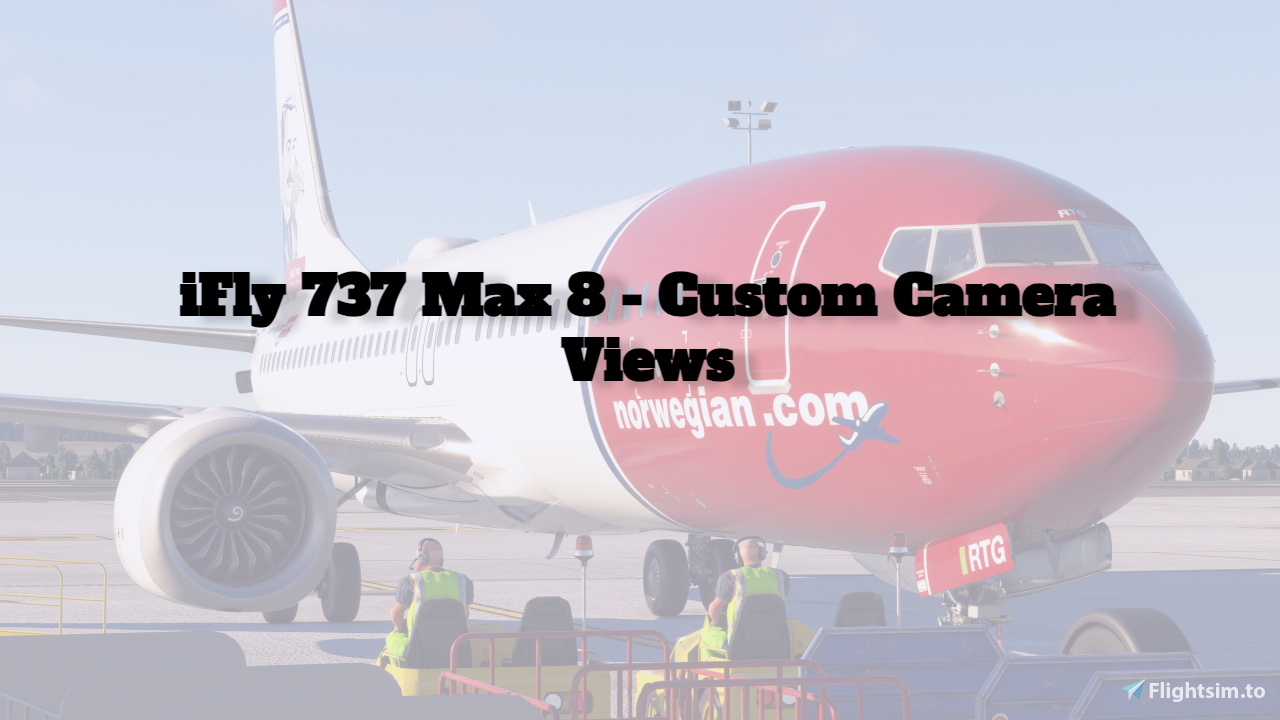
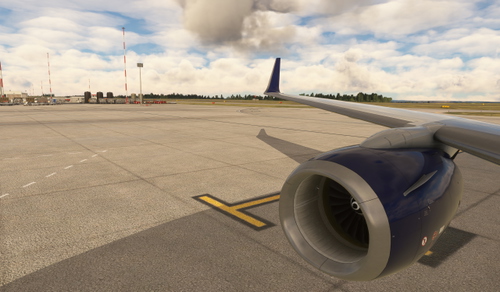
These custom camera views for the iFly 737 Max 8 are a great starting point. You can either leave them or edit them as you wish. I have also added screenshots of all the views - in order. I will frequently update this based on feedback!
-------------
Use ALT + 1-9 to control.
Alt + 1 = EFB
Alt + 2 = FMCs
Alt + 3 = Overhead
Alt + 4-7 = Exterior Views (Wing, Engine etc.)
Alt + 8 = Cockpit Nose View
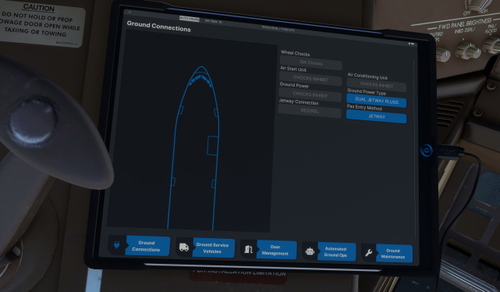
Alt + 0 = Tablet in Cabin (To control lights etc.)
-------------
To install, drag and drop into
C:\Users\YourUsername\AppData\Roaming\Microsoft Flight Simulator\SimObjects\Airplanes (Steam)
OR
C:\Users\YourUsername\AppData\Local\Packages\Microsoft.FlightSimulator_8wekyb3d8bbwe\LocalCache\SimObjects\Airplanes (Microsoft Store)
-------------
Need help? Feel free to contact me on my profile, or in the comments.
iFly 737 Max 8 Camera Views
This add-on provides custom camera views specifically designed for the iFly 737 Max 8 aircraft. It features a variety of views including cockpit displays and exterior perspectives, which can be easily edited to suit user preferences. The installation process involves a simple drag-and-drop into the specified directory. Keyboard shortcuts are included for quick access to different camera angles.

Avis des utilisateurs
4 avis
Historique des versions
- Major Fixes / Tweaks (QoL)
Similaires
PMDG 737-800 Camera Views
Customize your PMDG B737-800 experience with these beginner-friendly camera views. Easily adjust or use them as they are, offering a solid foundation for your flights. Includes various interior and exterior views for enhanced immersion.
par Rhys10
BAE 146 + Avro RJ Camera Views
Custom camera views for the JustFlight BAE 146 and Avro RJ are provided, catering to beginners. The add-on includes specific folders for all aircraft variants, allowing users to easily access various camera perspectives such as the EFB, FMC, and different engine and wing views. Installation instructions are included for both Steam and Microsoft Store versions of Microsoft Flight Simulator, ensuring a streamlined setup. Compatibility with MSFS 2024 is forthcoming.
par Rhys10
PMDG 737-800 BCF Camera Views
This add-on features custom camera views designed specifically for the PMDG B737-800BCF, offering a beginner-friendly setup. Users can manipulate or retain these views, which serve as a solid foundation for cockpit and exterior visibility. Quick reference keys (ALT + 1-9) are provided for easy access to various perspectives, including the EFB, FMCs, and multiple exterior views. Installation is straightforward, requiring a simple drag-and-drop into designated folders.
par Rhys10
PMDG 777-300ER Camera Views
This add-on provides custom camera views specifically designed for the PMDG 777-300ER, offering a versatile starting point for users. The views include essential cockpit angles such as the EFB, FMCs, and overhead panel, along with several exterior perspectives. Users can easily control the camera positions using designated ALT key combinations and are free to modify them as needed. Installation is straightforward, requiring a simple drag-and-drop into the designated folders for Microsoft Flight Simulator.
par Rhys10
Connectez-vous pour participer à la discussion
Se connecterCommentaires(34)
10 months ago
10 months ago
10 months ago
10 months ago
10 months ago
It does not follow the 1-9 as you marked, and it puts me through the floor or near the ground in the cabin in pretty much every view. I can't fix the view and save their position either.
10 months ago
10 months ago
10 months ago
about 1 year ago
about 1 year ago
about 1 year ago
over 1 year ago
over 1 year ago
almost 2 years ago
almost 2 years ago
almost 2 years ago
almost 2 years ago