
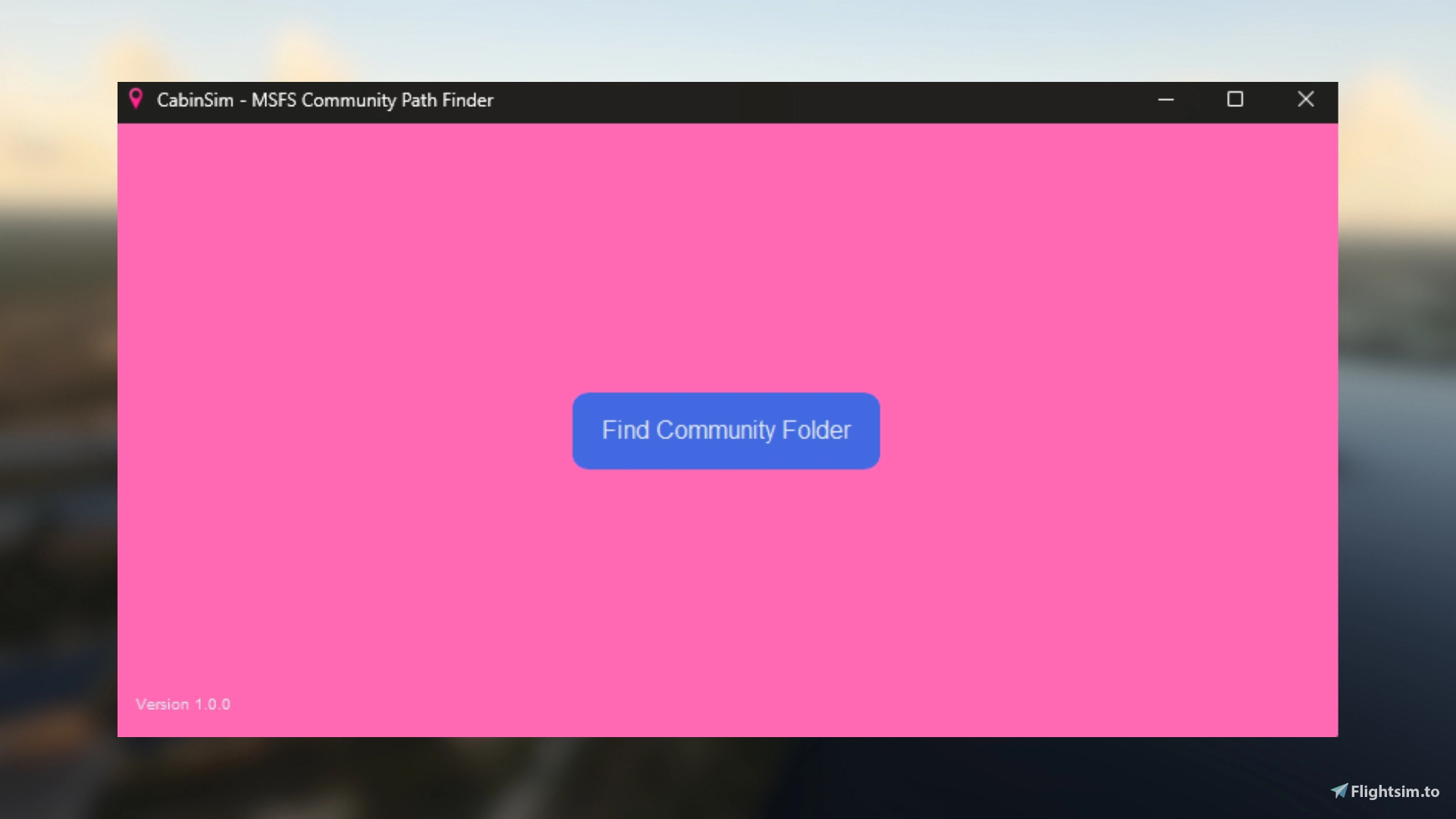
Description
MSFS Community Path Finder is a utility application designed to help Microsoft Flight Simulator (MSFS) enthusiasts quickly locate their Community folder. This folder is crucial for installing and managing add-ons, mods, and custom content for MSFS.
## Key Features
- Automatic detection of the MSFS Community folder
- User-friendly graphical interface
- One-click copying of the folder path
- Support for various MSFS installation types (Steam, Microsoft Store, Boxed Edition)
- Progress indicator for search operations
- Attractive and intuitive design
## How It Helps
- Saves time by automatically finding the Community folder
- Eliminates the need for manual searching through file systems
- Reduces errors in add-on installation by ensuring the correct folder path
- Simplifies the process for both new and experienced MSFS users
## System Requirements
- Operating System: Windows 10 or later
- Processor: 1 GHz or faster
- RAM: 2 GB (4 GB recommended)
- Disk Space: 50 MB free space
- Display: 800x600 or higher resolution
- Microsoft Flight Simulator (2020) installed
- .NET Framework 4.5 or later
## Installation
No installation required. Simply download and run the executable file.
## Usage
1. Launch the application
2. Click the "Find Community Folder" button
3. Wait for the search to complete
4. Use the "Copy Path" button to copy the folder location to your clipboard
## Compatibility
Compatible with all versions of Microsoft Flight Simulator (2020), including:
- Steam Edition
- Microsoft Store Edition
- Boxed Edition
## Support
For support inquiries, please contact me on discord: jadee_lu
## Version
Current Version: 1.0.0
## Disclaimer
This application is not affiliated with, authorized, endorsed by, or in any way officially connected with Microsoft Corporation, or any of its subsidiaries or affiliates.
CabinSim - Community Folder Finder
CabinSim - MSFS Community Path Finder is a utility tool designed to aid Microsoft Flight Simulator users in quickly locating their Community folder, essential for managing add-ons and custom content. Key features include automatic detection of the folder, a user-friendly interface, and one-click path copying, supporting various installation types. The application simplifies the add-on installation process, particularly for new and seasoned users alike, eliminating manual searches and reducing errors. It is compatible with all versions of Microsoft Flight Simulator (2020) and requires no installation, making it easy to use.


Historique des versions
Aucun historique de version disponible.
Similaires
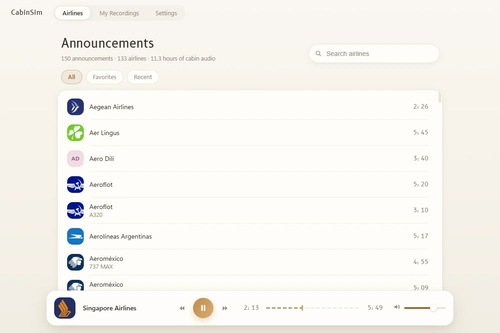
CabinSim — The Airline Cabin Announcement Player 1.2.2
150 genuine cabin announcements from 133 real airlines, built right into the app. No setup, no downloads, no internet — install it and press play.
par CabinSim
CabinSim - Checklist Creator
CabinSim - Checklist Creator is a standalone desktop application designed for creating, managing, and executing custom checklists for aircraft in Microsoft Flight Simulator. It features a cockpit-inspired dark interface, an always-on-top mode for visibility during flight, and compact mode for screen space efficiency. Users can develop checklists with a full editor, organize procedures across nine flight phases, and utilize pre-built templates for popular aircraft, all while ensuring their data remains offline and locally stored.
par CabinSim
Connectez-vous pour participer à la discussion
Se connecter