
Description
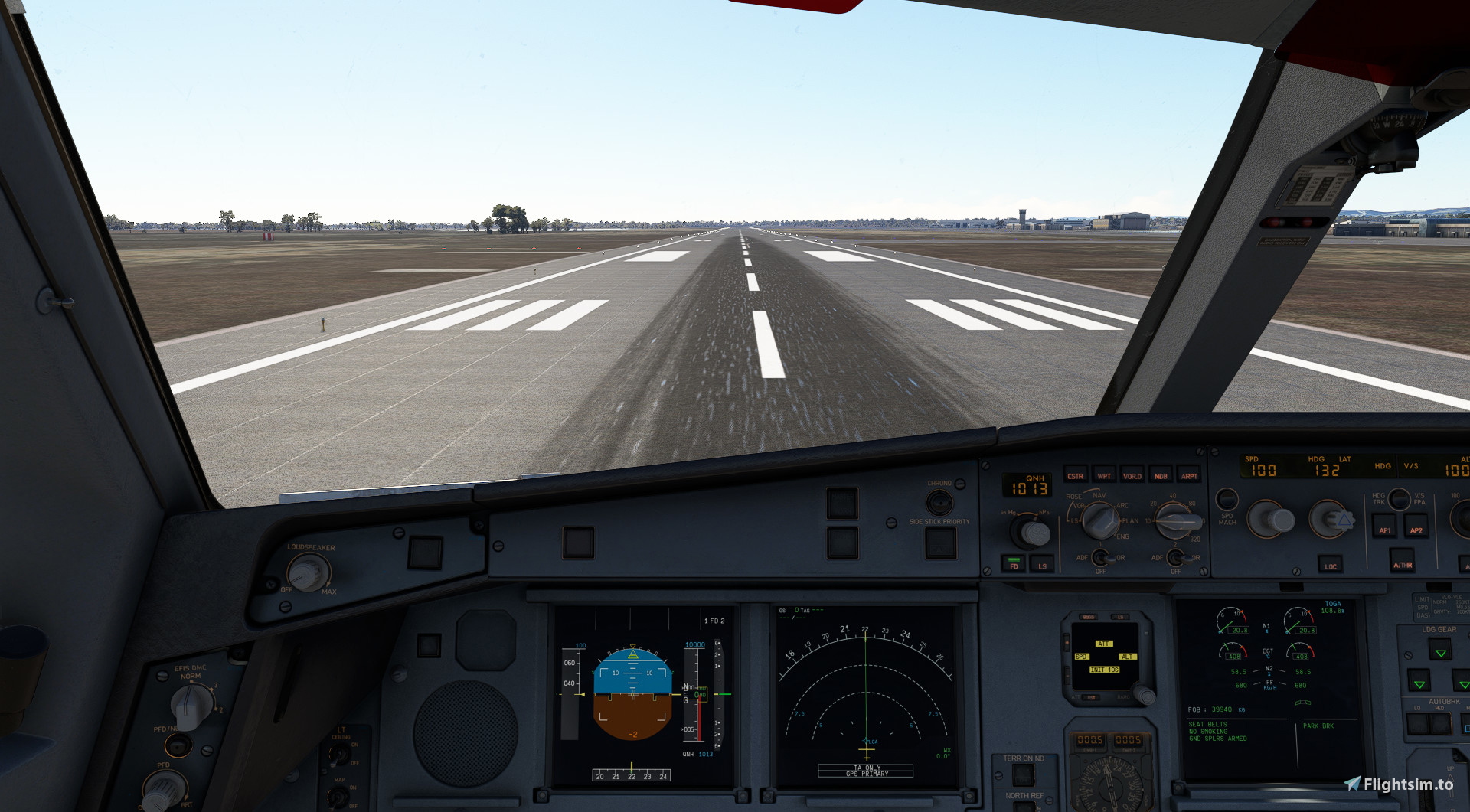
The Ultimate Custom Cameras For INI A330-200
These Custom Views Are Calculated To Be The Most Helpful Views Ever Released For Both The Cockpit Crew And The Passengers In Airbus 330-200Note: These Views Has Been Calculated Very Much To Have Good Eye Drop In The Specific Instrument The User Want To Find
This Add-On Includes 10 Custom Views: You Can Click The Specific Number On Your Keyboard To Access ItNum 1: Pilot View
Num 2: Go-Pro View
Num 3: EFB View
Num 4: MCDU View
Num 5: Overhead View
Num 6: Radio Panel View
Num 7: Left Wing View
Num 8: Right Wing View
Num 9: Left Engine View
Num 0: Right Engine View
Installation instructions:
WARNING
For the Microsoft Store installation
INI A330-200 GE: C:\Users\[UserName]\AppData\Local\Packages\Microsoft.FlightSimulator_8wekyb3d8bbwe\LocalCache\SimObjects\Airplanes\Microsoft_A330-200GE
INI A330-200 RR: C:\Users\[UserName]\AppData\Local\Packages\Microsoft.FlightSimulator_8wekyb3d8bbwe\LocalCache\SimObjects\Airplanes\Microsoft_A330-200RR
For Steam installation:
INI A330-200 GE: C:\Users\[UserName]\AppData\Roaming\Microsoft Flight Simulator\SimObjects\Airplanes\Microsoft_A330-200GE
INI A330-200 RR: C:\Users\[UserName]\AppData\Roaming\Microsoft Flight Simulator\SimObjects\Airplanes\Microsoft_A330-200RR
!!!READ ME!!!
If You Want You Can Create A Back Up Of Your A330-200 Custom Views
Thanks For Downloading These Custom Views
If You Have Any Problem With The Custom Views You Can Always DM Me
The Ultimate Custom Cameras For iniBuilds A330-200 | MSFS24
This add-on provides ten custom camera views specifically designed for the INI A330-200 in Microsoft Flight Simulator 2024. Each view is tailored to enhance visibility and usability for both the cockpit crew and passengers. Users can quickly access these views through number keys on their keyboard, focusing on crucial instrumentation and exterior perspectives. Installation instructions are included for both Microsoft Store and Steam users.


Historique des versions
Aucun historique de version disponible.
Similaires
Custom camera views for every MSFS2024 airplane | MSFS24
This add-on provides custom camera views for all standard aircraft in Microsoft Flight Simulator 2024. Users can access cockpit and cabin views for a wide range of aircraft, including popular models such as the Airbus A320neo, Cessna 172, and Boeing 737 MAX 8, with Deluxe and Premium Deluxe aircraft support planned for the future. Installation instructions are included for both Microsoft Store and Steam users. The add-on allows for easy access to views using number keys 0-9, enhancing the overall flying experience.
par LunakisLeaks
The Ultimate Custom Cameras For Fenix A320
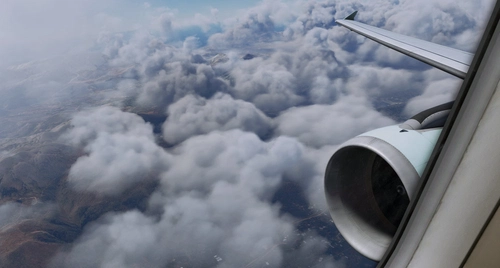
These Custom Views Is One Of The Most Calculated Views For The Fenix A320 Aircraft. These Views Has Been Made To Make Both The Cockpit Crew And The Passengers To Feel Comfortable Inside The Cockpit Or The Cabin Also These Views Has Been Calculated Very Much To Have Good Eye Drop In The Specific Instrument The User Want To Find
par LunakisLeaks
FlyByWire Custom Cameras | A32NX
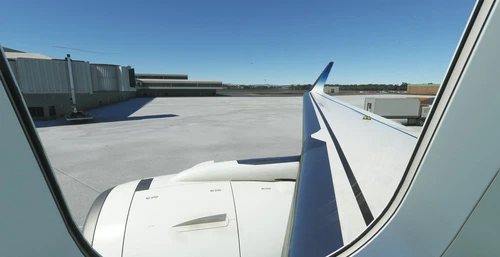
Enhance your A32NX experience with FlyByWire Custom Cameras, featuring 10 unique viewing options including Pilot View and Thrust Panel View. Easily download, unzip, and set up the custom cameras for a personalized flight experience. Stay tuned for regular updates and support from AquazDev.
par AquazDev
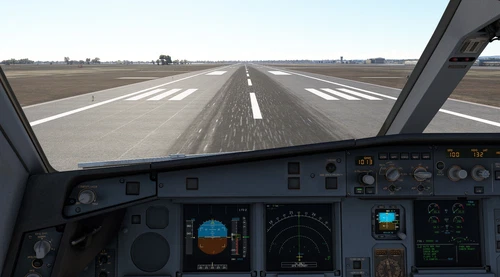
The Ultimate Custom Cameras For INI A330-300 | MSFS24
This add-on offers ten custom camera views specifically designed for the INI A330-300, catering to the needs of both cockpit crew and passengers. Each view is meticulously calculated to provide optimal visibility of important instruments and surroundings. Accessible via keyboard shortcuts, these views include various perspectives such as the pilot view, Go-Pro view, and wing views. Installation instructions are provided for both Microsoft Store and Steam platforms.
par LunakisLeaks
Connectez-vous pour participer à la discussion
Se connecterCommentaires(7)
11 months ago
C:\Users\###\AppData\Local\Packages\Microsoft.Limitless_8wekyb3d8bbwe\LocalCache\SimObjects\Airplanes\microsoft-a330
almost 2 years ago
almost 2 years ago
almost 2 years ago
thank you.
almost 2 years ago
My FS2024 has two subfolders in the Microsft_A330 called Common and Presets....
Can you maybe explain more specifically in which folder I have to place the camera.cfg?
In FS2020 it was easy but now I have to reorient myself where to place this file....
Kudos for the good work man!
almost 2 years ago
almost 2 years ago