
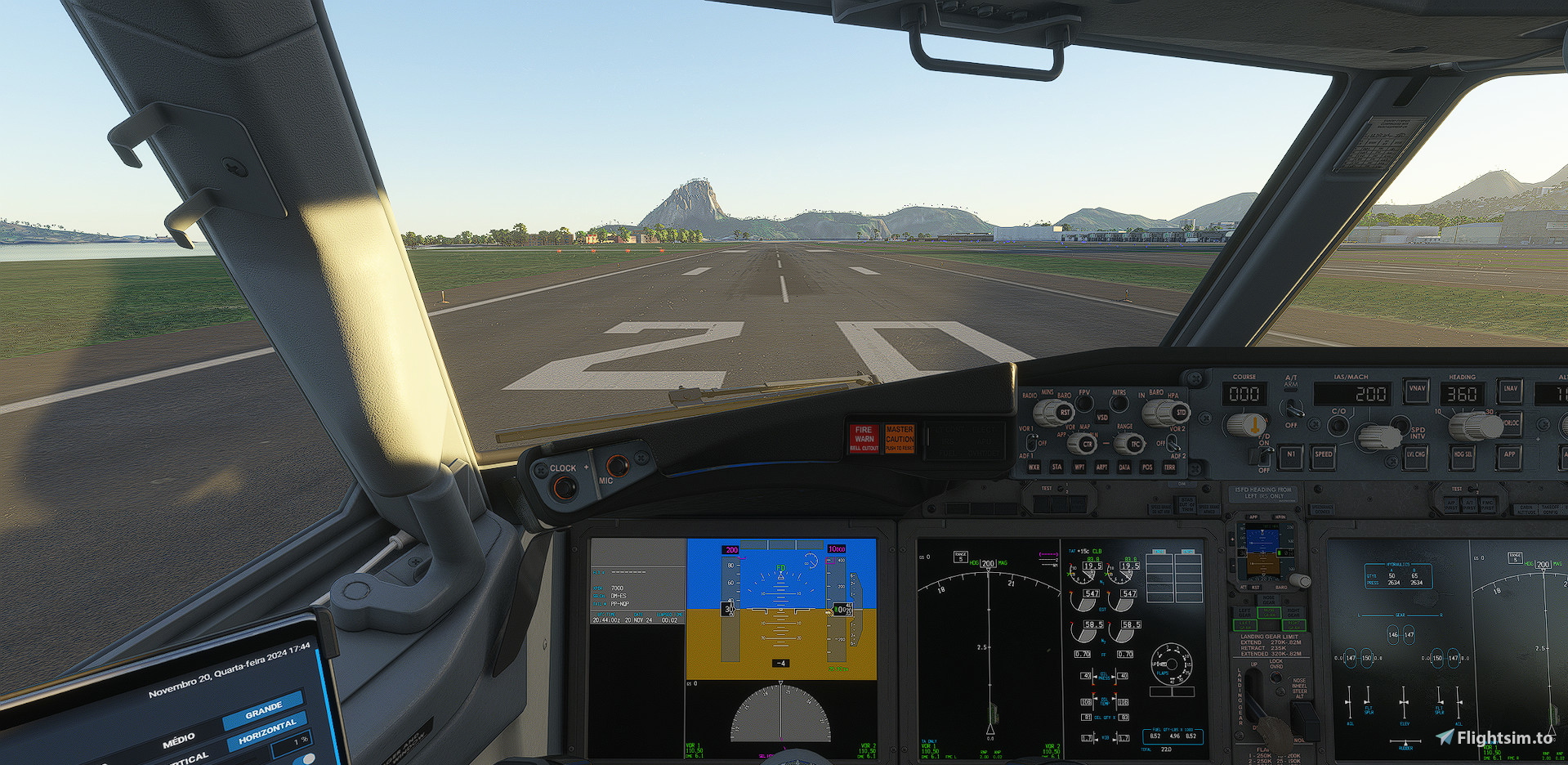
Description
This addon have a preset of cameras that you can use on your 737 MAX 8 for Asobo.
Alt+1: Captain
Alt+2: First Officer
Alt+3: Autopilot
Alt+4: Overhead
Alt+5: MCP
Alt+6: Tablet
Alt+7: Right engine view
Alt+8: Left engine view
Alt+9: Left wing view
Alt+0: Right wing view
To set them, follow this steps:
C:\Users\YOUR USER HERE\AppData\Roaming\Microsoft Flight Simulator 2024\SimObjects\Airplanes\asobo_b737max\presets\asobo\b737max8_passengers
And substitute the file "config", if you´ve bought it on Steam, if you bought on Microsoft Store, i´m sorry but I don´t know the steps :(
Camera pack for Asobo´s 737 MAX 8
This add-on provides a comprehensive camera preset pack specifically for the Asobo 737 MAX 8 in Microsoft Flight Simulator. It includes multiple views such as Captain, First Officer, Autopilot, and various engine and wing perspectives, making it easier to navigate and enjoy the aircraft. Installation involves placing the presets in the designated folder within your simulators file structure. Please note that installation steps may vary depending on the platform from which the aircraft was purchased.


Avis des utilisateurs
3 avis
Historique des versions
Aucun historique de version disponible.
Connectez-vous pour participer à la discussion
Se connecterCommentaires(15)
4 months ago
11 months ago
4 months ago
about 1 year ago
about 1 year ago
over 1 year ago
over 1 year ago
about 1 year ago
almost 2 years ago
almost 2 years ago
almost 2 years ago
almost 2 years ago
c:\Users\Administrateur.Users\AppData\Local\Packages\Microsoft.Limitless_8wekyb3d8bbwe\LocalCache\SimObjects\Airplanes\asobo_b737max\presets\asobo\b737max8_bbj\config\
Merci ! Pour ton job.
almost 2 years ago
almost 2 years ago
almost 2 years ago