
Description
Introduction
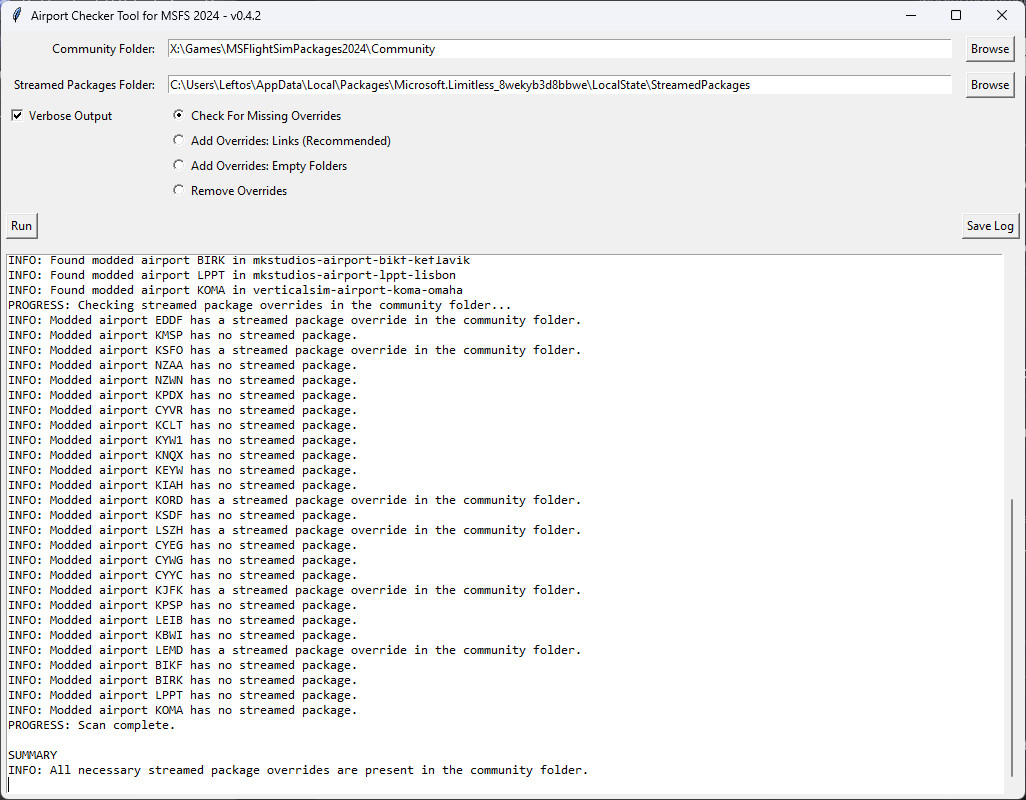
This utility will allow you to check which of your modded airports in your MSFS 2024 Community folder also have Asobo / Microsoft / Marketplace Streamed Packages, the latter of which you'll want to disable through the game, or override using this tool.
Streamed Packages, including Airports, can be disabled through the game's UI via the Content Manager. This tool offers an alternative way to doing that by creating an override with the same name in your Community folder. This application will scan your Community and Streamed Packages, suggest overrides you should create in your Community folder, and even create them for you.
News
Dec 10 2024: Asobo / Microsoft released an update for MSFS 2024 that allows users to disable individual Streamed Packages through the in-game Content Manager! This means that this tool is no longer necessary, but will remain available as an alternative. My recommendation is that you remove any overrides you created using this tool and use the in-game Content Manager moving forward.
The "Check for Missing Overrides" functionality of this tool is still useful to know which Streamed Packages you might want to disable / override, or to disable all streamed packages you want to override en masse.
Similar functionality is offered also in the much more robust and full-featured Addon Linker tool, under Tools > Scan ICAO / Check for duplicates.
How to use
Extract the zip into any folder of your choice, and run the exe.
Should I use Links, Empty Folders, or disable in Content.xml?
Links and Empty Folders are different methods to accomplish the same goal: Fooling MSFS 2024 into not using a streamed package from first-party or the marketplace.
Links will link your addon scenery with the name of the streamed package. Note that this will make your addon appear to be in your Community folder twice, but that's not a problem.
Empty folders will create an empty folder with the name of the streamed package.
Links are the recommended method based on feedback from users, as the Empty Folders overrides appear to work for some streamed packages but not all, while Links have worked for all tested so far.
In order to switch between Empty Folders and Links, you'll want to use the Remove Overrides functionality first.
On the other hand, disabling streamed packages in Content.xml replicates the in-game Content Manager behavior when you disable a package through it, so that is the safest option. However, if you want to undo any overrides you add to Content.xml through this tool, you'll have to restore Content.xml from backup, or re-enable the packages manually from the Content Manager, or by editing the .xml file itself.
Can I use this in conjunction with Addon Linker?
Yes, you absolutely can. Just make sure that you remove any overrides through this tool before enabling / disabling addons through Addon Linker, and that you add the overrides again once you're done switching up which addons you have enabled and before you launch the game.
Source Code
This utility is open-source under the MIT License. Find it on GitHub.
Discord / Support
Join the conversation on Discord.
Airport Override Checker for MSFS 2024
The Airport Override Checker for MSFS 2024 is a utility that helps users manage modded airports in their Community folder by ensuring appropriate overrides for Asobo/Microsoft Streamed Packages. It scans both the Community and Streamed Packages, suggesting and automatically creating overrides as needed. While recent updates to MSFS 2024 allow for managing these packages through the in-game Content Manager, this tool remains available as an alternative for users who prefer it.


Soutiens


Avis des utilisateurs
8 avis
Historique des versions
- FIx 0.5.3 regression where the StreamedPackages folder would be forced to the SU1 path even if the user was still on a pre-SU1 version
Similaires
Community Folder Locator
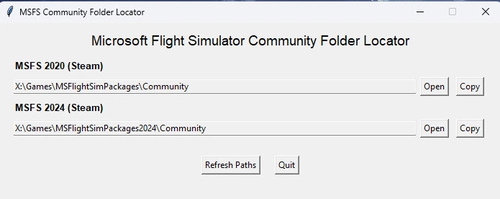
This utility provides users with the locations of their MSFS 2020 and 2024 Community folders. It allows for easy access by enabling users to copy the folder paths directly to the clipboard. Ideal for managing add-ons and modifications, this tool simplifies navigation within the simulators file structure.
par leftos
PMDG 777 | Winwing FCU+EFIS | Mobiflight Profile
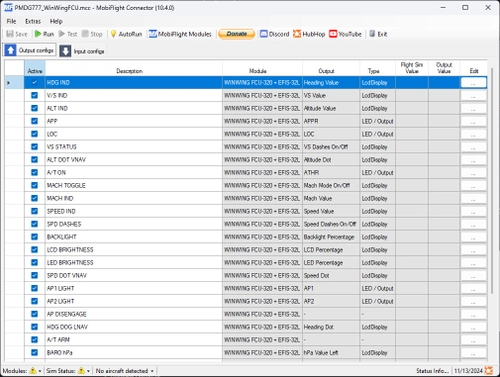
This add-on provides a Mobiflight profile for the PMDG 777 designed for use with the Winwing FCU and EFIS hardware. It includes various fixes and improvements over the original version by TajGuy, such as enhancements to indicated speeds and adjustments for the display of MACH values. Additionally, the profile features new mappings for key flight control indications and button press cycles, while also offering EFIS L support. Some known issues are present, particularly regarding the display of standard pressure settings.
par leftos
Sim Time Rate Adjuster for MSFS 2024
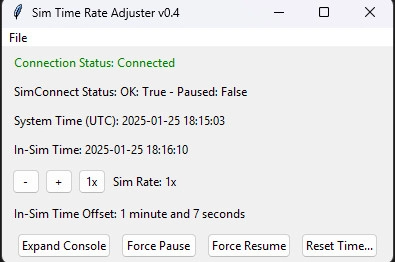
This tool addresses a known issue with MSFS 2024 where the in-sim time continues ticking at 1x even when you're paused or using sim-rate other than 1x. It also allows you to configure an app that will be turned on/off depending on whether the sim rate is 1x or accelerated.
par leftos
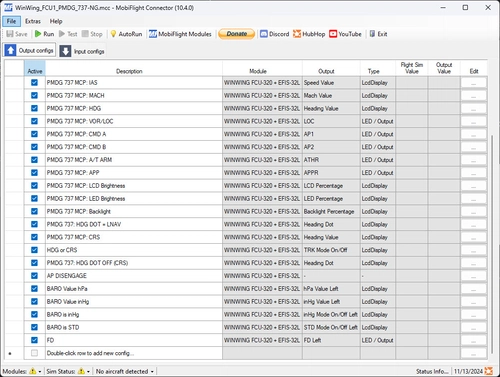
PMDG 737NG | Winwing FCU+EFIS | Mobiflight Profile
The PMDG 737NG Winwing FCU+EFIS Mobiflight Profile enhances the functionality of the PMDG 737NG aircraft in Microsoft Flight Simulator. This add-on incorporates various improvements over the original release, including more reliable Mach display toggling, adjustments to backlight controls, and enhanced functionality for heading and tracking modes. Additional support for EFIS L is provided, alongside fixes to autopilot controls and the visibility of vertical speed values. Known issues and non-applicable features are also outlined for user awareness.
par leftos
Connectez-vous pour participer à la discussion
Se connecterCommentaires(52)
5 months ago
7 months ago
I have the store version where content.xml is under C:\Users\[username]\AppData\Local\Packages\Microsoft.Limitless_8wekyb3d8bbwe\LocalCache\[xbox user]
over 1 year ago
Error: 'charmap' codec can't decode byte 0x8f in position 3242: character maps to
Could you help me with that?
Thanks
over 1 year ago
over 1 year ago
over 1 year ago
https://www.youtube.com/watch?v=04705bfEsKQ
over 1 year ago
over 1 year ago
SUMMARY
WARNING: The following streamed package overrides are missing from the community folder:
asobo-airport-ksea-seattle-tacoma
INFO: Creating link override for asobo-airport-ksea-seattle-tacoma in the community folder.
asobo-airport-ksfo-sanfrancisco
INFO: Creating link override for asobo-airport-ksfo-sanfrancisco in the community folder.
asobo-airport-kjfk-new-york-jfk
INFO: Creating link override for asobo-airport-kjfk-new-york-jfk in the community folder.
asobo-airport-vnlk-lukla
INFO: Creating link override for asobo-airport-vnlk-lukla in the community folder.
over 1 year ago
over 1 year ago
SUMMARY
INFO: All necessary streamed package overrides are present in the Community folder, or the packages disabled in Content.xml.
So it looks like it worked.
I did notice in AddOn Linker the 4 airports in that list are now labeled as Ext Links. That is different. Do I have to unlink the actual addon airports in AddOn Linker?
over 1 year ago
over 1 year ago
"AppData\Local\Packages\Microsoft.Limitless_8wekyb3d8bbwe\LocalState\StreamedPackages" and it worked fine.
when I reopend the app it had changed back to "K:\MSFS 2024\StreamedPackages" again. I even deleted the cfg file in the app folder and when I start it again it's still wrong. What am I doing wrong.
over 1 year ago
Fixed in version 0.5.3.1 released just now.
over 1 year ago
over 1 year ago
over 1 year ago
almost 2 years ago
almost 2 years ago