
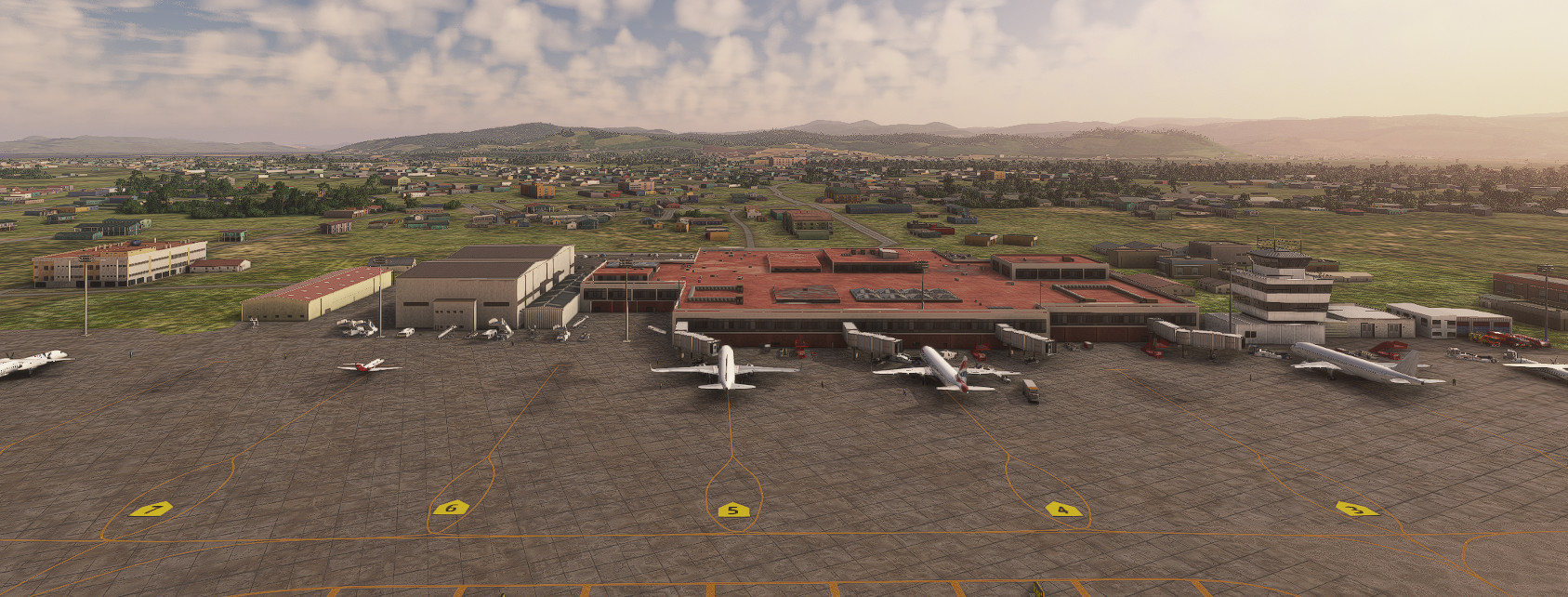
Description
Guwahati Airport is in the state of Assam in India. Its official name is Lokpriya Gopinath Bordoloi Int'l Airport (VEGT). I have updated the airport as much as I could by correcting the taxi way names and signs, by adding ground support equipment, and adding some animals (always present in India). Added a jetway to the old terminal on Apron I in order to represent the real airport. I have added a new terminal building on Apron II. This new building is borrowed from Banglore airport and it is the nearest look alike that I could find to the real new terminal. Additionally, I have placed a VOR, ILS Localizer and glide slope antennas in their correct locations. Added VASI lights on one end which were missing. On the other side of the airport, I have added militay hangars and some military hardware.
I have borrowed and used items from numerous scenery and library files. Therefore, I have added the links below for them to be installed. I hope you like my effort and enjoy it.
Some of the links had typo errors and hence could not be opened for downloading. However, I have corrected the errors and good to go.
These are the links:
https://flightsim.to/file/2549/edhk-lights-pack
https://flightsim.to/file/20336/vogo-dabolim-goa-international-airport
https://flightsim.to/file/17182/totof-aircraft-library-v1-1
https://flightsim.to/file/33166/animated-humans-library
https://flightsim.to/file/13290/turtletank-s-scenery-developer-objects-and-material-library
https://flightsim.to/file/14024/windy-things
https://flightsim.to/file/43395/ethnicfs-cars-library
https://flightsim.to/file/44161/ethnicfs-military-library
https://flightsim.to/file/44283/ethnicfs-buildings-kit-library
https://flightsim.to/file/45163/ethnicfs-misc-scenery-objects
UK2000 scenery - available in market place an no cost
https://flightsim.to/file/26191/egdr-rnas-culdrose-upgrade
https://flightsim.to/file/17179/totof-library-object-v1-1
https://flightsim.to/file/17983/totof-helicopter-library-v1
https://flightsim.to/file/23692/superspud-airport-asset-library
https://flightsim.to/file/8614/airports-lights
https://flightsim.to/file/9956/barisa-munda-airport-ranchi-verc
You must have NZRO-World Update XII Addon installed for ATC Tower to show.
Location
VEGT-Guwahati Airport
Guwahati Airport, officially known as Lokpriya Gopinath Bordoloi International Airport (VEGT), has been detailed with updated taxi way names, ground support equipment, and the addition of local wildlife. Enhancements include the introduction of a new terminal building, a jetway at the old terminal, and correct placements for navigation aids like VOR and ILS. Military hangars and equipment are also featured, creating a more immersive airport environment.
Avis des utilisateurs
2 avis
Historique des versions
Updated VEGT to show Apron T2 South, taxiway A, taxiway B and new location of isolation bay. Corrected the parking spot with correct numbering.
Similaires
VEBS - Bhubaneswar Airport
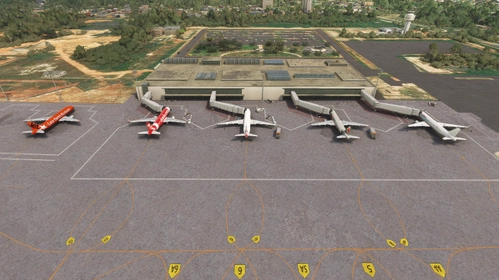
Enhance your Microsoft Flight Simulator experience with the Bhubaneswar Airport add-on, based on Biju Patnaik International Airport in Odisha, India. This add-on includes detailed taxi signs, markings, navigation antennas, and various buildings, as well as solar panels and landscaped gardens at the main terminal entrance. Additional required sceneries from linked resources must be installed for full functionality.
par VForce
VIAR - Amritsar Airport
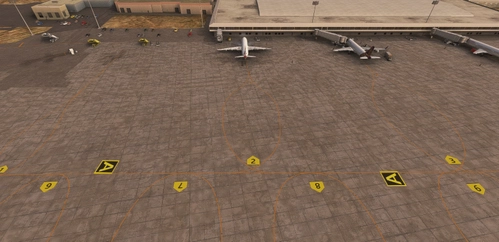
Enhance your Microsoft Flight Simulator experience with a detailed rendition of Amritsar Airport, officially known as Sri Guru Ram Dass Jee International Airport. This add-on features corrected taxiways, aprons, gates, and signage, along with added lighting for aprons and taxiways. It also includes essential navigational aids such as VOR, NDB, and ILS installations, as well as Aircraft Hardened Shelters for military use. Ground support personnel and equipment have been added to create a more immersive airport environment.
par VForce
OOSA - Salalah Airport-Oman
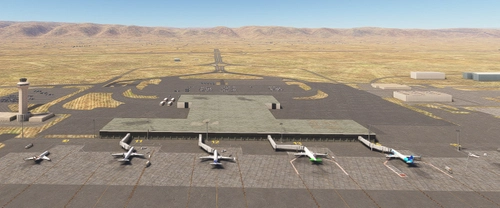
Enhance your Microsoft Flight Simulator experience with the Salalah Airport add-on, which updates the airfield layout and taxiway signage to ensure accuracy. While the terminal and buildings remain as default, improvements include apron lighting, added gate numbers, and updated navigational aids. This add-on seeks to provide a more immersive environment for pilots ready to take off and land at the historical site of Salalah Airport in Oman.
par VForce
HTKJ-Kilimanjaro Intl Airport
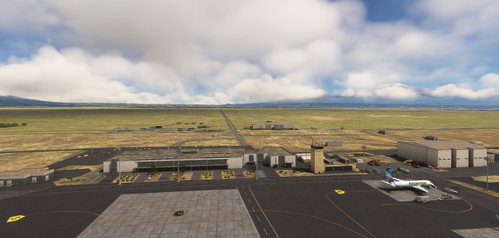
This add-on presents a detailed representation of Kilimanjaro International Airport (HTKJ), located in Tanzania at the base of Mount Kilimanjaro. It includes accurately numbered aprons, hold short markings, and well-placed taxi signs to enhance navigation. Additional features such as VOR and ILS antennas, improved fire station facilities, and connected taxi lines for AI traffic contribute to a realistic airport experience. The add-on requires the UK2000 scenery available in the Marketplace.
par VForce
Connectez-vous pour participer à la discussion
Se connecterCommentaires(42)
about 1 month ago
about 1 month ago
3 months ago
3 months ago
3 months ago
https://flightsim.to/file/9956/barisa-munda-airport-ranchi-verc
Please look at your messages.
5 months ago
5 months ago
5 months ago
5 months ago
5 months ago
Pat
7 months ago
7 months ago
8 months ago
8 months ago
I am on holidays at present. When I get back, late February 2026, I will look at it.
7 months ago
I have looked at VEGT and saw that in my MSFS 2020 version, I used Barisa Munda airport terminal. I also recommended that the file quoted above to be installed in your community folder.
In MSFS 2024, I have done the same. I installed the above mentioned file in my 2024 community folder and the terminal appeared. I suggest you do the same and good luck.
10 months ago
I do have one small point of criticism, though: When docking at the gate at night, there's lovely apron lighting, but unfortunately, the building windows remain completely dark.
Could you change that?
10 months ago
over 1 year ago
over 1 year ago