
Description
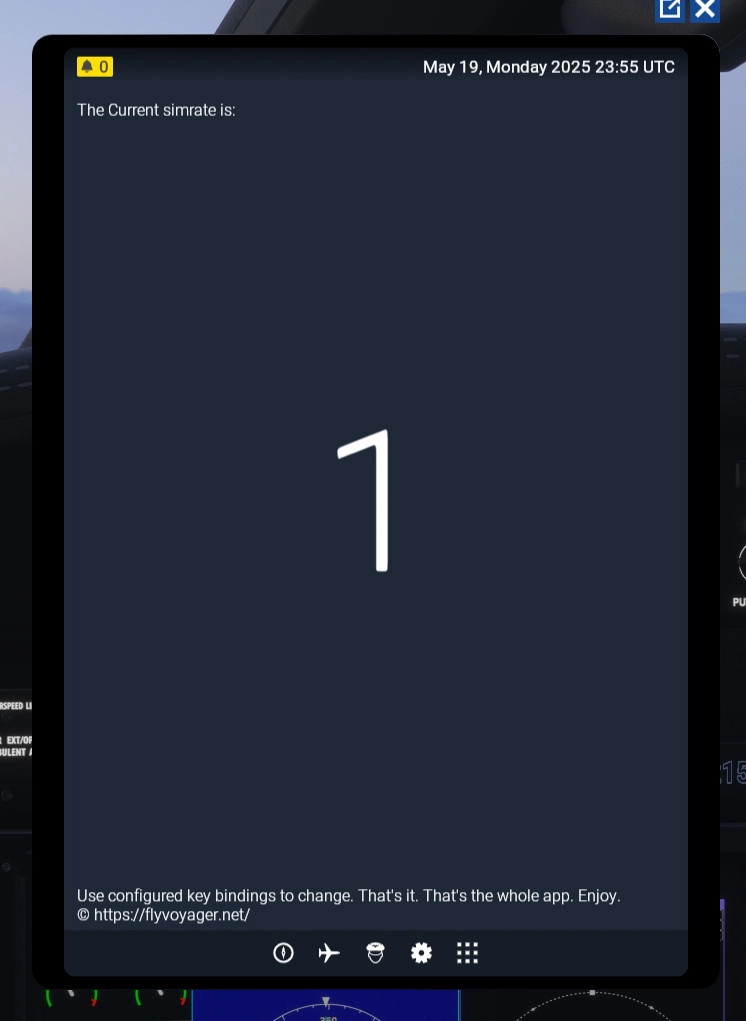
This EFB app will display the sim rate at which your sim is running.
Sim Rate Display EFB App
The Sim Rate Display EFB App provides users with a visual representation of the current simulation rate in Microsoft Flight Simulator. This feature allows users to monitor the simulation rate. The app is designed to enhance the user interface by integrating a simple and informative display.


Avis des utilisateurs
1 avis
Historique des versions
Cleanup and doesn't conflict with the LJ35 flight computer EFB app anymore.
Présent dans des collections(1)


Similaires
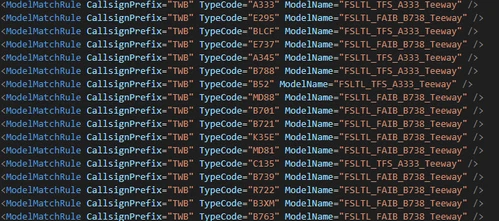
Improved VMR for vatsim model matching using FSLTL
Enhance your VATSIM experience with this Improved VMR for vatsim model matching using FSLTL. This generic model matcher assigns likeness scores based on various databases, ensuring compatibility with all ICAO type codes. Easily replace your FSLTL VMR file and enjoy accurate aircraft matching, including. Find more information in the included README file.
par emergencybutter
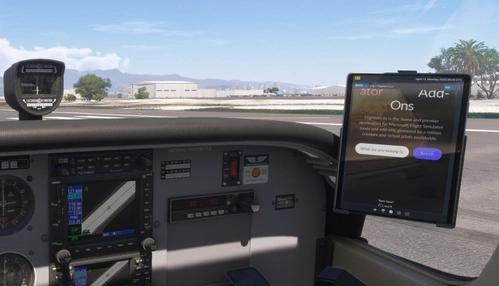
EFB web browser mod
This add-on introduces a basic web browser application to the EFB in Microsoft Flight Simulator 2024. Users can browse the internet during flights, enhancing their experience without disrupting immersion. The functionality is limited, supporting mainly basic websites that allow iframes, and is not intended for serious activities like online shopping or banking.
par emergencybutter
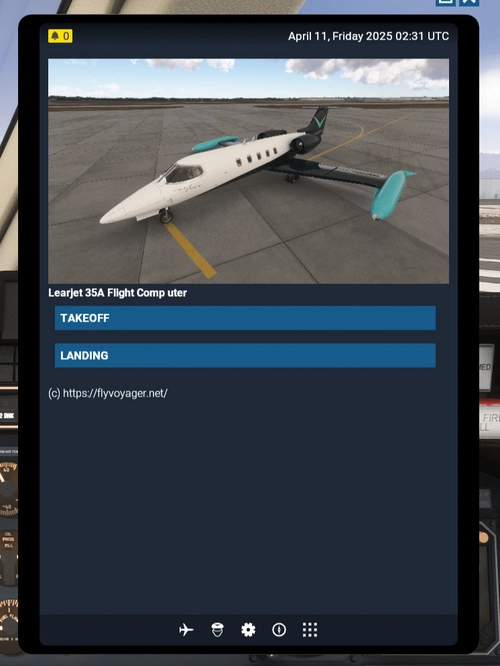
Learjet 35A Flight Computer (EFB APP)
The Learjet 35A Flight Computer add-on provides an enhanced Electronic Flight Bag (EFB) experience for MSFS2024 users. This app simplifies performance calculations for takeoff and landing, moving beyond traditional table-based methods. It aims to streamline the flight preparation process for Learjet 35A pilots. More information can be found on the developers website.
par emergencybutter
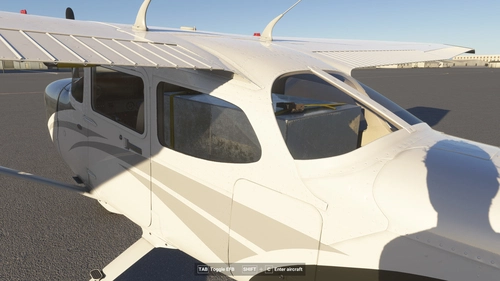
Ferry Tank for the Cessna 172: Extra 155 Gallon Fuel Tank
"Extend the range of your Cessna 172 with this mod adding an extra 155-gallon fuel tank. Simulate long-haul flights like the legendary trip from California to Hawaii, but remember, success is not guaranteed. Installation is simple - just drop the mod into your community folder. Only compatible with the G1000 Cessna 172 model."
par emergencybutter
Connectez-vous pour participer à la discussion
Se connecterCommentaires(17)
2 months ago
2 months ago
2 months ago
5 months ago
6 months ago
6 months ago
6 months ago
6 months ago
7 months ago
Ce commentaire a été supprimé
8 months ago
9 months ago
9 months ago
about 1 year ago
thx
about 1 year ago
about 1 year ago
work fine and very usefull
over 1 year ago
over 1 year ago