
Description
Technobrain RJBB Kansai - Runway 06L/24R Fix for WU20: Japan
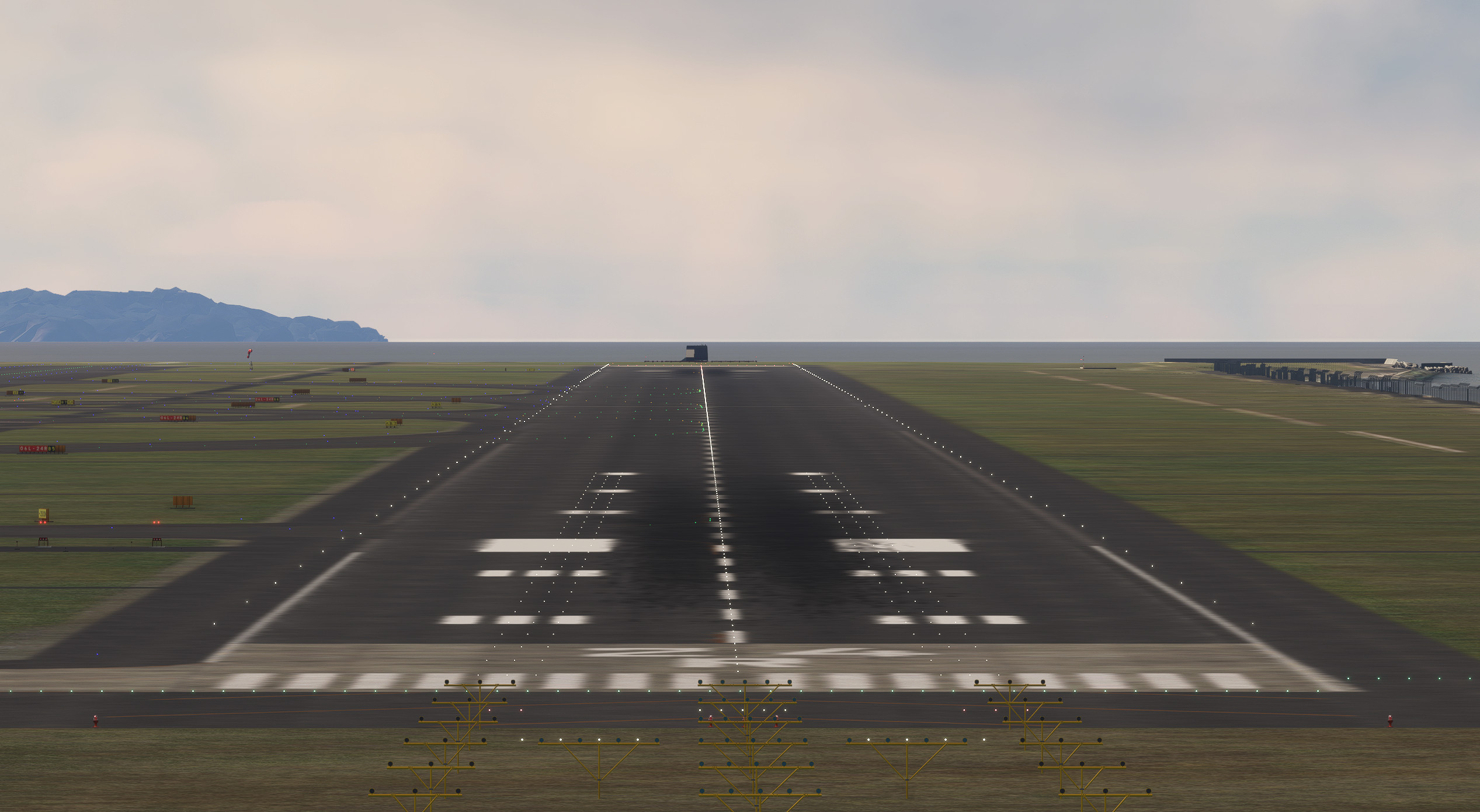
A simple hotfix to restore Kansai's bumpy RWY06L/24R.
- Fixes: Severe bumps and unusable terrain on RWY 06L/24R.
- Cause: Scenery conflict after World Update 20: Japan.
- Requirement: You must own the payware Technobrain RJBB Kansai International Airport.
A Temporary Solution
This is a temporary hotfix. Once Technobrain or Microsoft/Asobo releases an official update that resolves this conflict, you should remove this addon from your Community folder to prevent any future issues.
Installation Instructions
1. Make sure you have purchased and installed Technobrain's RJBB Kansai International Airport.
2. Download and unzip the file from this page.
3. Move the entire folder named "z-kentoasty-airport-rjbb-technobrain-fix" into your MSFS Community folder.
🛑 IMPORTANT: Do NOT Rename the Folder! 🛑
The folder is intentionally named with a "z-" prefix. This is a common method to force Microsoft Flight Simulator to load this fix AFTER the main Technobrain scenery, which allows it to correctly override the faulty runway data.
If you rename the folder, the fix may not work.
Happy flying!
Known Issue: There is a small dip in the terrain on J3/J4 between S2~S4. There should be no problem with taxiing. I may fix this issue later.
テクノブレイン RJBB 関西国際空港 - RWY06L/24R修正パッチ (WU20: Japan対応)
関西国際空港のボコボコB滑走路を修正するホットフィックスです。
- 修正内容: 滑走路06L/24Rのボコボコ・使用不可能な地形
- 原因: World Update 20: Japan 適用後のシーナリー競合
- 必須アドオン: 有料シーナリー「Techobrain RJBB Kansai International Airport」
一時的な解決策です
このパッチは一時的なホットフィックスです。将来的にTechnobrainまたはMicrosoft/Asoboから、この競合を解決する公式アップデートがリリースされた際には、将来的な問題を防ぐため、このアドオンをCommunityフォルダーから削除してください。
インストール方法
1. Technobrain RJBB Kansai International Airportを購入し、インストールしていることを確認してください。
2. このページからファイルをダウンロードし、解凍(展開)してください。
3. 「z-kentoasty-airport-rjbb-technobrain-fix」 という名前のフォルダーごと、MSFSのCommunityフォルダーに移動してください。
🛑【重要】フォルダー名を変更しないでください!🛑
このフォルダー名は、意図的に「z-」という接頭辞(プレフィックス)で始まっています。これは、Microsoft Flight Simulatorにこの修正パッチをTechnobrainのシーナリー本体の後で読み込ませるための一般的な手法です。後から読み込むことで、問題のある滑走路データを正しく上書きすることができます。
フォルダー名を変更してしまうと、この修正は一切機能しないかもしれません。
良いフライトを!
既存の問題点: S2~S4の間のJ3/J4に少し凹んだ地形があります。タクシーには影響ないと思われます。今後修正する可能性があります。
Commentaires(8)
Connectez-vous pour participer à la discussion
Se connecter8 months ago
8 months ago
8 months ago
8 months ago
7 months ago
Did you have a chance fixing the rest of the ground issues for this Technobrain Scenery for Kansai? Thanks
Kin Matsamura (KLAX)
9 months ago
9 months ago
Technobrain RJBB RWY06L/24R FIX for World Update: 20 Japan
The Technobrain RJBB RWY06L/24R Fix addresses severe bumps and unusable terrain on the runways at Kansai International Airport following World Update 20: Japan. This add-on serves as a temporary solution to a scenery conflict and requires ownership of the Technobrain RJBB airport add-on. Users are advised to remove the fix once an official update is made available to prevent future issues.

Avis des utilisateurs
4 avis
Location
More Information
Historique des versions
Aucun historique de version disponible.
Similaires
RJBB - Kansai International Airport
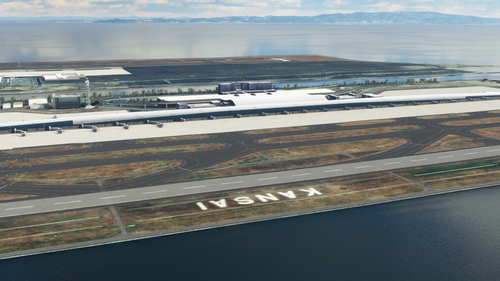
Explore the detailed rendition of RJBB - Kansai International Airport in Microsoft Flight Simulator, featuring custom models of terminals, control tower, and cargo terminal. Support the creator through the provided PayPal link if you enjoy the scenery.
par nsajid91
TECHNOBRAIN’s RJBB - Logo fix
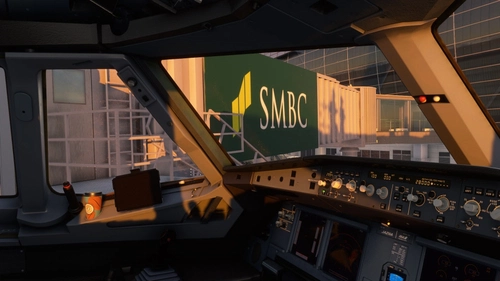
This mod enhances the texture of TechnoBrains RJBB airport scenery in Microsoft Flight Simulator. It corrects logos, adds missing ones, and improves the appearance of terminals. Installation requires overwriting specific texture files within the scenery folders. Caution: Backup scene data before applying the mod and ensure you have the original TechnoBrains RJBB scenery installed for compatibility.
par WeChe
Technobrain RJBB Osaka Kansai Ground Enhancement and AI Config
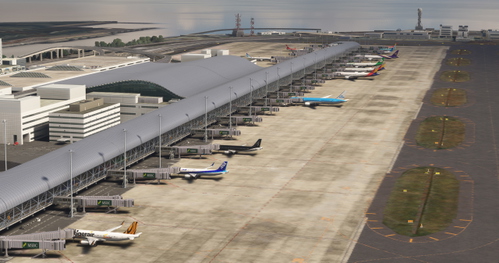
Enhance your airport experience with the Technobrain RJBB Osaka Kansai Ground Enhancement and AI Config add-on. This mod increases AI aircraft operations and gate availability at RJBB, featuring updated airline coding, accurate gate assignments, and improved taxi paths. Simply drag and drop files into your community folder for easy installation.
par Ryanosaurus13
RJBB Osaka Kansai - FSLTL Static Aircraft (Technobrain)
Enhance the realism of your virtual experience at RJBB Osaka Kansai airport with the FSLTL Static Aircraft scenery mod. This mod features hand-placed static aircraft at gates and ramps, based on real-world airline operations, providing a more immersive environment without impacting FPS. It requires the installation of FSLTL base models and is designed specifically for Technobrains RJBB, ensuring optimal compatibility and visual accuracy.
par ixvst01
8 months ago