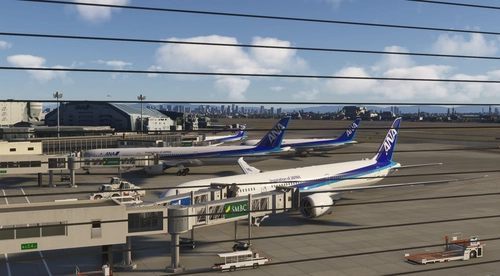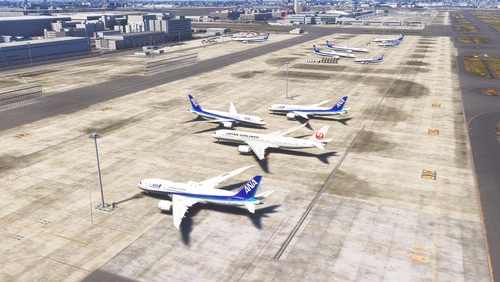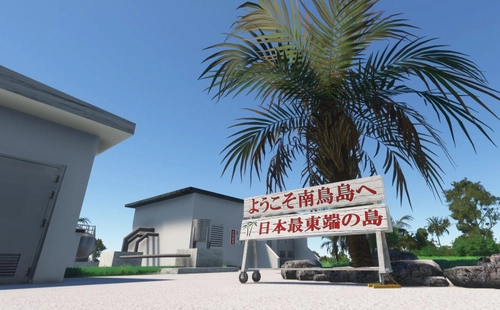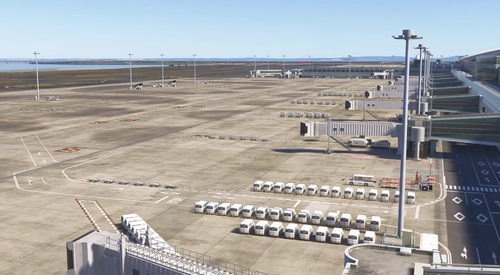
KAZE RJBE Kobe Airport intel Apron Addition and Enhanced
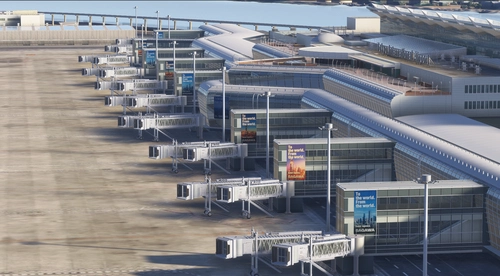
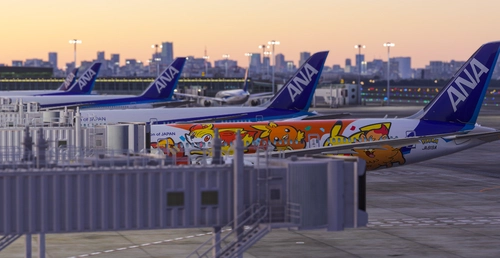
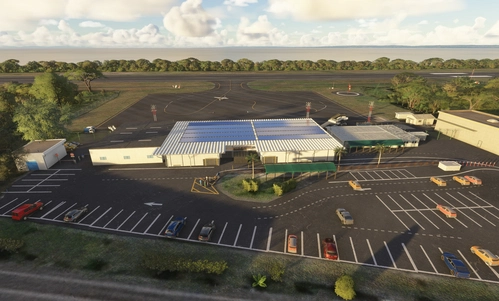
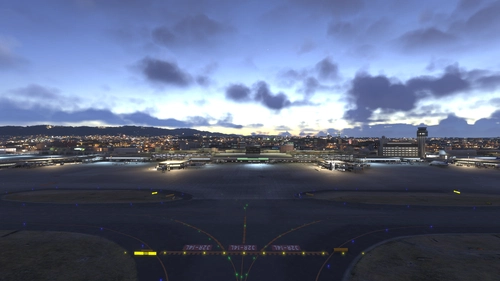
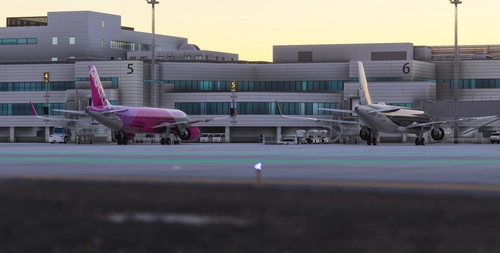
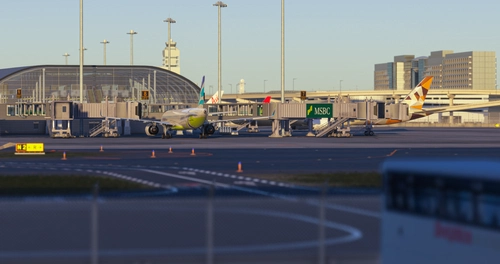
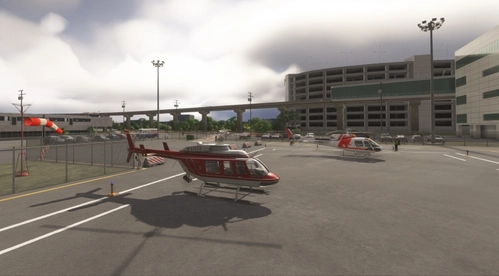
This add-on updates Kobe Airport RJBE with high-resolution aerial imagery and an expanded Intel Apron, featuring compatibility with BeyondATC.
200 add-ons d’aéroport disponibles

This add-on updates Kobe Airport RJBE with high-resolution aerial imagery and an expanded Intel Apron, featuring compatibility with BeyondATC.

This add-on provides the 2024 version of Kobe Airport Terminal 2 for Microsoft Flight Simulator. This was created with the cooperation of Yusuke.

This add-on introduces the terminal building for RJDA Amakusa Airport in Microsoft Flight Simulator. The scenery enhancement aims to provide a more realistic airport environment. The focus is on improving the visual authenticity of Amakusa Airport for virtual pilots. Suitable for those seeking an upgraded representation of this regional Japanese airport. *Develop in progress.*

This add-on enhances the MFSG RJNT Toyama Airport for Microsoft Flight Simulator, requiring the original MFSG scenery. Features include aerial imagery, high-resolution DEM data, and improved terrain modeling, particularly the embankments around the runways. Updates to runway, taxiways, aprons, and lighting are included, as well as a new B777 parking spot and GSX profile. Jetway configuration options are provided for Gate 1A and Gate 2 compatibility.

Raibakawahara helipad is an emergency facility located in Nagano, Japan, within the scenic Hida Mountain Range and near the Himekawa River. The helipad features a 29-metre asphalt surface, non-standard lighting, and custom objects with PBR textures. It is designed for compatibility with Bijan Seasons Enhanced 2024 and supports two starting locations. Notable elements include nearby cherry blossom trees, landmark POIs, and unique scenery details.

This add-on places the USS Hornet in a realistic location 650 miles east of Tokyo, representing the starting point of the historic Doolittle Raid. All required carrier and support models are included, with no additional mods needed. The carrier is oriented due west as indicated by historical records. Designed for use with the Aeroplane Heaven B-25B, specific wind conditions are recommended for takeoff realism.

This add-on features a collection of helipads located throughout Tokyo, enhancing the cityscape for helicopter operations in Microsoft Flight Simulator. Users can easily install the helipads by unzipping the files and placing them in the community folder. It aims to provide a more immersive flying experience in one of the worlds most vibrant cities.

The RJTH Hachijojima Airport Enhanced 2024 Fix adds essential structures, including the Terminal and Control Tower, to enhance the Hachijojima airport scenery in MSFS2024. It also corrects the positioning of the Gate 3 Jetway in relation to the updated Terminal dimensions. This add-on requires the prior installation of Karuchies RJTH scenery and Japan Airport Models library. Please note that it is incompatible with MSFS2020 and should be removed if the primary scenery is updated.

This add-on enhances Tokyo Haneda Airport (RJTT) by adding hand-placed static aircraft throughout the airports aprons, hangars, and general aviation areas. The placement aims for realism and a busy atmosphere to more accurately reflect the airports bustling environment. Installation is simple, requiring only a drag-and-drop into the community folder.

This add-on modifies the terminal hall of ACO Naha Airport (ROAH) into a Pokémon Air Adventures themed environment, capturing the essence of Okinawas unique Pokémon aviation atmosphere. Please note that this add-on requires the base scenery of Naha Airport to function properly. It is available for purchase on Simmarket and the MSFS Marketplace. Installation instructions for both MSFS 2020 and MSFS 2024 are provided.

RJTT Helicopter Services introduces fictional helicopter operations to the default Tokyo Haneda Airport (RJTT) in Microsoft Flight Simulator 2020. This add-on enhances the airport environment by incorporating helicopter services, utilizing standard game objects. Installation is straightforward; simply unzip and place the files in the community folder.