
Description
Note: Largely redundant now that Avis has made their superior KADO's RJOO-Osaka Intl Airport Enhanced. I recommend downloading that one instead. My version will remain available for the time being, but will probably be retired soon.
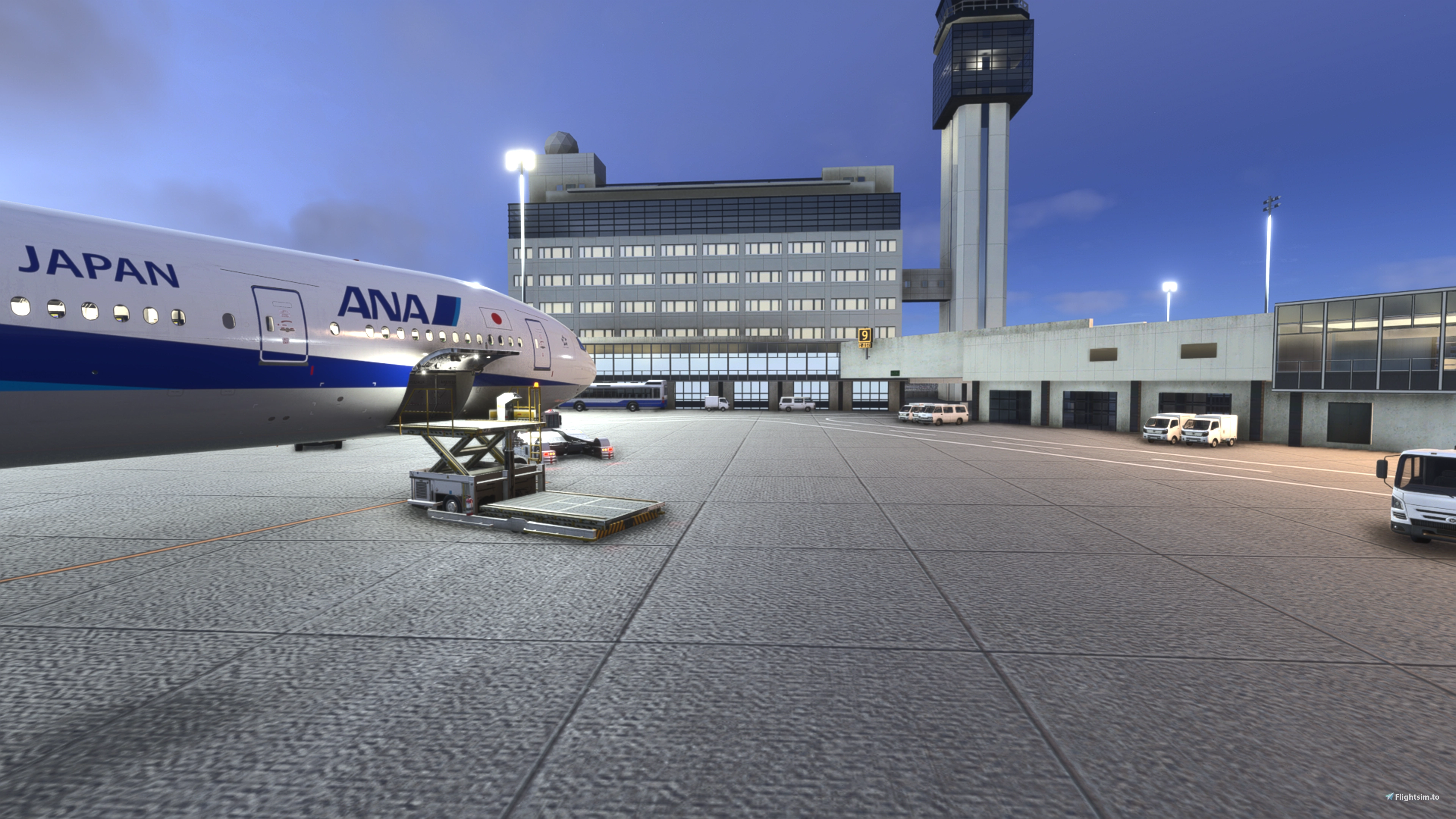
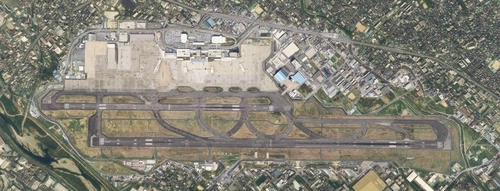
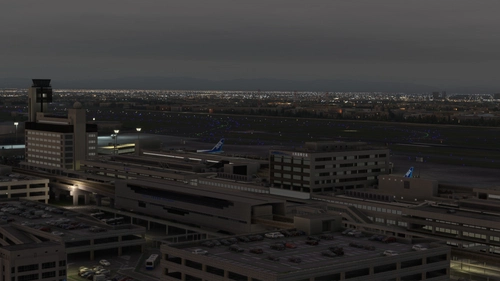
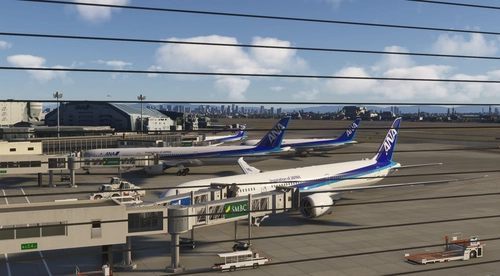
Osaka Itami RJOO Airport Enhanced: enhances Kado's excellent Osaka Itami Airport and makes it more compatible with WU20.
- Restores flattened TIN, blended with autogen at close distance and adds lighting.
- Overhauls apron lighting.
- Replaces main apron textures.
- Adds some additional GSE and replaces much of the existing GSE.
- Adds some additional fencing.
- Uses default assets for the vast majority of changes. Requires Karuchie's Japan Airports Library for circling approach lights.
Location
Osaka Itami RJOO Airport Enhanced
This enhancement for Osaka Itami RJOO Airport improves compatibility with World Update 20, restoring flattened TIN blended with autogen and enhances lighting. Main apron textures and GSE are updated. This add-on also includes additional fencing and relies primarily on default assets. Requires Karuchie's Japan Airports Library for circling approach lights.
Avis des utilisateurs
7 avis
Historique des versions
Restores flattened TIN. Blends TIN with autogen around areas adjacent to aprons/taxiways.
Similaires
RJOO-Osaka Intl Airport Japan◆伊丹空港
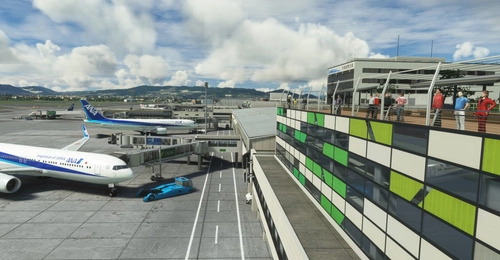
Explore an intricately crafted rendition of Osaka International Airport (RJOO) in Microsoft Flight Simulator. Created from scratch over 260 hours, with ongoing enhancements, this scenery boasts details true to life. Immerse yourself in this stunning recreation of Osaka, Japan, with a surprisingly compact download size of 21MB. Witness the realism with added features like RLLS and VDGS for an authentic aviation experience.
par KADO
RJOO Osaka Itami Airport (MADB payware) Enhanced
Enhance your RJOO Osaka Intl Airport experience with this payware add-on from MADB, featuring added taxiway lights and updated textures for a more realistic simulation. This add-on also includes revamped approach lights, runway features, and various other enhancements to elevate your airport immersion. Additional libraries are required for installation.
par karuchie
RJOO Osaka FSLTL Static Aircraft
Enhance the Osaka airport scenery with RJOO Osaka FSLTL Static Aircraft, designed by StaticSceneries. Utilizing FSLTL models, this add-on adds static aircraft to create a more realistic airport environment. Please note that this enhancement is standalone and requires FSLTL Base models to function properly. Install by dropping the folder into your community folder for a seamless experience.
par StaticSceneries
KADO's RJOO-Osaka Intl Airport Enhanced
This add-on enhances Osaka International Airport by improving ground markings, lighting, and various airport elements for greater accuracy. Photogrammetry is restored for the surrounding area, providing a more realistic environment. The W1 taxi path is removed to optimize AI aircraft operations. Future updates may include additional ground service equipment and further refinements.
par avis
Connectez-vous pour participer à la discussion
Se connecterCommentaires(34)
8 days ago
about 1 month ago
about 1 month ago
about 1 month ago
about 1 month ago
about 1 month ago
about 1 month ago
about 1 month ago
about 1 month ago
https://x.com/kadoKAD79281441/status/1639143149137448960?s=20
unfortunately the quality is a bit meh, so you can also only guess their exact positions lol
about 1 month ago
https://i.postimg.cc/ZYgG72Fg/poles.png
Edit: I see the red ones also in different positions as well... no idea what they are lol
about 1 month ago
about 1 month ago
2 months ago
2 months ago
2 months ago
2 months ago
V1.0 had a different folder and package name. It would be very easy for both of them to be present without noticing - someone else had that issue before. Once they deleted the old one, the problem cleared up.
Aside from these two possibilities, that's all I got. If no, maybe try manually adjusting the package order to make sure that this has priority (could do this in 2020, not sure about 2024 - haven't had to do it).
2 months ago
Have a nice one
3 months ago
3 months ago