
Description
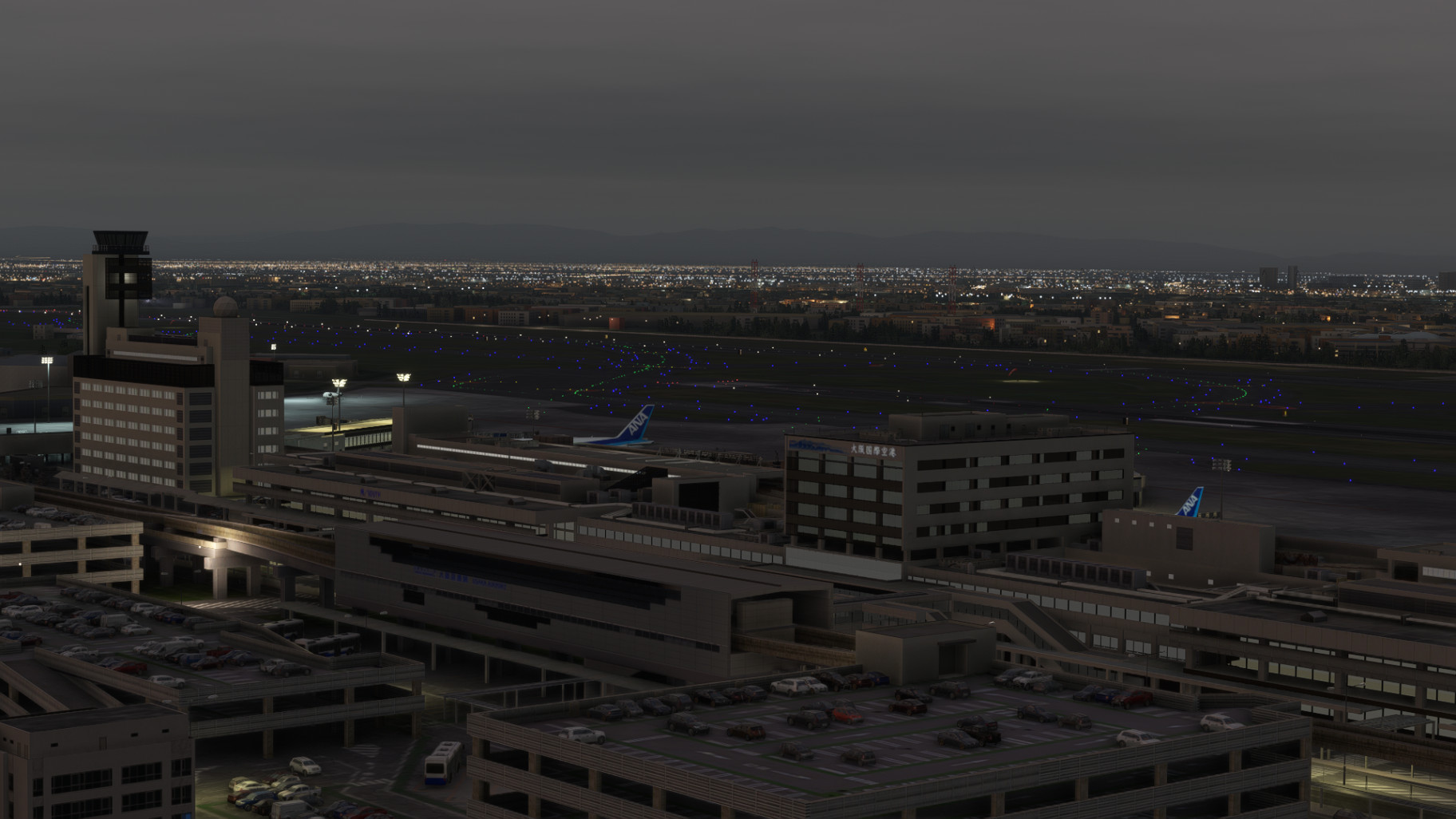
Welcome to StaticSceneries! This is an enhancement for the freeware Osaka airport by KADO_t.
This airport can be found here: https://flightsim.to/file/51064/osaka-intl-airport-japan
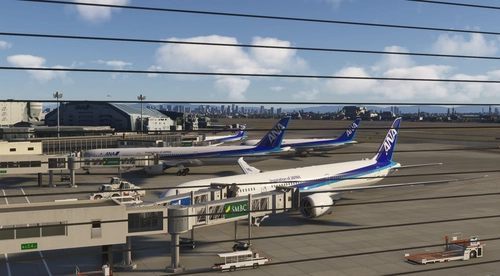
This scenery uses FSLTL models to enhance the airport and make it feel more lively without running FSLTL Injector. Please note: This is a standalone enhancement; if you run FSLTL injector at the same time you will see overlapping models.
You must have the FSLTL Base models to use this!
There is no FPS loss with this whatsoever, as it only uses the models.
These models are static and will not move around. Some of the gates are unusable due to the placement of these aircraft.
HOW TO INSTALL:
Just open the downloaded folder, drop the folder within it named 'zzzSS-RJOO-StaticFSLTL' into your community folder and have a safe flight!
If you have any questions or requests feel free to hit me up.
RJOO Osaka FSLTL Static Aircraft
Enhance the Osaka airport scenery with RJOO Osaka FSLTL Static Aircraft, designed by StaticSceneries. Utilizing FSLTL models, this add-on adds static aircraft to create a more realistic airport environment. Please note that this enhancement is standalone and requires FSLTL Base models to function properly. Install by dropping the folder into your community folder for a seamless experience.

Historique des versions
Aucun historique de version disponible.
Similaires
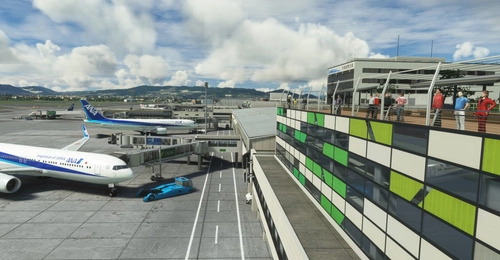
RJOO-Osaka Intl Airport Japan◆伊丹空港
Explore an intricately crafted rendition of Osaka International Airport (RJOO) in Microsoft Flight Simulator. Created from scratch over 260 hours, with ongoing enhancements, this scenery boasts details true to life. Immerse yourself in this stunning recreation of Osaka, Japan, with a surprisingly compact download size of 21MB. Witness the realism with added features like RLLS and VDGS for an authentic aviation experience.
par KADO
RJOO Osaka Itami Airport (MADB payware) Enhanced
Enhance your RJOO Osaka Intl Airport experience with this payware add-on from MADB, featuring added taxiway lights and updated textures for a more realistic simulation. This add-on also includes revamped approach lights, runway features, and various other enhancements to elevate your airport immersion. Additional libraries are required for installation.
par karuchie
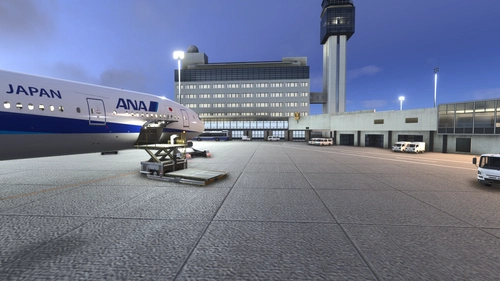
Osaka Itami RJOO Airport Enhanced
This enhancement for Osaka Itami RJOO Airport improves compatibility with World Update 20, restoring flattened TIN blended with autogen and enhances lighting. Main apron textures and GSE are updated. This add-on also includes additional fencing and relies primarily on default assets. Requires Karuchie's Japan Airports Library for circling approach lights.
par Daikichi
KADO's RJOO-Osaka Intl Airport Enhanced
This add-on enhances Osaka International Airport by improving ground markings, lighting, and various airport elements for greater accuracy. Photogrammetry is restored for the surrounding area, providing a more realistic environment. The W1 taxi path is removed to optimize AI aircraft operations. Future updates may include additional ground service equipment and further refinements.
par avis
Connectez-vous pour participer à la discussion
Se connecter