
Description
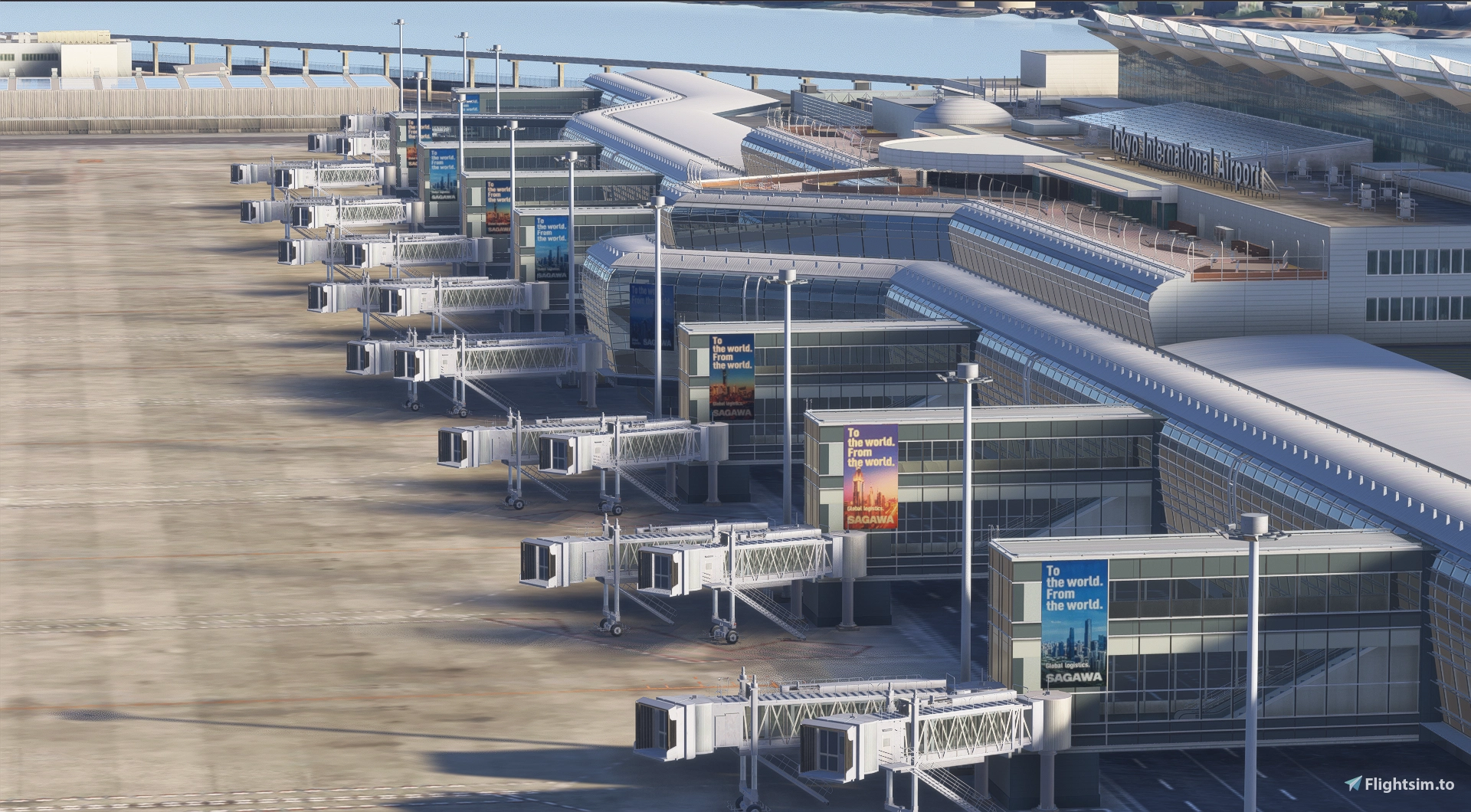
The SimMarket version allows you to use corrected logos for most areas of the airport, in addition to hangar logos and terminal advertisements.
The MS Store version supports only hangar logos and terminal advertisements.(as the file format differs from that of the sim market version).
MS store ver Please place the extracted folder into the Community folder
simmarket ver Please drag and drop both "z-technobrain-rjtt-logofix" and "technobrain-airport-rjtt-tokyo" from the extracted folder into your Community folder.
If you are using the SimMarket version, please be sure to back up your TechnoBrain scenery before installing this add-on.
Although I have not verified its operation in MSFS2020, it may work because the folder structure is likely the same as that of the SimMarket version.
When installing to MSFS2020, please be sure to create a backup to guard against any potential issues.
MS store ver
Added the hangar logo and advertising logo.
This is intended solely for visual appeal. Due to a limited selection of materials, the layout may differ from the actual item.
Once I have some breathing room in my daily life, I will start working on the ANA logo design.
sim market ver
In addition to the hangar logo and advertising logo, the following logos have been changed.
Changed the tank logo from "Sanei Oil" to "San-ai Obli."
Changed "Oddli SAN-EI OIL" to "obbli SAN-AI OIL."
Changed "SAee" to "SAcc."
Changed "Sakura Sangyo" to "Sakura Shokai."
Changed "FURUKOMA" to "FURUKAWA".
Changed "Haneda Evolution City" to "Haneda Innovation City."
Updated the newspaper logos to the actual ones.
Updated the monorail logo to the actual one (Tokyo Monorail).
Location
Technobrain RJTT (Tokyo Haneda) Logo Fix
This add-on updates and modifies the hangar and Terminal 3 logos at RJTT for Microsoft Flight Simulator. The changes are designed to enhance visual accuracy and appeal. The layout may differ from real-world counterparts due to material limitations. Installation requires placing the folder into the Community directory.


Avis des utilisateurs
1 avis
Historique des versions
I added the Japan Airlines logo to the building on the 34R side. Fixed an issue with the hangar logo.
Similaires
RJTT Tokyo International Airport Enhanced
Enhance Tokyo International Airport with this add-on, which aligns runways, taxiways, and taxiway names based on the new airfield map. Make various fixes and additions, with the option to disable certain elements like airport equipment and taxiway signs. Ensure compatibility by following instructions, and experience VDSG implementation based on LOD specification for realistic plane positioning.
par karuchie
MSFS2024 RJTT Taxiway bridge Fix - Tokyo International Airport (Haneda)
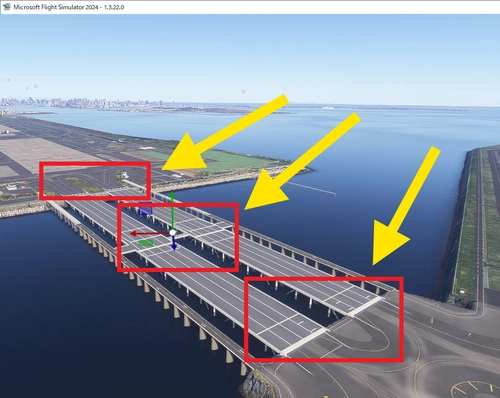
This add-on addresses the uneven taxiway surface on the bridge leading to Runway D at Tokyo International Airport (RJTT) in MSFS2024. It smooths out the bumps caused by a modeling bug, which also results in the floating appearance of aircraft wheels. Users are advised to remove this fix once the underlying issue is resolved by Asobo, as it places ramps that may cause obstacles in the future. Installation involves adding the "RJTT-Haneda-Bridge" folder to the Community directory.
par Ter2255
RJTT Tokyo Haneda FSLTL Static Aircraft
Enhance your Tokyo airport experience with the RJTT Tokyo FSLTL Static Aircraft mod by StaticSceneries. This add-on features FSLTL models to bring life to the airport without the need for FSLTL Injector. Please note that you must have the FSLTL Base models installed. Enjoy a more vibrant airport environment with no FPS loss, although some gates may become unusable with static aircraft in place.
par StaticSceneries
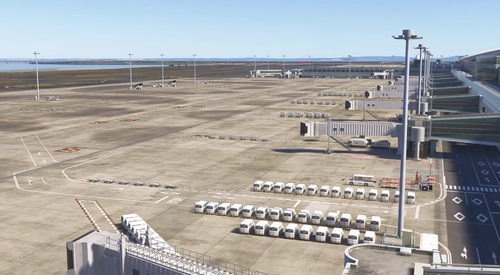
Technobrain RJTT (Tokyo Haneda) GSE Addition
This add-on enhances Technobrain RJTT Tokyo Haneda by adding ground service equipment and positioning a ship offshore. It includes additional lighting for the container yard visible on approach to Runway 16L. Requires Moving Boats 3D Model Library and Japan Airports Model Library KRC. Users may experience performance impacts due to the high object count.
par avis
Connectez-vous pour participer à la discussion
Se connecterCommentaires(3)
about 1 month ago
about 1 month ago
I've updated it. I believe the issue has been fixed.
about 1 month ago