

Description
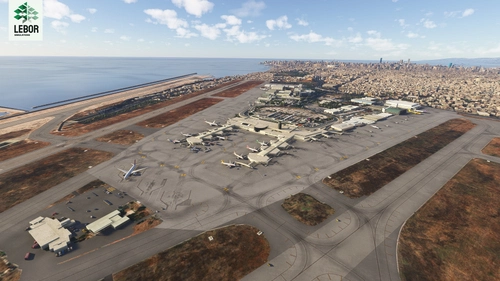
Enhance the Tokyo International Airport added in World Update 1.
Request
World Update 1 RJTT airport.
The DEM and aerial image data are from 2023, so they do not match the current situation.
The construction of the N apron is currently completed, but 941-945 is not available in this scenery.
About compatibility with 2024
Haneda Airport in 2024 does not include the same buildings as 2020, so it cannot be compatible with 2024.
The position of the boarding bridge has changed in 2024 Haneda Airport, which causes problems with the positional relationship with the parking spots.
The problem can only be solved by making the spots potision unrealistic, so there are no plans to create an enhanced scenery exclusively for 2024 at this time.
To use this extended scenery in MSFS24, copy asobo-airport-rjtt-tokyo-haneda from the official 2020 folder to the 2024 community folder.
Then rename the folder to something like 0-asobo-airport-rjtt-tokyo-haneda or change the priority so that it is loaded before this scenery.
Some of the added elements can be disabled.
You can disable them by renaming the target files in the “scenery” folder.
RJTT_GSE.bgl ----- Airport Equipment Ground Vehicles.
RJTT_Monorail.bgl ----- Monorail.
RJTT_Navdata_VORA.bgl ----- VOR A approaches.
RJTT_Navdata_JONAN.bgl ----- Already obsolete VOR C approaches and JONAN arrivals.
RJTT_TaxiwaySign.bgl ----- Taxiway sign.(If disabled, performance may improve.)
RJTT_VDGS.bgl ----- Simplified VDGS using LOD.(If disabled, performance may improve.)
incompatibility
LVFR Airport Static Aircraft
Overwrites all elements except added objects to their initial state.
LVFR Deletes or renames rjtt-airport.bgl in Airport Static Aircraft.
Specification of VDSG.
Since VDSG is an LOD-based specification, it depends on the viewpoint camera settings for each plane.
If InitialZoom = 0.36 in camera.cfg of each plane, the camera will stop just before the stop line.
For viewpoints that deviate significantly from the InitialZoom = 0.36 value, the stop position will also shift back and forth.
駐機スポットのエアラインコードはこちらのデータを参考させていただきました。ありがとうございます。
https://github.com/SEN-SEI-SAN/GSXAirportsSettingsJP/blob/work_test_01/LICENSE
Dépendances
Location
RJTT Tokyo International Airport Enhanced
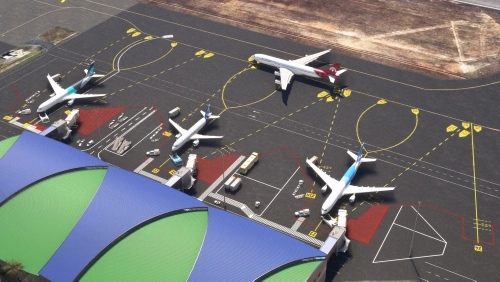
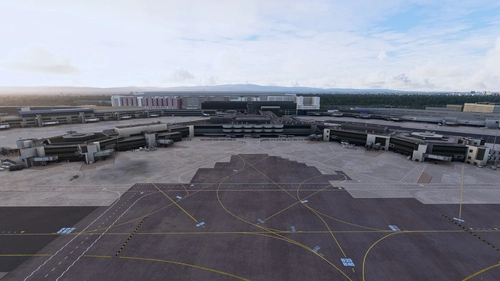
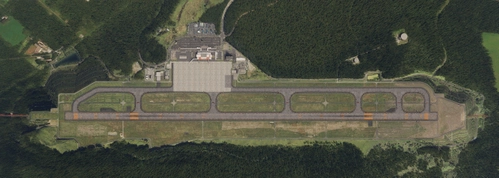
Enhance Tokyo International Airport with this add-on, which aligns runways, taxiways, and taxiway names based on the new airfield map. Make various fixes and additions, with the option to disable certain elements like airport equipment and taxiway signs. Ensure compatibility by following instructions, and experience VDSG implementation based on LOD specification for realistic plane positioning.


Avis des utilisateurs
97 avis
Historique des versions
Adjusted taxiway lights that were too bright.
Présent dans des collections(2)

Similaires
MSFS2024 RJTT Taxiway bridge Fix - Tokyo International Airport (Haneda)
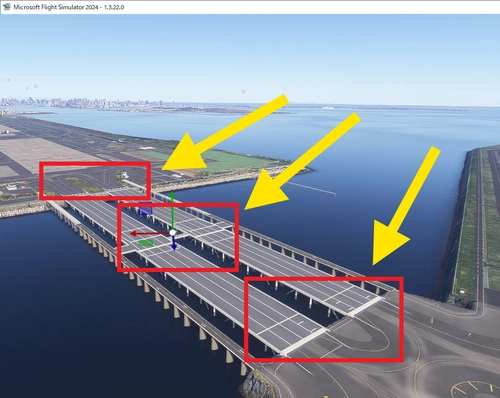
This add-on addresses the uneven taxiway surface on the bridge leading to Runway D at Tokyo International Airport (RJTT) in MSFS2024. It smooths out the bumps caused by a modeling bug, which also results in the floating appearance of aircraft wheels. Users are advised to remove this fix once the underlying issue is resolved by Asobo, as it places ramps that may cause obstacles in the future. Installation involves adding the "RJTT-Haneda-Bridge" folder to the Community directory.
par Ter2255
RJTT Tokyo Haneda FSLTL Static Aircraft
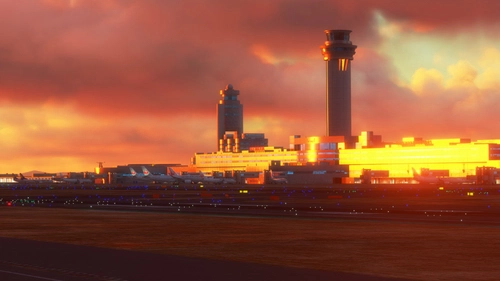
Enhance your Tokyo airport experience with the RJTT Tokyo FSLTL Static Aircraft mod by StaticSceneries. This add-on features FSLTL models to bring life to the airport without the need for FSLTL Injector. Please note that you must have the FSLTL Base models installed. Enjoy a more vibrant airport environment with no FPS loss, although some gates may become unusable with static aircraft in place.
par StaticSceneries
Technobrain RJTT (Tokyo Haneda) Logo Fix
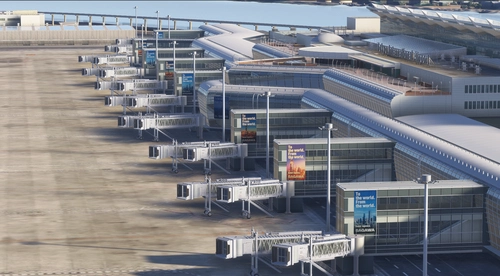
This add-on updates and modifies the hangar and Terminal 3 logos at RJTT for Microsoft Flight Simulator. The changes are designed to enhance visual accuracy and appeal. The layout may differ from real-world counterparts due to material limitations. Installation requires placing the folder into the Community directory.
par avis
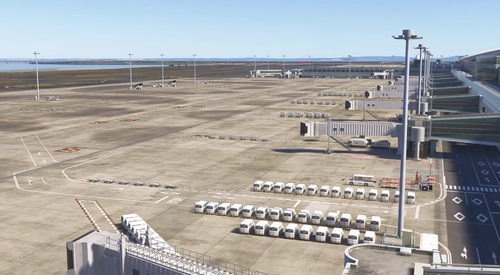
Technobrain RJTT (Tokyo Haneda) GSE Addition
This add-on enhances Technobrain RJTT Tokyo Haneda by adding ground service equipment and positioning a ship offshore. It includes additional lighting for the container yard visible on approach to Runway 16L. Requires Moving Boats 3D Model Library and Japan Airports Model Library KRC. Users may experience performance impacts due to the high object count.
par avis
Connectez-vous pour participer à la discussion
Se connecterCommentaires(372)
about 6 hours ago
25 days ago
about 1 month ago
about 1 month ago
about 1 month ago
about 1 month ago
about 1 month ago
about 1 month ago
about 1 month ago
about 1 month ago
about 1 month ago
about 2 months ago
about 1 month ago
about 2 months ago
2 months ago
Thank you for the update. We implemented it immediately, but a construction fence has been erected on the apron of the T1 Satellite SPOT, rendering part of it unusable. We would appreciate it if you could remove the fence in a future update.
We look forward to your consideration of this matter.
about 2 months ago
2 months ago
2 months ago
2 months ago
about 2 months ago