
Fenix TechLog 0.9.0: takeoff and landing performance from Fenix's own calculators, Send to MCDU, and two fixes
Fenix TechLog 0.9.0 adds a Performance window to the tech log page: takeoff and landing figures from the same calculators Fenix's own tablet uses, with your aircraft's wear and defects on the page beside them. Why use it - The numbers before you roll. V1, VR, V2, flex temperature or TOGA, flap, trim, the weight limit and what is left of the runway if you have to stop, for the runway and the weather you have. - They are Fenix's numbers. TechLog asks the same calculators the Fenix tablet asks. There is no second opinion to argue with. - It knows your aircraft. The weight starts from the sim. If the engines have lost thrust from wear, the page says so, because Fenix's calculator does not know it and the real takeoff run is longer than shown. The landing figure carries your open and deferred defects. - Nothing to retype. Runways, the METAR and the weight come from Fenix and the sim, and Send to MCDU puts the takeoff figures on the PERF page. The Performance button It is the cyan button in the Open items panel on the Tech log page, where "Landing distance" used to be. Takeoff Type the airport, pick the runway (each button shows its length and the wind on it), and the departure point if the airport has intersections. Wind, temperature and QNH come from Fenix's METAR, and you can type over them. Set the weight and CG, the flap, dry or wet, anti-ice, packs and forced TOGA. You get V1, VR, V2, FLEX or TOGA, flap, trim, the weight limit and the stop margin, with a drawing of the runway: the margin is green when there is plenty, amber under 300 m and red when there is none. The same takeoff on a wet runway with engine and wing anti-ice on: V1 drops from 143 to 132 kt, flex from 64 to 55 °, and the margin from 303 m to 194 m. Send to MCDU The button puts V1, VR, V2, flaps, trim and flex on the MCDU's PERF page. It does what the Send to MCDU button on Fenix's own tablet does, and only when you press it. There is no CDU to choose: the FMS is one computer that both CD
Vance W. Amory International Airport - TKPN for MSFS2024 Release date!
Hi everyone, after countless hours and 4.5 stressful months of hard work, frustrations and overcoming plenty of irritating obstacles leading up to the final stages of getting this project done, I'm FINALLY pleased to announce the release date of my custom payware scenery of TKPN for MSFS2024 (PC) on the 16th of October 2026! It is presently in review on both here and on Simarket (Trying to get it on other sites as well) So be on the look out for it anytime on or after that date, either way, it's a mid-to-late October release. Thanks for your patience and I will try to update and improve the scenery as much as i can going forward once time permits and also being a solo developer. Here are a few final screenshots out of 40 taken in the sim with Optishade enabled. I recommend getting this free software as well to enhance all scenery visually in fs2024. Adds extra realism to your flight experience :)
SkyLedger 0.38.3 is out: real hurricanes, real disasters, real relief work
Your SkyLedger world now follows real-world weather and events, live. 🌀 Real hurricanes. Hurricanes, typhoons and cyclones now come straight from the National Hurricane Center and GDACS, and move with the real storm. Hurricane Hunter flights into the eye and Storm Chase charters around the outer bands appear on boards near wherever the real storm is right now. 🌎 Real disasters reach the economy. Real earthquakes (M5+), tsunamis, tornadoes and supercell storms now hit the world economy where they really happen. 🚑 Disaster relief jobs. After a storm or disaster, nearby airports need help for 3 to 7 days, longer after stronger storms: fly building materials, medical teams and supplies, and search and rescue missions. Relief work pays 25% extra reputation and XP. 📅 New World Events page. Calendar, map and list views, filters for events near your hubs, high impact or weather, and an Event Intelligence panel showing where the opportunities are. Also new since 0.34 - ✈️ Military Jobs: a world map with a job for every real military unit in the US, Canada, the UK, Europe, Japan and Australia, plus U.S. bases abroad. The unit provides the aircraft; tanker tracks and patrols fly real navaid waypoints and export to an MSFS flight plan. - 🚁 Helicopters and military aircraft: 20+ helicopters (no runway needed), fighters, warbirds and transports, plus 149 more add-on aircraft types. - 🖼️ Aircraft pictures from your own MSFS hangar. - 🌦️ Pressure systems and fronts on the weather map. - 👥 A new Customers table, and in-app messages from the developer. SkyLedger now tells you when an update is out, so you'll never miss one. As always, report bugs or ideas with the headset button in the app. Blue skies! ✈️
ClearedToCode Community Update — We Could Use Your Support
We took a direct and devastating hit from the storm here in Navarre, Florida. Right now, we’re assessing the damage and beginning the recovery process. ClearedToCode is a new development company, and this has been a serious setback. I’ve put a lot into building these flight simulation tools, and asking for help isn’t easy—but any support would mean a great deal as we work to recover and keep development moving. If you’re able to contribute, donations go directly toward ClearedToCode’s recovery: Cash App: $clearedtocode Please don’t feel obligated. Sharing this post, leaving an encouraging message, or simply being patient with delayed responses helps, too. Support and development updates may be slower while we get back on our feet. I’ll keep the community informed as we learn more. Thank you to everyone who has downloaded our apps, shared feedback, and supported this project. I’m grateful to have you behind us. — Jesse Manchester ClearedToCode | Built by Simmers. For Simmers.
LFLG Le Versoud FS 2024 update V 1.4
V1.4 Adding POI to the game for the IKEA shopping center and the Escolle concrete plant
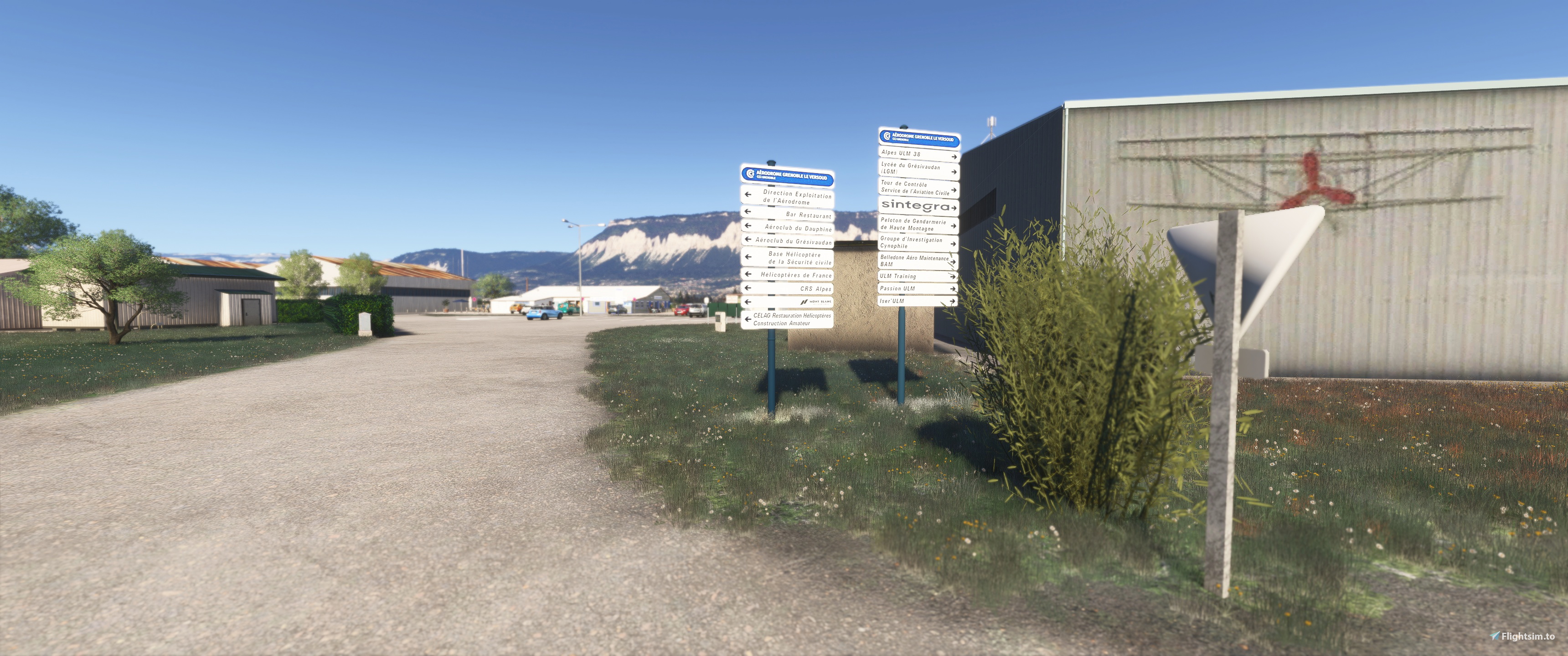
LFLG Le Versoud Grenoble FS2024
View AddonTechLog for the PMDG 737: early work
I make Fenix TechLog, a free tech log, MEL and part-wear tool for the Fenix A320 family. I am now building a version for the PMDG 737 in MSFS 2024. I am an Airbus pilot with a home cockpit, and I do not know the 737 well. I will not be able to test everything myself, so I will rely on people who fly it. Status today: I can set a failure in the PMDG from outside the sim. The tech log, MEL, wear and flight log are not built for the 737 yet. No date.
Fenix TechLog 0.8.0: auto maintenance, sharing airframes and a tidier Settings page
Fenix TechLog 0.8.0 can do the overnight rounds for you, lets you move an airframe to another PC, and has a Settings page that is easier to find your way around. Auto maintenance Switch it on in Settings and a night shift runs at local midnight with the aircraft parked. A check that is overdue, or falls due before the next midnight, is done. Consumables that are low or near their minimum are serviced. Open defects are left alone, so you still decide whether to fix or defer them, and deferred items are fixed on their day as before. With realistic maintenance times the check takes its hours. If the aircraft is moving or TechLog is closed at midnight, it happens when the aircraft is next seen parked. It is off by default. Defer to the latest date in one press The Defer window has a Defer to latest date button, and the open items list has Defer all to latest date for every item that may be deferred. NO-GO items stay open. Share an airframe Every saved airframe has an Export link. It saves one file with the parts and their wear, the tech log, checks, consumables, hours and cycles, booked work, servicing history and every flight. The file is sealed, so it cannot be read or edited in a text editor, and your settings are not in it. Import an airframe reads it back. If the registration is already saved, you choose between replacing it and importing under another registration, and TechLog asks whether to open the aircraft afterwards. The saved airframes can also be filtered by registration, type, engine and new or used, and sorted. A tidier Settings page The long list is now five groups in three columns on a wide screen, with choices drawn as joined buttons. Notices are coloured: blue for information, green for done, amber for a warning, red for an error. Work that finished while TechLog was closed now logs one line instead of two.
Work in progress - update
Another quick update from me on current projects. Last week, I released Lamberhurst, a little strip in Kent. I'll be working on a couple more Kent strips in the next little while - Solleys/Ripple and Hamilton Farm, near Ashford. Nearby Tiffenden is also one I've started work on now. The 'big' project right now is Elmsett EGST, a bit of a hub for GA aviation in Suffolk, as featured on the Flying Reporter youtube channel, etc. Here's a screenshot of how things look as I start to build the 3D models and make sure I've got the floorplans right. Alongside this, I'll be releasing updates for KCLS Chehalis and a few other strips: added details and, where possible, reduced file sizes. Lydeway is an ongoing project, and, if I get time, look out for a fun little strip right by the M25, and perhaps another next to the East Coast Main Line...
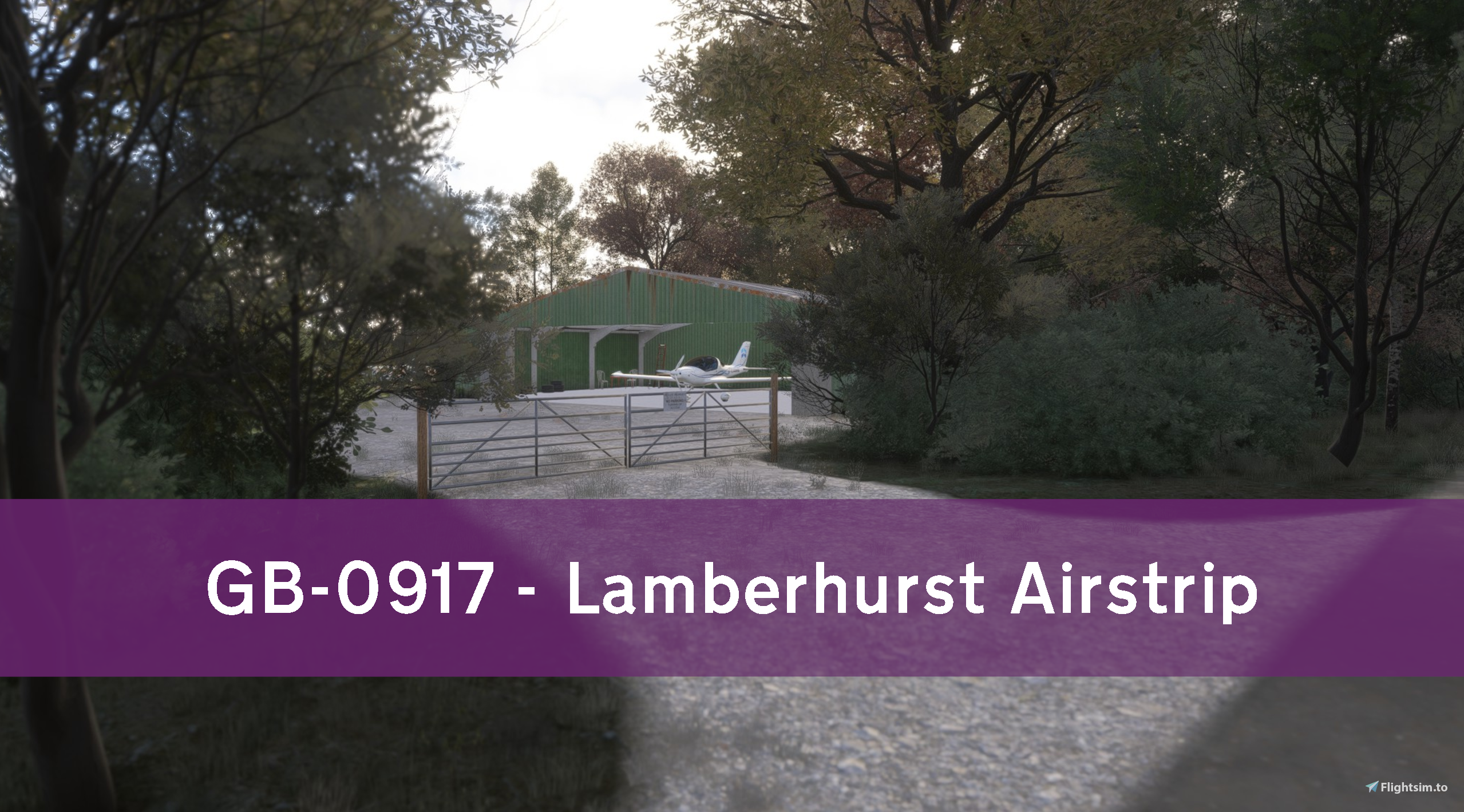
GB-0917 Lamberhurst Airstrip
View Addon