
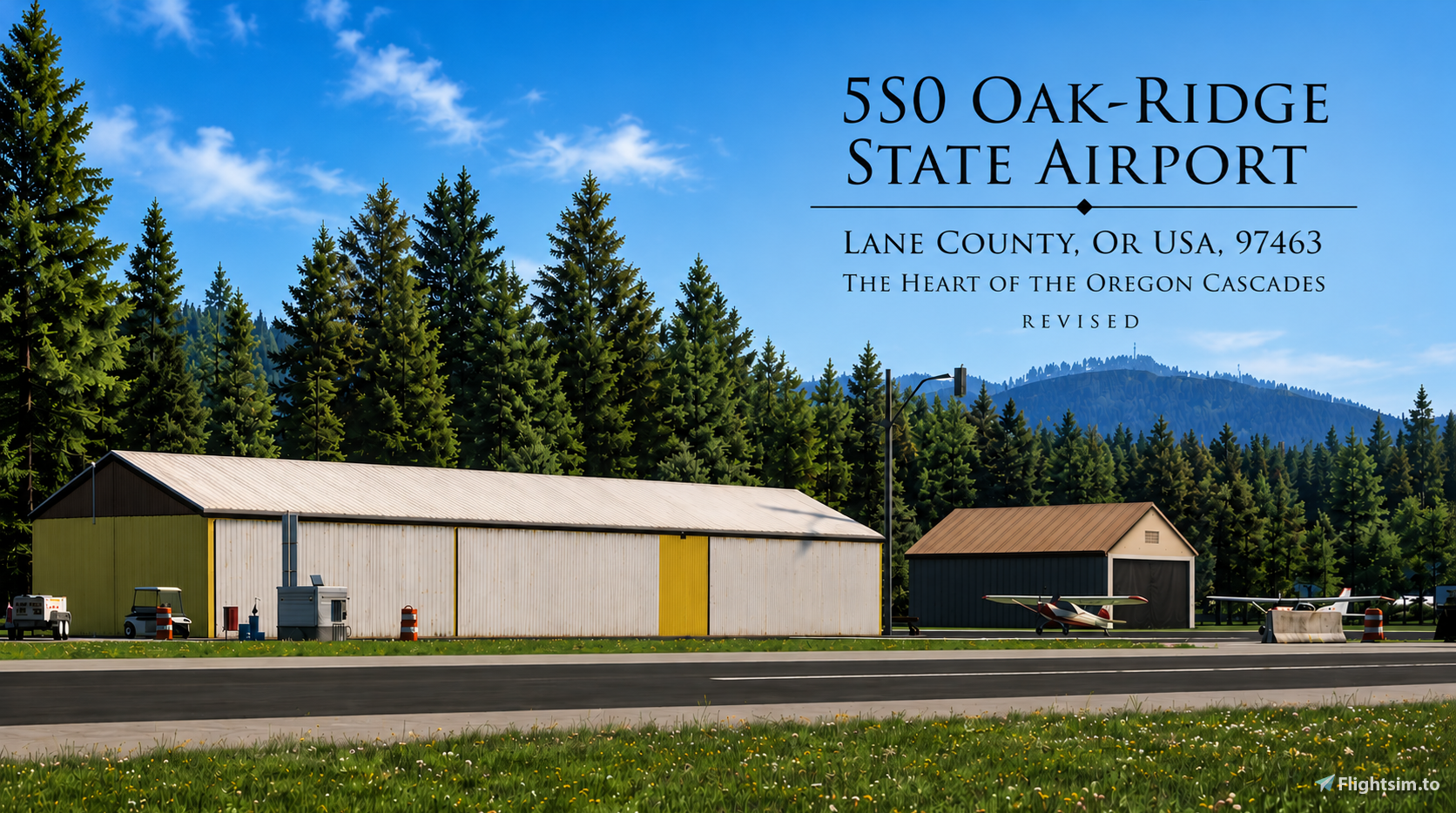
Description
IMPORTANT NOTE: If you have not yet downloaded Version 2.1, please do not download it at this time. A terrain issue has been identified that is affecting some users, and I am currently working to resolve it. I will post an update once the issue has been corrected. Please wait for Version 2.1.1 before downloading. Thank you for your patience and understanding!
The smell of damp pine, the sound of the Willamette River rushing nearby, and the crisp mountain air hitting your face as you slide the window open... welcome to Oak Ridge.
Nestled deep in the foothills of the Cascade Range, Oak Ridge State Airport isn’t just a destination; it’s the gateway to the true Oregon backcountry. This isn’t a place for flight computers and autopilot. This is a place for stick-and-rudder pilots, taildraggers, and those who prefer a grass-stained tire over a paved taxiway.
I’ve spent some time on this scenery to capture that specific "Pacific Northwest" soul as best I can. From the way the morning mist clings to the towering Douglas Firs to the weathered textures of the local structures. I've also spent some time in Blender crafting custom T-markers with a bit of wear and tear to represent the real-world parking positions. I also added a couple of static aircraft to give the ramp a bit more character.
One detail I really wanted to get right was the 'Have You Closed Your Flight Plan?' sign using blender. I used Google Earth Street view to match its current real-life position just outside the airport boundary. It’s those small, grounded touches that make a back-country strip feel like a real destination rather than just another stops on the map."
INSTALLATION:
1. Extract the downloaded .zip file.
2. Place the folder: OR_5S0 into your community folder.
ADD-ONS LINKER (Optional):
If you are using Addons Linker (by bad2000), place the folder inside your existing MSFS add-ons directory (the same location you use for your other linked scenery), then link it through Addons Linker.
If you are using my folder structure: GarciaMK4 Global Add-On Hierarchy (Directory Structure) v1.0.4
Place folder OR_5S0 in
Global Scenery
└── Northern America
--> └── United States
--> └── Pacific
--> └── OREGON
--> └── Airports <------- Place OR_5S0 Folder in here
--> └── OR_5S0<------ then link it through Addons Linker.
NOTE: I Verified the default airport frequency against real-world data; since it was already correct by default, I’ve left it as-is to ensure you can still properly announce your taxi and landing intentions on the radio.
CREDITS: I'd like to express my gratitude to the individuals who make all these libraries available, including the ones mentioned above.
Thank you for downloading hope you guys enjoy it.
Additional third-Party Assets: Sketch-fab Model "State Forest Information Kiosk" (State Forest Information Kiosk - Download Free 3D model by Edward González-Tennant (@edgonzaleztennant) [343bc20)
Sketchfab Model "State Forest Information Kiosk" Licensed under Creative Commons Attribution 4.0 (CC BY 4.0) https://creativecommons.org/licenses/by/4.0/
Modifications: Converted and optimized for Microsoft Flight Simulator, including material and texture adjustments.
Want to support the scenery? If you enjoy flying into these remote strips and want to toss a coffee tip into the jar, you can head over to my Flightsim.to creator profile and click the PayPal button.
Absolutely no pressure. Enjoy the flight!
Dépendances
Location
OakRidge State: The Heart of the Oregon Cascades (5S0)
This add-on recreates Oak Ridge State Airport (5S0) in Oregon, featuring some custom scenery assets, set in the Cascade Range foothills. It includes accurate vegetation, weathered structures, custom T-markers, and small touches like realistic signage. The airport is designed for bush flying and general aviation, capturing the atmosphere of the Pacific Northwest backcountry. Some static aircraft and third-party assets are used.


Avis des utilisateurs
5 avis
Historique des versions
Changelog: * Fixed severe runway and apron terrain deformation when MSFS 2024 Displacement Mapping was enabled. * Corrected an incompatible shoulder material that was causing the deformation. * Displacement Mapping can now remain enabled while using the scenery.
Présent dans des collections(1)

Similaires
NY94 Old Rhinebeck
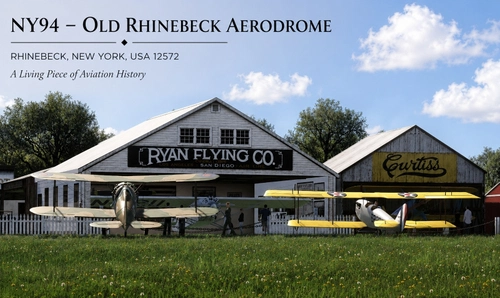
This add-on recreates the historic Old Rhinebeck Aerodrome NY94 in Red Hook, New York, for Microsoft Flight Simulator 2024. The scenery features custom-built hangars, museum areas, fencing, and other airport structures, modeled using reference photographs. Third-party assets are included for additional period atmosphere, such as vintage static aircraft and environmental details. Some elements may differ from the real location where reference material was limited.
par Garciamk
42B GoodSpeed Airport-Where the Tide Steals the Valley
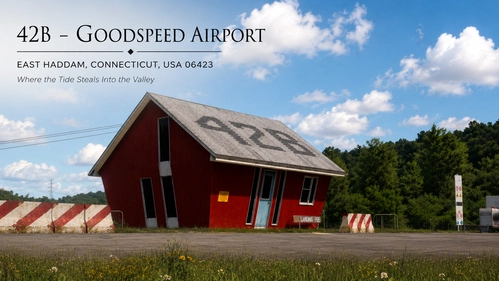
This add-on recreates Goodspeed Airport (42B), a distinctive airport and seaplane base on the Connecticut River in East Haddam, Connecticut. It features detailed models of key airport structures including the office, hangars, service buildings, and custom docks. The scenery includes static aircraft, various small details, and ground clutter to capture the airport’s character. Hidden clues and extra details are also available for users who enjoy exploring the area beyond the airport itself.
par Garciamk
56s - Seaside Municipal Airport
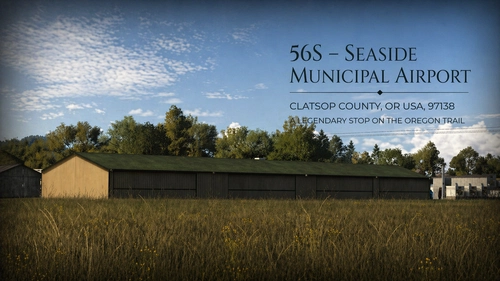
This add-on recreates Seaside Municipal Airport 56S on the Oregon coast, focusing on accuracy and atmosphere. The airport is depicted with surrounding local buildings, trees, and roads to capture its realistic, small-town feel. Suitable for short field and coastal flights, the scenery aims to reflect the airport’s true character. Installation instructions are provided for standard and Addons Linker users.
par Garciamk
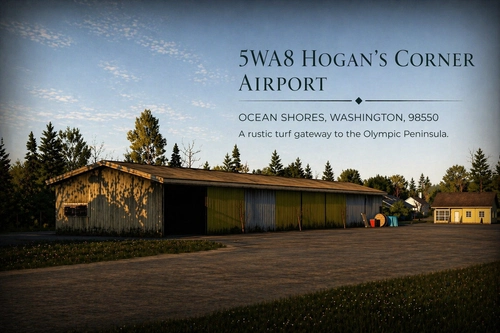
5WA8 Hogan's Corner
Hogan’s Corner 5WA8 is a small, private airstrip located in rural Washington and designed for general aviation and local bush flying. This add-on recreates the airstrip for MSFS 2024, focusing on natural scenery and consistent atmosphere. The scenery uses custom and legacy models, with optional library support for additional signage. The package is community made and is easy to install by placing it in the Community folder.
par Garciamk
Connectez-vous pour participer à la discussion
Se connecterCommentaires(24)
2 months ago
2 months ago
Hopefully I didn’t break too many landing gears in the process. Thanks again to everyone who helped test and report the issue!
2 months ago
I’ll be releasing an update with the fix.
2 months ago
I’m currently looking into what’s causing the difference and working to identify the issue. I’ll get it corrected in the next update as soon as I determine the cause.
Thanks for your patience, and thanks to everyone who has reported the issue and helped with testing.
2 months ago
The airport is unusable.
The ground is up, completely broken, as if a massive earthquake had struck.
Greetings
2 months ago
2 months ago
2 months ago
2 months ago
2 months ago
2 months ago
😎
2 months ago
2 months ago
3 months ago
3 months ago
5 months ago
One teeny tiny thing: That weird Oregon supernatural anti-magnetism is apparently at work, as a few of the rocks to the left of the hangar are levitating slightly :)
5 months ago
Those particular rocks are default terrain clutter objects, so I’m wondering if it could possibly be related to sim version or terrain/clutter rendering differences. Are you using MSFS 2020 or 2024 by any chance? I’ll definitely keep an eye on it regardless. Glad you’re enjoying the airport!
5 months ago
5 months ago
5 months ago