
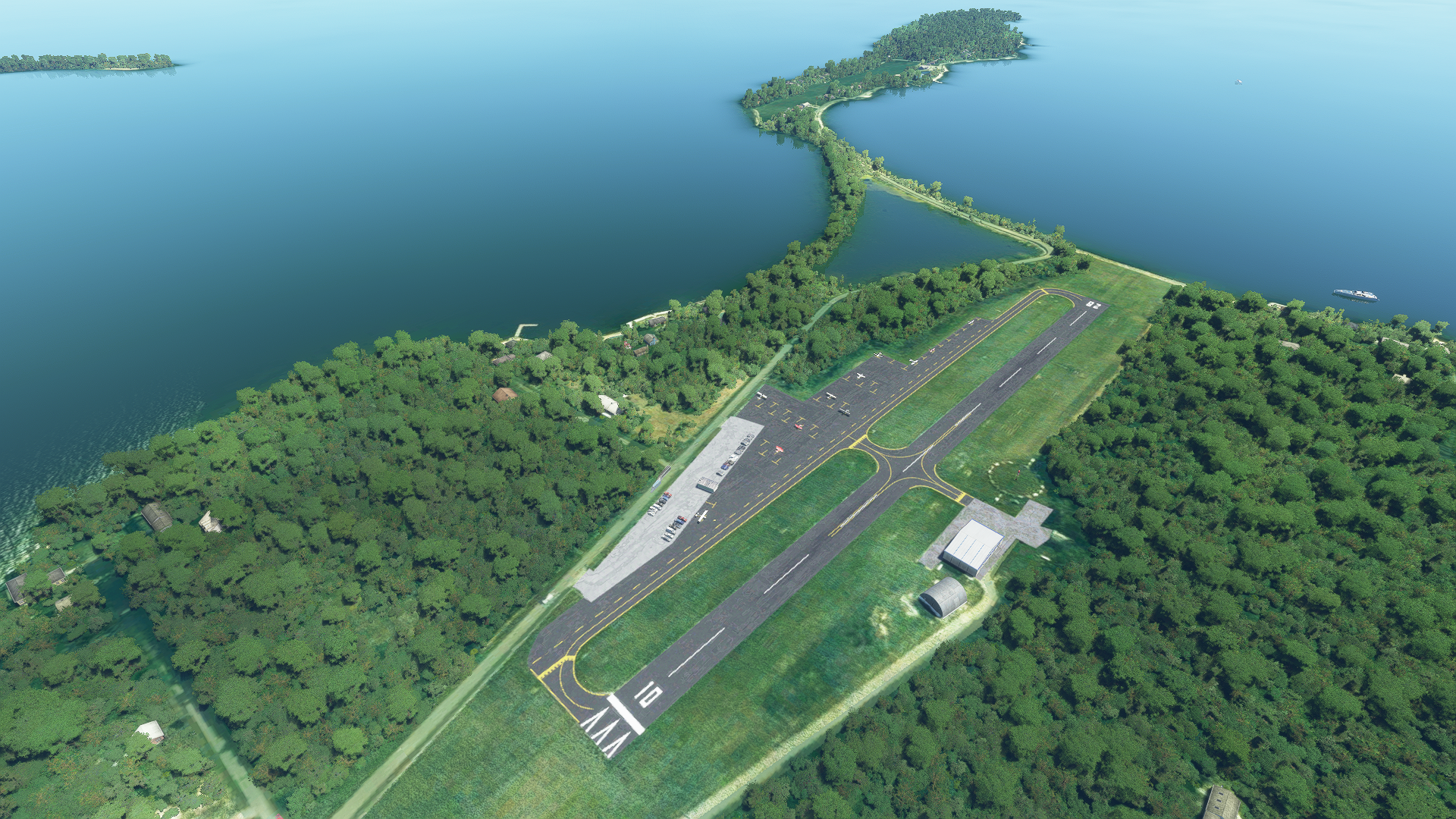
Description
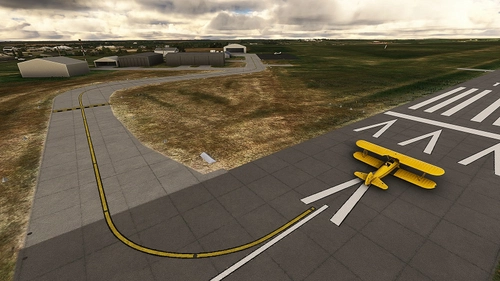
This includes both airports because they interfere with each other in the default scenery. This caused me quite a bit of consternation in getting 3T7 to appear correctly before I realized 3W9 actually had no turf runway at the proper location and instead had an entire copy of 3T7 sitting on top of it! The airports have now been properly separated into two runways.
Changes
- Runway, apron and taxiway texture/coloration adjusted
- Parking faces towards the taxiway
- Parking spots without a North label are large enough for AI planes to spawn. Do not choose these locations if you are flying with friends as an AI aircraft will probably appear in the spot with you from their perspective. North parking uses sequential numbers to let you know if you will be next to another player
Additions
- Parking tees in proper locations
- Taxi lights at runway exits (requires EDHK light pack)
- Perimeter fencing of appropriate type and height
- (3W9) Parking included
Fixes
- Adjusted runway dimensions
- Windsock moved to center of seg-circle
- Trees removed to better expost seg-circle
- Cleaned up edge lines and matched tarmac edges
- Adjusted taxi lines to better match actual layout
- Pruned taxi signs, placed properly and removed IDs
- Removed trees from infield and from encroaching on approaches to both runways
- Autogen replaced with more appropriate buildings
- Island checked for proper tree coverage and water masking
- (3W9) Windsock placeed
- (3W9) Runway defined
Known Issues
- Light orbs over the tarmac cannot be removed
- (3W9) No AI planes spawn, this is by design. Runway does not include AI pathing
The pathing for AI parking is on a separate network to make it easier to keep the taxi lines straight. This may cause AI aircraft to not know you are on the taxiway and taxi through you. This should only happen on the main tarmac, and may not happen at all. This is just what happened in FSX.
Location
3T7 & 3W9 Bass Island Airports - Lake Erie, Ohio
This mod separates and enhances the 3T7 & 3W9 Bass Island Airports in Lake Erie, Ohio for a more accurate and realistic flight experience. Changes include adjusted textures, proper parking locations, and added features like parking tees and taxi lights. Fixes range from adjusted runway dimensions to removing trees for better visibility. Note that there are known issues such as light orbs and AI plane spawning limitations that are detailed in the description.


Historique des versions
Aucun historique de version disponible.
Présent dans des collections(1)

Similaires
World Carriers
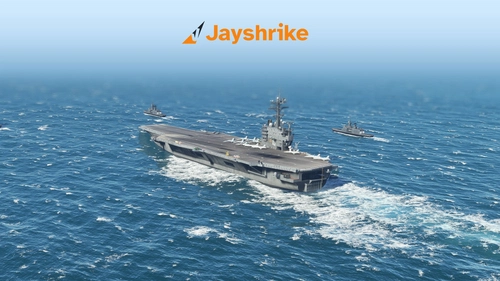
Now you can finally use the Top Gun aircraft carrier in freeflight! You can Approach with instructions from the LSO. Land with help of the arresting cables. And Take Off with the onboard catapults. Try flying in challenging weather or even at night!
par Jayshrike
Channel Islands Airports Upgrade - Jersey, Guernsey, Alderney
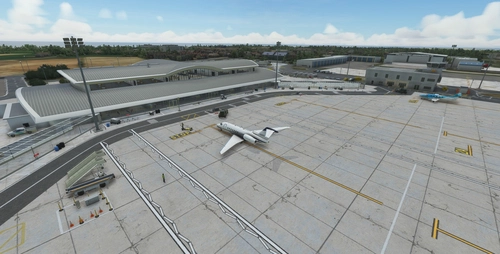
Upgrade your Channel Islands experience with enhanced airports and scenery. This add-on includes detailed improvements for Jersey, Guernsey, Alderney, and new addition Brecqhou airports, along with a separate scenery file. Customize your sim with new buildings, ground textures, and added details like fencing and car parks. Version 3.3 combines previous files for a streamlined experience.
par superspud
Greek Airports part 4
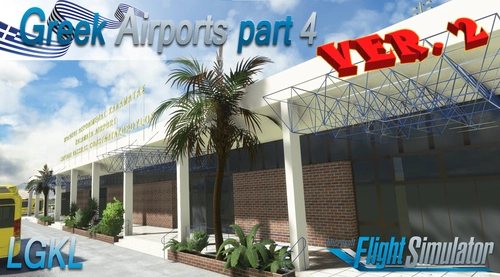
The forth part of my Greek airports-airfields collection including among others Omiros, Megas Alexandros, Kalamata, Tatoi, Aristotelis and Kastellorizo Airports with 45 custom 3d models (from terminals and auxiliary buildings to bunkers). All airports are up to date and as real as i can make them.
par jackzyg
Colorado Ranchers Club Scenery MEGA PACK
Immerse yourself in the Rockies with the Colorado Ranchers Club Scenery MEGA PACK, enhancing unique airports once operated by the Colorado Ranchers Club from FSEconomy. Explore scenic destinations like Redlands, Aspen, and Crested Butte, each offering a different Ranchers Club experience. Discover a blend of luxury, adventure, and relaxation, with activities ranging from horseback riding to skiing. Ensure an optimal experience by using Daves Crooked Library for full scenery immersion.
par bagolu
Connectez-vous pour participer à la discussion
Se connecter