
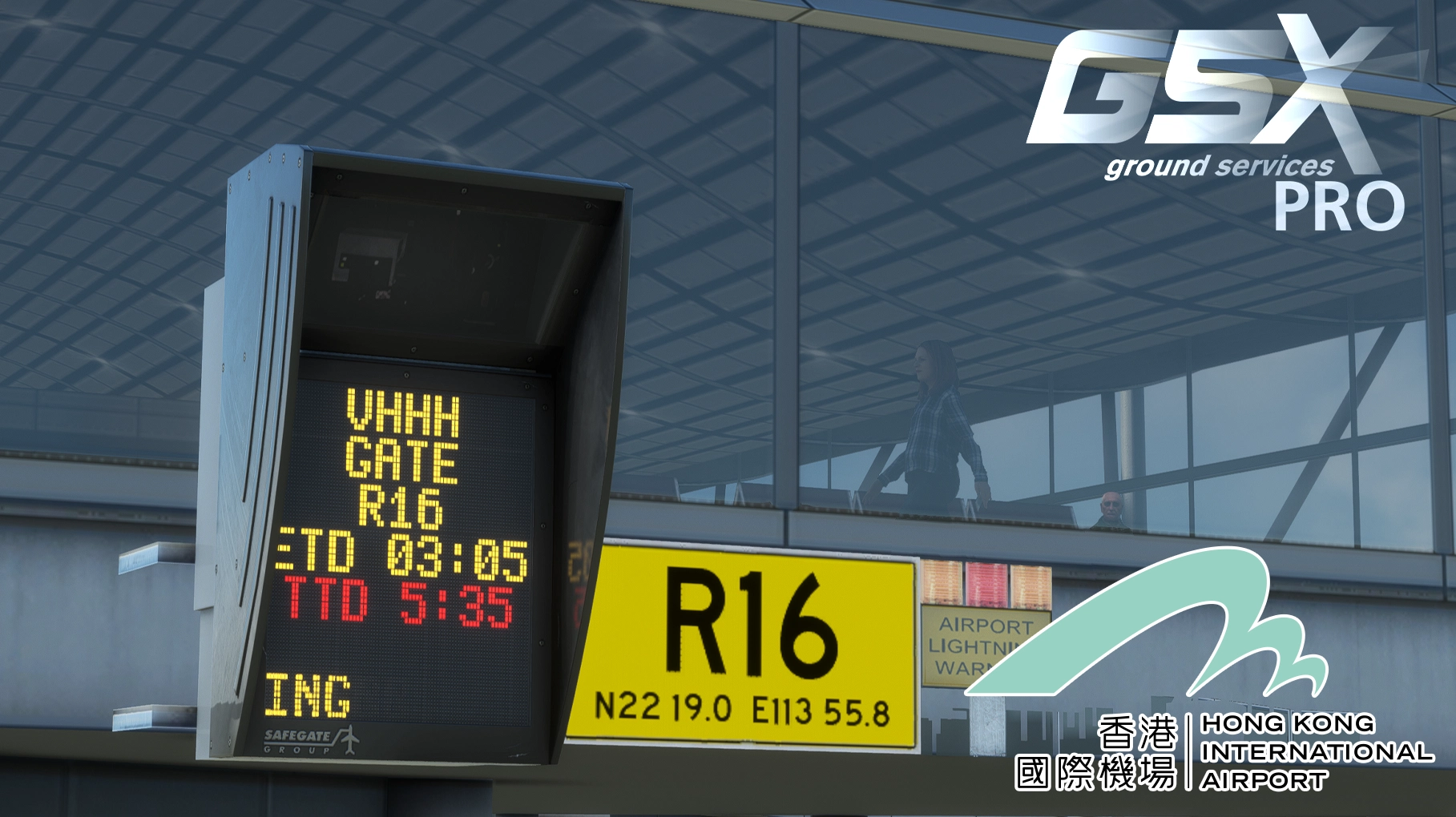
Description
Ensure VHHH has jetways excluded, 3rd party scenery in use in the FSDT Installer
Copy the downloaded files, VHHH-lc1d9i.ini and VHHH-lc1d9i.py and place it in the GSX config directory, typically found in C:\Users\Your Username\AppData\Roaming\virtuali\GSX\MSFS
Paste the remaining folders 'z-fsdreamteam-GSX-...' into your Community folder
Usage guide
For Code C or smaller aircraft (A320 and B737) use MARS gates offset. Typically these will be RIGHT offset (i.e. S1R), unless the Left offset is obviously closer to the centre than the Right offset (i.e. W125L). For gates that are not obvious, a human marshaller will be standing on the side of the correct MARS to be used.
Some specific gates with Left offset:
W121L
W125L
D305L
D306L
D310L
Midfield concourse D2xx gates may be marked as or 'Code D or larger only'. If you are flying an Code C or smaller aircraft (A320/B737), Avoid using these gates, as the jetway cannot physicaly reach and connect to you on the correct stopline. In case that you do use these gates, you will be stopped at the incorrect stop line to allow the jetway to reach you.
For these gates, it will you spawn into the incorrect position, you should be able to use the GSX menu to 'reposition aircraft'. It should then warp you to the correct MARS position.
New bay labelling and sorting system added, may include descriptions such as '(Code D or larger)'. This will denote the bay designed for aircraft as such size, however Code C and smaller aircraft MAY use this bay as well.
'(Code C or smaller ONLY)' denotes bay designed for aircraft as such size AND IS ONLY SUITABLE for aircraft of such size. Do not attempt to park Code D or larger aircraft at these bays. etc.
Description
WFScenery VHHH configuration. Includes all bays depicted in the scenery
Note that some bays on current AIP charts have only been recently constructed, they are not present in the scenery.
Includes:
-Custom textures for handling companies HKIA, HAS, SATS, JATS, CPSL/HACTL, Menzies CNAC
-Custom textures for pushback tugs HAECO (new and old), PAPAS, CASL
-Custom textures for Cathay Catering, generic textures for LSG Skychefs and GateGourmemt
-Custom textures for HKIA buses and follow me car
-Custom textures for refuelling companies (hydrant truck only) CNAC, AFSC, WFS
-ADGS
-Passengers in terminal
-Passengers in jetway corridors and jetways
-All objects handplaced to appropriate equipment areas
-Correct stop line positions
-Pushback definitions, including colour procedure as per AIP, so you no longer have to pull the charts up in a rush
-MARS bays
Remarks/known issues
MARS bays still use main bay VDGS - not realistic as VHHH uses marshallers for most MARS bays (GSX limitation)
Marshallers at some bays do not face the aircraft - due to the requirement for the marshaller to marshall both main gate and MARS position (GSX limitation)
Some bays on midfield concourse (D2xx) have jetways that are unable to reach A320/B737 aircraft parked at the correct stop lines. These incompatible gates are listed as 'heavy' (WFScenery limitation)
IRL arriving pax walk down a gangway in the jetway corridor to 2/F. This is not modelled by WF. Except for some S gates, pax will phase through the floor then despawn.
Some vehicles will drive through others, or the aircraft to reach their positions. I decided that it's likely the player will be remaining in the flight deck still as they park and request services, so they would not immediately see and notice vehicles driving through them or other GSE, it would be more important to have GSE parked in the correct locations as you arrive onto the bay. It would also help if a proper GSX profile for your aircraft is loaded with wingtip clearance areas defined.
Some aircraft, like the Salty 747, do not come with a correct aircraft config, especially nose gear and exit L1 position, therefore the ADGS/Marshaller may not guide you to the correct stop position. Please ensure that you have a proper config for your aircraft prior to using this GSX config, or before reporting an issue with stop lines.
Some bays, such as X1R - X6L, X7, X8 and X9 have step ladder positions for marshallers due to tight spacing, the marshallers may teleport to under the stands.
I could not find a way to remove the default ADGS in the scenery, so I have simply overlayed the GSX ADGS on top.
Widebody X bays do not have rear stairs position defined yet. I see no need, unless y'all pester me enough about it.
CNAC refuelling truck textures, generic catering textures and SATS will replace all textures in every airport.
If framerate is low, this may be due to excessive amounts of passenger models, you may delete walkers (ambient passengers wandering about) by opening the airport customisation menu, (highlight relevant bays on the left by ctrl click to culmulatively select bays, or, click first selection then shift click final selection to select whole sets), then click the rubbish bin icon in the 'customise walker waypoints' button.
GSX Profile - WFScenery VHHH Hong Kong with GSE Texture Replacement
Enhance your VHHH experience with this GSX profile by WFScenery, featuring custom textures for handling companies, passengers in terminal and jetways, accurate stop line positions, and pushback definitions following AIP standards. Note some known issues with vehicle behavior and aircraft configurations may impact the marshaller guidance. Improve your ground handling operations at VHHH with this detailed add-on.
Avis des utilisateurs
31 avis
Historique des versions
MSFS2024 is fully compatible!! Latest WFScenery VHHH MSFS2024 v1.03 required. Thank you WF for updating the scenery, it really lightened the load whilst I focused on MSFS2024 Kai Tak. There is no change in content, you may use the same existing files for MSFS2024 version as well.
Présent dans des collections(1)


Similaires
VHHX Hong Kong Kai Tak Enhancement for Default Asobo/Gaya
Enhance your Kai Tak experience with this addon for default Asobo/Gaya SU11. This project improves runway, apron, and lighting details, including bright lights, accurate markings, and historical references. Please note some limitations and installation requirements for optimal performance.
par TMongun, kychungdotcom
GSX Profile - VHHX Kai Tak with Custom Handling Company Textures HATS for Asobo (Gaya) SU11
Enhance your airport experience with the Asobo Studios/Gaya Simulations VHHX Hong Kong Kai Tak International Airport SU11 configuration add-on. This mod includes custom stop positions, APIS docking system, passengers in terminal, hand-placed objects, and smoothed pushback paths. Additionally, it features a custom GSX handling company - Hong Kong Air Terminal Services Limited (HATS) - with 90s paint scheme, new textures for GSE equipment, and more. Note that manual editing of config files is required for multiple custom companies.
par TMongun
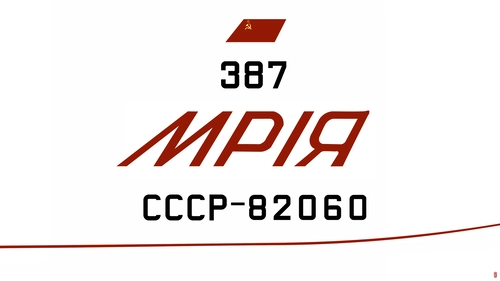
iniBuilds Antonov An-225 CCCP (1988-1989) Livery Collection
Explore the historic livery collection for the iniBuilds Antonov An-225 CCCP (1988-1989). This add-on features accurately recreated details from the aircrafts 1988 unveiling and appearances at airshows in 1989. Install the 8K upscaled main file to experience the iconic design of the worlds largest aircraft during this period.
par TMongun
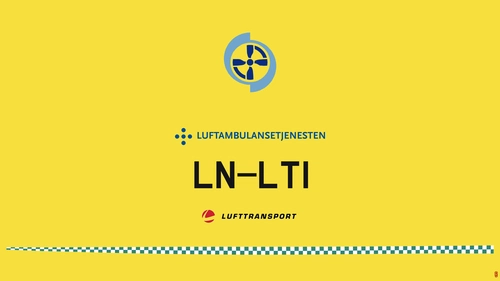
Norsk Luftambulansetjenesten HF King Air 350i Repaint
Repaint of two King Air 250 aircraft operated by Norways Luftambulanse, featuring LN-BSI circa 2019 and LN-LTI circa 2018. Minor issues due to limitations like mirrored textures and compromises made for accuracy. Includes installation instructions and compatibility with latest updates.
par T Mongun
Connectez-vous pour participer à la discussion
Se connecterCommentaires(184)
about 7 hours ago
24 days ago
6 months ago
6 months ago
6 months ago
6 months ago
It seems no jetway replacement function in MSFS2024 of GSX. Just bypass, is it right?
6 months ago
8 months ago
8 months ago
9 months ago
9 months ago
9 months ago
9 months ago
However due to limitations to GSX, it may not look 100% correct.
9 months ago
9 months ago
9 months ago
9 months ago
10 months ago
11 months ago