
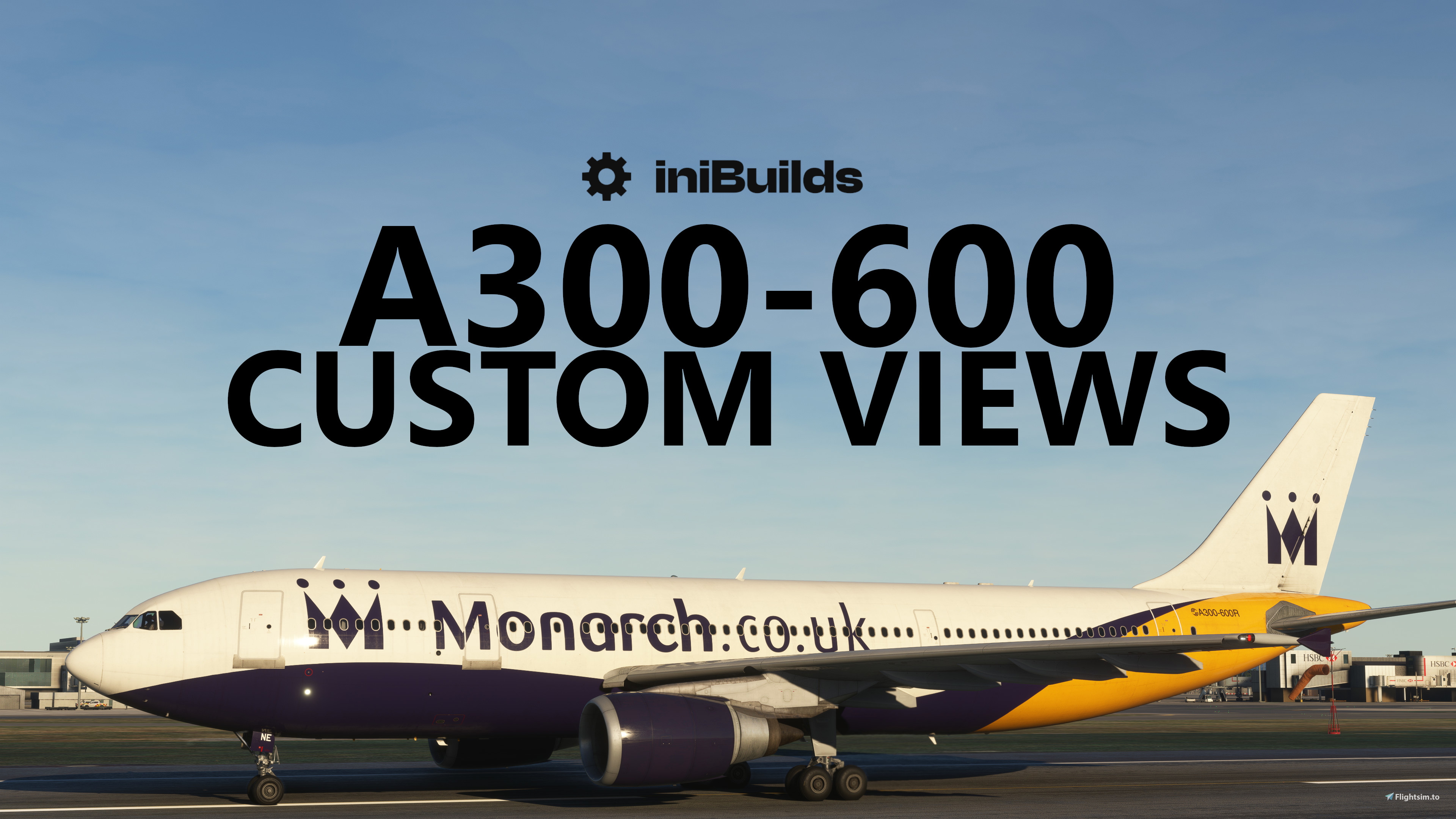
Description
I hope you enjoy using this nice simple set of lovely custom views for the iniBuilds Airbus A300-600 ready for when it releases. It includes BOTH versions...
First, extract the folder and it'll leave you with two subfolders PAX and Cargo, one for each version of the aircraft.
Naturally you will (like all other custom views) need to ensure you have loaded the aircraft up for the first time to ensure it has compiled the relevant folders first. If you do not know what you're doing, you may break your files or addon. Similarly, if you do not follow the readme or the steps below, it won't work.
Step 1 - install the A300 and spawn in with it in the sim, both versions one at a time. It'll then build the required folder structures for the rest of it. The path typically for MS Store version users is as follows:-
PASSENGER VERSION
1. Navigate to MSFS folder -> Local Cache -> SimObjects -> Airplanes -> inibuilds-aircraft-a306r
2. Place the cameras.cfg file into this folder specific for the pax aircraft
3. Boot the sim, use custom view keybinds to load
CARGO VERSION
1. Navigate to MSFS folder -> Local Cache -> SimObjects -> Airplanes -> inibuilds-aircraft-a306f
2. Place the cameras.cfg file into this folder specific for the cargo aircraft
3. Boot the sim, use custom view keybinds to load
If you are on STEAM then you'll need the following paths instead:-
AppData\Roaming\Microsoft Flight Simulator\SimObjects\Airplanes\ inibuilds-aircraft-a306r
AppData\Roaming\Microsoft Flight Simulator\SimObjects\Airplanes\ inibuilds-aircraft-a306f
Missing the folders in the Airplanes folder? Ensure you install the A300 then spawn into it in the sim for the first time first, so it can compile all of the folders it needs to. This is the same with every custom view for any other aircraft too.
If you do not follow the steps properly, you will not install it correctly and it will not work - same with every other custom view pack on here that is downloadable.
iniBuilds A300-600 Custom Views
Customize your flight experience with <strong>iniBuilds A300-600 Custom Views</strong> for both passenger and cargo versions. Easy installation process with clear instructions to ensure optimal performance. Enhance your sim with this simple set of lovely custom views tailored for the upcoming iniBuilds Airbus A300-600 release.


Historique des versions
Tweak to one view which was a duplicate
Similaires
Full VATSIM AIG Beta Model Matching
AIG Model Matching covering hundreds of airlines and operators around the world and hundreds of hours of work. After installing all of the required Airlines in AIG's OCI you need THIS to bring it to life in VATSIM. It has taken many many hours so I hope you enjoy it!
par BritishAvgeek
MSFS vPilot Modelmatching
Create a custom VMR model matching file for Microsoft Flight Simulator, tailored to the contents of your own community folder. This comprehensive tool covers a wide range of major airlines for use with VATSIM, including recent Aerosoft CRJ liveries. Easily edit the file to suit your specific liveries and aircraft, with ongoing updates to keep pace with new additions to MSFS. Support the creator by donating or subscribing to their YouTube channel for more aviation content.
par BritishAvgeek on Youtube
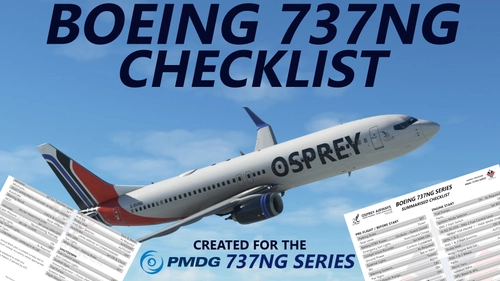
PMDG 737NG Summarised Normal Checklist
A Summarised Normal Operations Boeing 737NG Checklist covering all the important checklist items needed during each stage of flight with the PMDG 737-600, PMDG 737-700 and PMDG 737-800 for Microsoft Flight Simulator, created free for all to use and enjoy by British Avgeek.
par BritishAvgeek
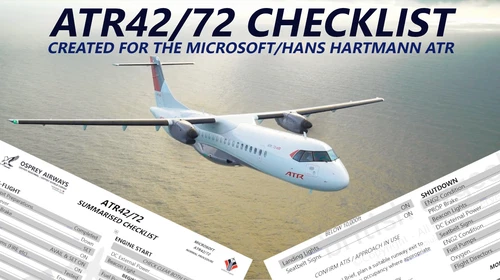
ATR 42/72-600 Normal Checklist
A comprehensive Normal Operations checklist for the ATR 42/72-600 in Microsoft Flight Simulator, designed to assist with "Hotel Mode," takeoff, and landing procedures. Ideal for those looking to familiarize themselves with this new aircraft in the MSFS Expert Series. Stay tuned for future updates and improvements to streamline the checklist process.
par BritishAvgeek
Connectez-vous pour participer à la discussion
Se connecterCommentaires(18)
over 2 years ago
0 appears to be possible correct - right engine view through an economy class window
1-5 are different views but in the 1st class cabin
6-9 are back in economy but mainly of the interior cabin walls.
Ideas?
over 2 years ago
almost 3 years ago
almost 3 years ago
almost 3 years ago
almost 3 years ago
almost 3 years ago
almost 3 years ago
What am I doing wrong?
almost 3 years ago
almost 3 years ago
Such a dumba55! 🤣🤦♂️
In my defence, I had been up for 37 hours at the time I was trying to do it, so allowances where they’re due 🤣
Great wing views! Thanks for creating!
almost 3 years ago
almost 3 years ago
AppData\Roaming\Microsoft Flight Simulator\SimObjects\Airplanes\
almost 3 years ago
almost 3 years ago
almost 3 years ago
almost 3 years ago
almost 3 years ago
almost 3 years ago