
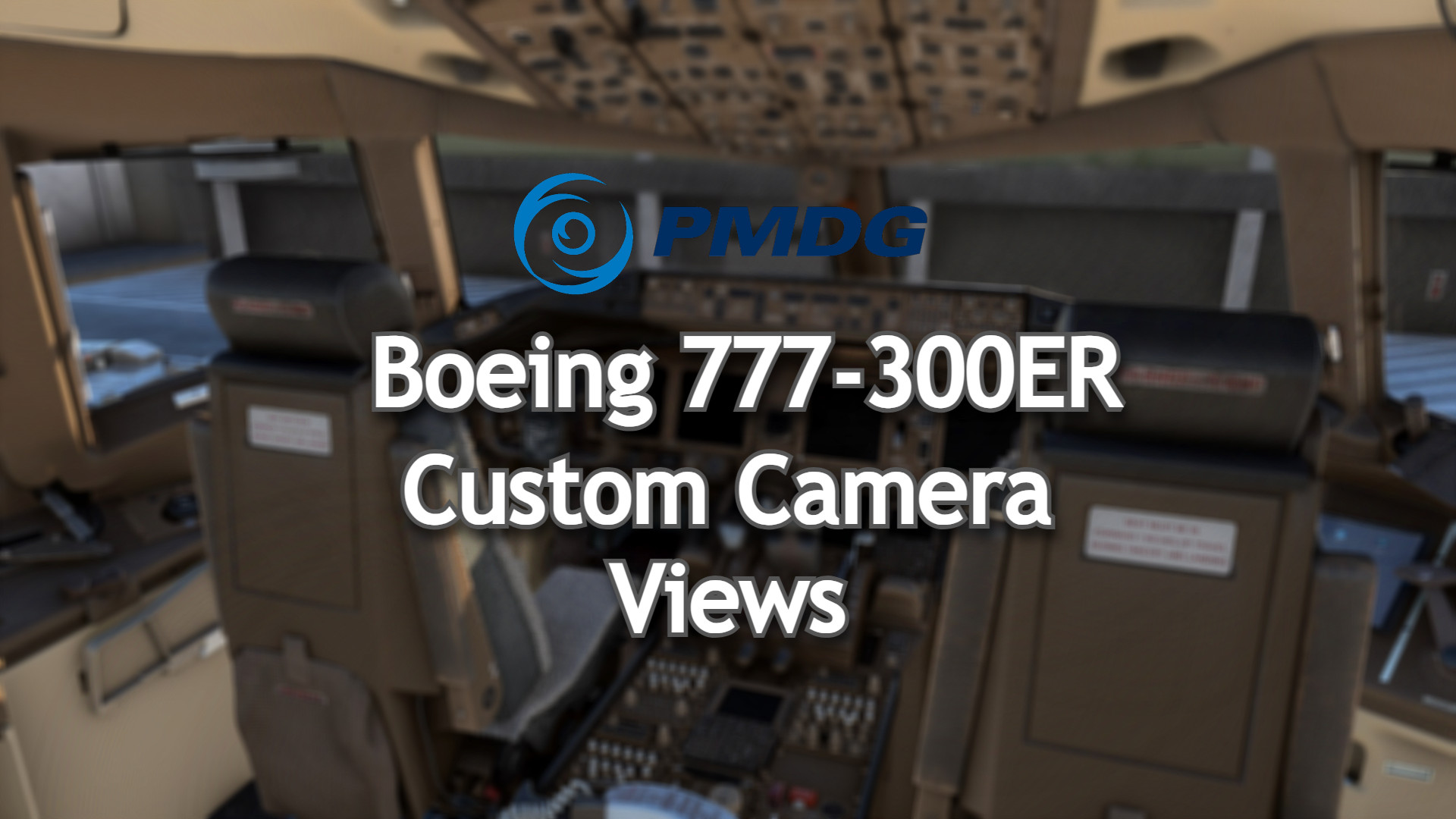
Description
Hi everyone,
I have uploaded my camera views for the newly released PMDG Boeing 777-300ER. Please feel free to download and if you don't like them you can change them by yourself by simply changing your view then pressing " CRTL + ALT + (1, 2,3 ETC)" I hope you enjoy these! Views are listed below, same with Installation Instructions.
Camera Controls:
- ALT + 1 - Captains Seat
- ALT + 2 - Overhead Panel
- ALT + 3 - Lower Pedestal
- ALT + 4 - Go Pro
- ALT + 5 - Engine 2 View
- ALT + 6 - Engine 2 Wing View
- ALT + 7 - Engine 1 View
- ALT + 8 - Engine 1 Wing View
- ALT + 9 - EFB
------Installation instructions:------
------WARNING------
The file (CAMERAS.CFG) needs to be copied in the main MSFS location, not the Community folder. Proceed only if you feel comfortable with the following instructions:
Locate the "Airplanes" Folder in the MSFS Installation Location. This folder contains Subfolders for every aircraft for what you have already loaded into. If you haven't got your aircraft folder you may need to load into the sim or even create a folder "PMDG 777-300ER". See Below for Installation Locations!
Steam Users:
C:\Users\your_user_name\AppData\Roaming\Microsoft Flight Simulator\SimObjects\Airplanes\PMDG 777-300ER\cameras.cfg
Microsoft Store Users:
C:\Users\your_user_name\AppData\Local\Packages\Microsoft.FlightSimulator_8wekyb3d8bbwe\LocalCache\SimObjects\Airplanes\PMDG 777-300ER\cameras.cfg
Please Take a moment to like these Camera Views
Enjoy!
| JustJoeyHD | Joey |
PMDG Boeing 777-300ER Camera Views
Enhance your Boeing 777-300ER experience with custom camera views including cockpit, overhead panel, and wing perspectives. Detailed installation instructions provided for seamless integration into Microsoft Flight Simulator. Alt key combinations allow for easy navigation through various viewpoints for an immersive flying adventure. Created by JustJoeyHD for aviation enthusiasts seeking a realistic flight simulation experience.


Historique des versions
Aucun historique de version disponible.
Similaires
Fenix A320 V2 B2 Camera Views IAE's & CFM's
Enhance your flight experience with Fenix A320 Version 2 Block 2 Camera Views add-on, featuring updated views for IAE and CFM engines. Explore a variety of camera options, from cockpit perspectives to external wing views, all easily accessible through different shortcuts. Compatible with both Microsoft Store and Steam versions of Microsoft Flight Simulator.
par JustJoeyHD
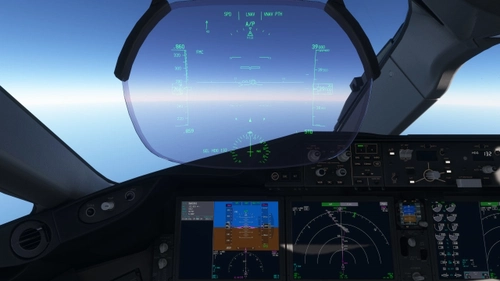
Horizon Simulations Boeing 787-9 Custom Camera Views
A collection of custom camera views for the Horizon Simulations Boeing 787-9, including options for Rolls Royce and GE engines. Explore various perspectives with camera views ranging from the Captain Sidestick to Engine and Wing views. Easy installation instructions provided for MS Store and Steam versions of Microsoft Flight Simulator.
par JustJoeyHD
Connectez-vous pour participer à la discussion
Se connecterCommentaires(1)
over 2 years ago