
Description
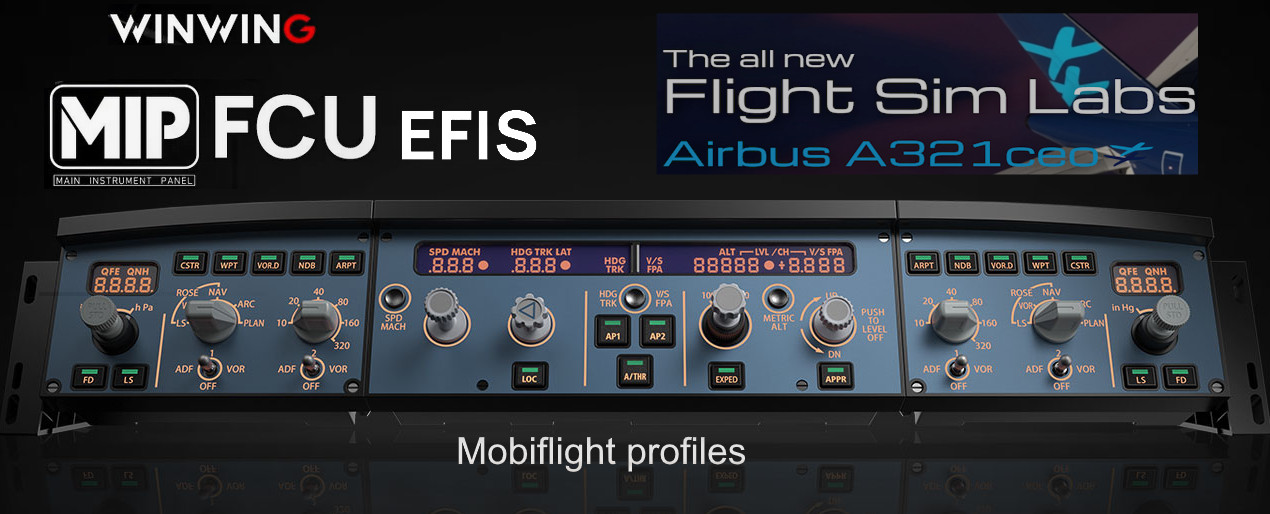
Released the following Mobiflight Winwing profiles for Flightsimlabs A321CEO A321NEO version = > v11.0.1.29X
(remark no need to run SimAppPro just close it)
- fslabs_A321_FCU_Efis_Left_Right.mcc
- fslabs_A321_FCU_Efis_Left.mcc
- fslabs_A321_FCU_Efis_Right.mcc
- fslabs_A321_FCU.mcc
Make sure to have updated the Winwing firmware as follows:
- WINWING FCU-32 V1.20
- WINWING EFIS-32L V0.97
- WINWING EFIS-32R V0.99
- Mobiflight version 10.4.0.1
Functionality full including push/pull integrated lightning / LCD backlights and Led ann panel overhead test/brightness/dim.
Installation settings make sure to have at least the above versions running and or updated.
Make sure to set in the Mobiflight auto trigger @ run settings:
In Mobiflight make sure to choose the autorun button (is active when the color is yellow).
- Choose one of the profiles which are similar to the Winwing hardware installed and import them and assign to your hardware.
- Then make sure FSLabs CC has selected the Flightsimlabs A321 version = > v11.0.1.291
- Start MSFS and before entering the flight start mobiflight.
- Up on load the hardware settings will be synced to the VC
- Set the FCU option similar to below:
In the MCDU>options>FCU/EFIS> FCU knobs accelerated to off
https://github.com/MobiFlight/MobiFlight-Connector/wiki/Using-a-WINWING-FCU-with-MobiFlight
Mobiflight profiles for Winwing and FSLabs A321CEO and NEO
This add-on provides Mobiflight profiles specifically designed for the Winwing hardware in conjunction with the FSLabs A321CEO aircraft. It includes several custom configurations for the FCU and EFIS systems, ensuring full functionality such as integrated lighting and LCD backlight controls. Users are advised to use the latest firmware for their Winwing devices and to follow specific installation and setup guidelines to ensure compatibility. The profiles enable a streamlined operation within Microsoft Flight Simulator when flying the A321CEO version 11.0.1.29X and above.

Avis des utilisateurs
3 avis
Historique des versions
Aucun historique de version disponible.
Similaires
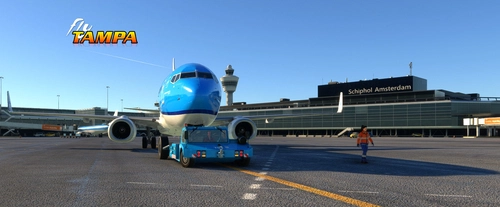
Official Flytampa Amsterdam (EHAM) GSX Pro profile
Enhance your ground handling in Microsoft Flight Simulator with the official Flytampa Amsterdam (EHAM) GSX Pro profile. This profile offers realistic pushback routes, gates, and stand adjustments for an immersive experience. Included in the profile are GSX profile definition and Python script files, with easy installation methods provided. Experience close-to-real life procedures with precise aircraft type placements, catering services, and logical ground vehicle movements at Schiphol Airport.
par virtualstuff
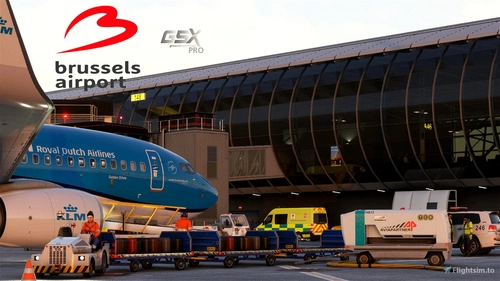
Aerosoft Brussels EBBR V2.2 GSX Pro
Enhance your GSX Pro experience with the Aerosoft Brussels EBBR V2.1 update. This version includes custom stop positions, updated push back routes, and new catering and handler options. Make sure to update to GSX Pro version 2.91 for full compatibility with this add-on.
par virtualstuff
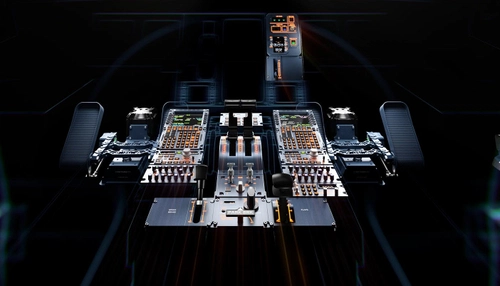
FSLabs Modular Profiles for Mobiflight and WinCTRL hardware
Modular profiles for FSLabs A32X and Neo and WinCtrl hardware Update v4 modular profiles for mix and match according your own hardware: Added the possibility to change the terrain button for FO only or CPT only or CPT/FO Cooling function for the NEO PW engines button 7 PAC 32 In case you don't have the hardware tiller you could also use button 5 Just set active or disarm the terrain option or enable all for CPT or FO or Both
par virtualstuff
Connectez-vous pour participer à la discussion
Se connecterCommentaires(15)
7 months ago
7 months ago
8 months ago
8 months ago
8 months ago
over 1 year ago
over 1 year ago
over 1 year ago
over 1 year ago
over 1 year ago
over 1 year ago
over 1 year ago
almost 2 years ago
almost 2 years ago
Works great
almost 2 years ago