
Flightsim.to
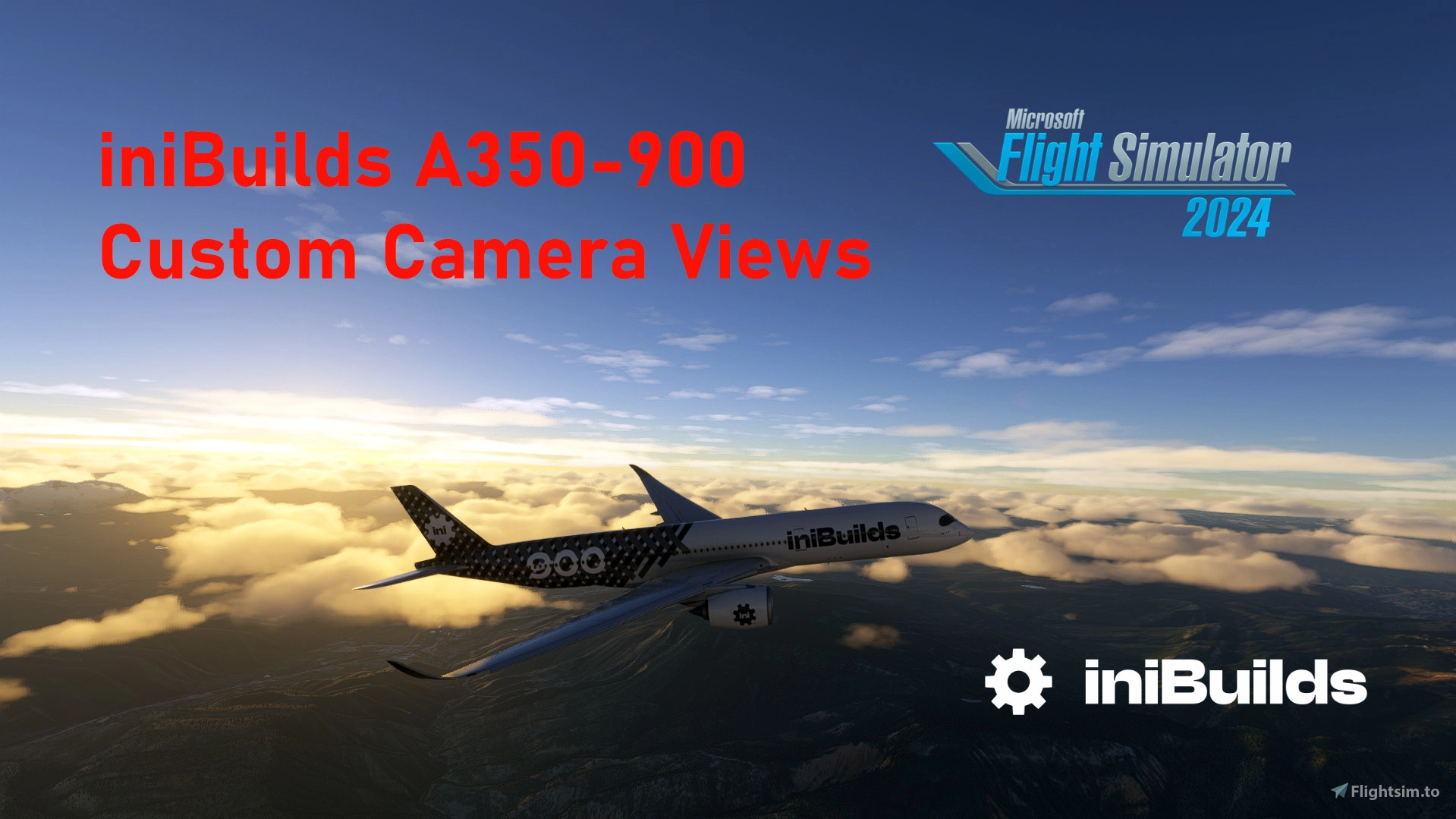
    Custom Camera Views [iniBuilds A350-900/ULR][MSFS 2024] - Image 1

    Description

    Custom camera views for iniBuilds A350-900/ULR [MSFS 2024]

    The custom cameras have been defined as follows:

    Custom camera 0 - pilot view
    Custom camera 1 - left wing view
    Custom camera 2 - GOPRO cockpit view
    Custom camera 3 - right wing view
    Custom camera 4 - left engine view
    Custom camera 5 - overhead panel
    Custom camera 6 - right engine view
    Custom camera 7 - tail view
    Custom camera 8 - FMS
    Custom camera 9 - taxi view


    Installation Instructions

    The folder must be copied into the main directory of MSFS, not into the Community folder.

    Proceed only if you feel confident about the next steps.


    Step-by-Step Guide:

    Locate the MSFS main directory where the "Airplanes" folder is located. This folder contains subfolders for each airplane that has custom camera views.

    Note: If you haven't set up any custom cameras yet, the "Airplanes" folder might be empty or might not exist at all.

    Path to the folder based on your version:

    MSFS 2024:

    MS Store: C:\Users\*UserName*\AppData\Local\Packages\Microsoft.Limitless_8wekyb3d8bbwe\LocalCache\SimObjects\Airplanes

    Steam: C:\Users\*UserName*\AppData\Roaming\Microsoft Flight Simulator 2024\SimObjects\Airplanes

    >>IMPORTANT<<

    Make a backup of any old files that might already exist in the subfolders. This way, if there are any issues, you can easily revert to your old camera views.

    Installation: Drag and Drop

    1. Extract the downloaded file.
    2. Copy the folder into the "Airplanes" folder.


    Ensure that your custom camera views are assigned to keys in your simulator settings.

    You can do this by navigating here Settings > Controls > Camera > Cockpit Camera > LOAD CUSTOM CAMERA
    You will find the slots 0 to 9 there. Assign a key to each slot you want to use.

    By default, custom camera views are assigned to ALT + 0–9. Since pressing two keys can be inconvenient, I recommend remapping them to the Numpad for quicker and easier access.


    Questions or Requests:

    Feel free to send me a private message or leave a comment if you have any questions or requests.

    I would appreciate your feedback and rating!

    Cheers!

    Activité des interactions
    TéléchargementsCommentairesÉchelles distinctes pour les téléchargements et les commentaires
    21 oct. Téléchargements: 4 Commentaires: 022 oct. Téléchargements: 2 Commentaires: 023 oct. Téléchargements: 2 Commentaires: 024 oct. Téléchargements: 6 Commentaires: 025 oct. Téléchargements: 5 Commentaires: 026 oct. Téléchargements: 1 Commentaires: 027 oct. Téléchargements: 0 Commentaires: 028 oct. Téléchargements: 2 Commentaires: 029 oct. Téléchargements: 0 Commentaires: 030 oct. Téléchargements: 4 Commentaires: 031 oct. Téléchargements: 9 Commentaires: 001 nov. Téléchargements: 5 Commentaires: 002 nov. Téléchargements: 2 Commentaires: 003 nov. Téléchargements: 2 Commentaires: 004 nov. Téléchargements: 1 Commentaires: 005 nov. Téléchargements: 3 Commentaires: 006 nov. Téléchargements: 4 Commentaires: 007 nov. Téléchargements: 4 Commentaires: 008 nov. Téléchargements: 4 Commentaires: 009 nov. Téléchargements: 4 Commentaires: 010 nov. Téléchargements: 1 Commentaires: 011 nov. Téléchargements: 7 Commentaires: 012 nov. Téléchargements: 2 Commentaires: 013 nov. Téléchargements: 5 Commentaires: 014 nov. Téléchargements: 7 Commentaires: 015 nov. Téléchargements: 2 Commentaires: 016 nov. Téléchargements: 6 Commentaires: 017 nov. Téléchargements: 3 Commentaires: 018 nov. Téléchargements: 1 Commentaires: 1 Général: 119 nov. Téléchargements: 0 Commentaires: 0
    21 oct.04 nov.19 nov.
    98
    Téléchargements
    1
    Commentaires
    Dernier commentaire aujourd’hui
    Le créateur répond à 73% des commentaires

    Connectez-vous pour participer à la discussion

    Se connecter

    Commentaires26

    SHORTGIRAFF14Général·about 12 hours ago
    Can you also add front of wing window view,above wing window view and behind wing window view for left and right sides?
    alelo·9 months ago
    when i load into the aircraft the camera view is wrong.
    Jojo1887Author·9 months ago
    Did you download the right Version? This is for MSFS 2024
    Do you Install it correct? Send me a Private Message, if you need further assistance.
    cobrakai007·11 months ago
    HI the name for my A350 folder in the airlplanes folder is called "A350" so where do i put the folder form u also named "a350 ' since it conflics with the acutal plane
    Jojo1887Author·11 months ago
    Hi, just replace the one with my "a350" folder.
    fluxxwastaken·about 1 year ago
    hi , i recently installed this addon for the 900 variant , for some odd reason the cams are inside the cargo hold , any reason why ?
    Jojo1887Author·about 1 year ago
    Hi, you’ve probably put it in the wrong folder then. Which one did you put it in?
    ItzChickenYall·over 1 year ago
    help it doesnt work for me. i follow the step and when i press my load custom cam keys it doesnt work anymore. this applies to you a350-1000 fs24 custom cam views as well.
    Jojo1887Author·over 1 year ago
    Sir, you said already that the Views work for you. You wrote several Comments here.

    If there is anything broken please let me know and send me a Private Message.

    cheers
    ItzChickenYall·over 1 year ago
    it used to work it doesnt work anymore since the last 2+ a350 updates
    Jojo1887Author·over 1 year ago
    Okay, i will check this now.
    Jojo1887Author·over 1 year ago
    Okay thanks for reporting, i see where the problem is.
    A fix should be out in the next hour.
    alelo·over 1 year ago
    Hiya
    do we need to put them into each folder? I just did it with the standard copy paste into airplanes and it doesnt work!
    Jojo1887Author·over 1 year ago
    Hi,you just have to put the folder "a350" in the airplanes folder. The path is above.

    Where do you put it in?

    alelo·over 1 year ago
    if i just put it in the 350 folder it didnt work.i had to put it in every config folder for each cabin layout and it worked
    ItzChickenYall·over 1 year ago
    yep i did the same it doesnt work for me. i follow the step and when i press my load custom cam keys it doesnt work anymore. this applies to the creators' a350-1000 fs24 custom cam views as well.
    Jojo1887Author·over 1 year ago
    @alelo, there was an issue because of the latest cabin update.

    An Update will be out soon.
    BoeingMaxii83
    ·over 1 year ago
    Thanks for ULR! :)
    ItzChickenYall·over 1 year ago
    thanks for the ulr cam views can u make it for Msfs 2020 as well
    Jojo1887Author·over 1 year ago
    its already done, i uploaded both at the same time.
    MSFS 2020MSFS 2024

    Custom Camera Views [iniBuilds A350-900/ULR][MSFS 2024]

    Custom camera views made by me, adapted to fit this aircraft. All my camera packs follow the same scheme, so you always know which key gives you which view: pilot, co-pilot, wings, engines and panels. Manual installation into the MSFS main directory, then assign the keybinds to your keys for quick access. Cheers!

    Téléchargements3K
    Version2.1
    Taille du fichier15.71 KB
    PubliéIl y a 1 an
    Mis à jourIl y a 11 mois

    Avis des utilisateurs

    5.0

    2 avis

    5
    100%
    4
    0%
    3
    0%
    2
    0%
    1
    0%

    Historique des versions

    - Adjusted "Custom Camera 0 – Pilot View" to align correctly with the HUD for improved visibility.

    Similaires
    Custom Camera Views [FENIX A320 IAE & CFM | WTF + SL]

    Custom Camera Views [FENIX A320 IAE & CFM | WTF + SL]

    Custom camera views made by me, adapted to fit this aircraft. All my camera packs follow the same scheme, so you always know which key gives you which view: pilot, co-pilot, wings, engines and panels. Manual installation into the MSFS main directory, then assign the keybinds to your keys for quick access. Cheers!

    par Jojodstep
    5.0
    Custom Camera Views [iFly 737 Max 8]

    Custom Camera Views [iFly 737 Max 8]

    Custom camera views made by me, adapted to fit this aircraft. All my camera packs follow the same scheme, so you always know which key gives you which view: pilot, co-pilot, wings, engines and panels. Manual installation into the MSFS main directory, then assign the keybinds to your keys for quick access. Cheers!

    par Jojodstep
    5.0
    Custom Camera Views [FENIX A321 IAE & CFM | WTF + SL]

    Custom Camera Views [FENIX A321 IAE & CFM | WTF + SL]

    Custom camera views made by me, adapted to fit this aircraft. All my camera packs follow the same scheme, so you always know which key gives you which view: pilot, co-pilot, wings, engines and panels. Manual installation into the MSFS main directory, then assign the keybinds to your keys for quick access. Cheers!

    par Jojodstep
    5.0
    Custom Camera Views [FENIX A319 IAE & CFM | WTF + SL]

    Custom Camera Views [FENIX A319 IAE & CFM | WTF + SL]

    Custom camera views made by me, adapted to fit this aircraft. All my camera packs follow the same scheme, so you always know which key gives you which view: pilot, co-pilot, wings, engines and panels. Manual installation into the MSFS main directory, then assign the keybinds to your keys for quick access. Cheers!

    par Jojodstep

    5.0