
Description
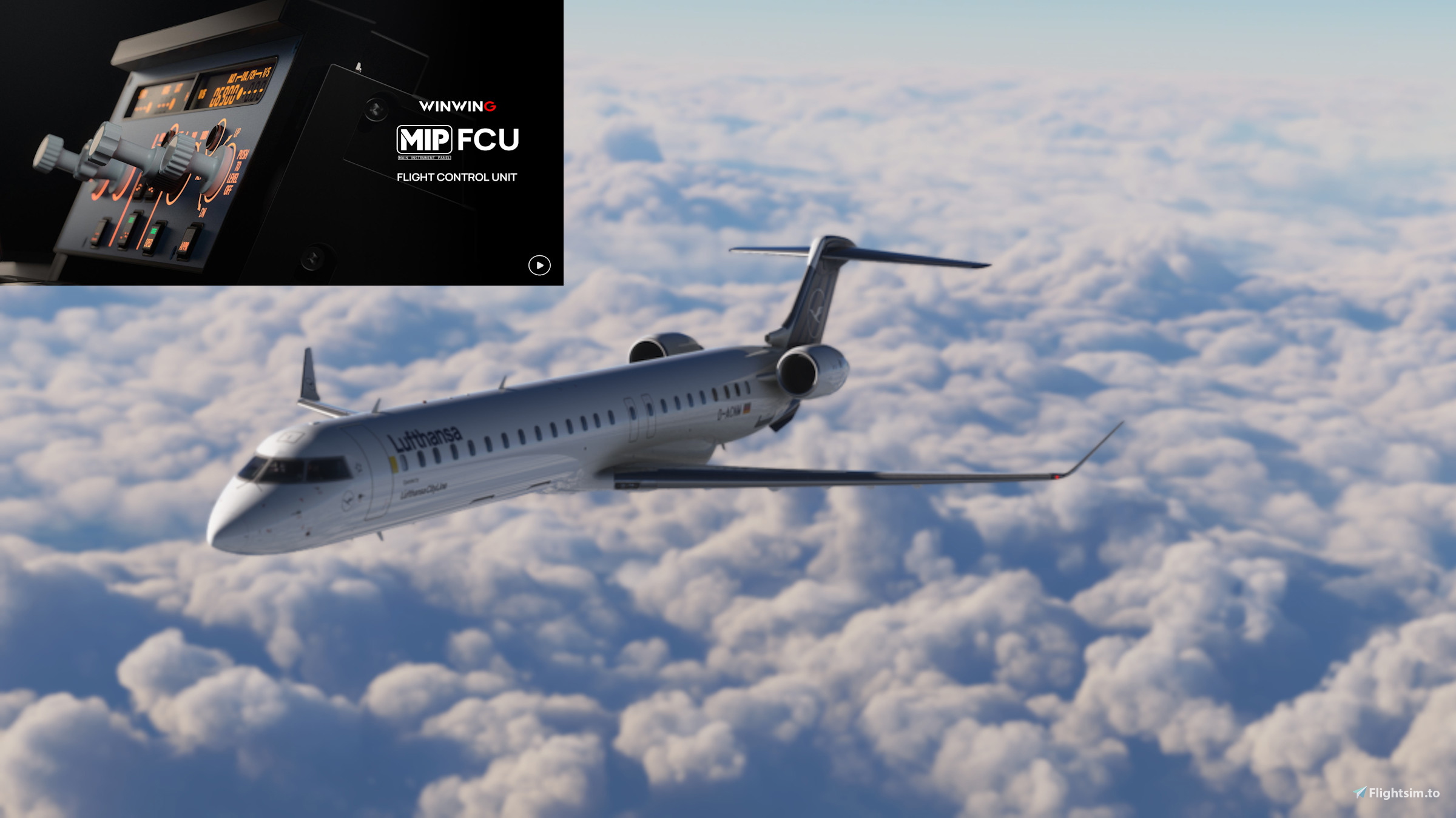
Mobiflight Profile for Aerososfts New CRJ V2.
Includes With and Without Left EFIS
- Right EFIS Unavailable
- Mobiflight BETA version 10.5.2.5 --> Not using BETA resolves in Syntax ERROR
-------------------------------
Functionallity:
- All basic Functions activate via Knob Push or button Push
-AP2 is Autopilot Disconnect
-A/THR = 1/2 Bank Angle
- EXPED = VNAV (If VNAV enabled in your Plane)
- Loc = NAV
- HDG/TRK will switch between Heading selector and CRS1 selector (Dots will blink, so you wont forget to switch back)
- VS Mode will be Dashed until in use
- in VS Mode ALT DOT Will Blink
-Metric ALT = STATUS PAGES
EFIS:
- LS Button will switch FMS1 to VOR1 and back. If you select FMS2 or VOR2, HOLD LS Button for 3 sec and it will switch back to FMS1/VOR1
- Most Functions on EFIS work see limitations below for INOP
-------------------------------
Limitations:
- 100/1000 Inop
Efis limitations:
- CSTR, WPT, VOR.D, NDB , ARPT Buttons remain without Function since CRJ has none of those
- FD button activates Flight Director and Disables it but LED light Remains on for cosmetic
- ND ROSE LS has no Function
- ND ROSE; RNG ADF/VOR1 and 2 Are all Functional and Accurate however when activating or changing one of these sometimes they appear to do something else before activating the function. IT WONT MESS UP YOUR PLANE it just can take up to 5 seconds before the system is switching to the Dialed or Selected or wished Mode. This has to do with the crj not having actual selections for these modes wich could have been picked by mobiflight, therefore a lot of Do-Whiles and If calculations had to be added into this Profile.
- Mobiflight will become or seem irresponsive if you try to change something in this Profile.
-------------------------------
Installation:
- Download : Mobiflight using this Link ----> https://www.mobiflight.com/en/download/thank-you.html
- Download this Profile
- Unzip using 7zip or winrar or unzip or
- select either with L Efis or Just Winwing FCU
- Take the MCC-File/ Mfproj-File and copy it
- press windows button and type in %appdata% , press enter
- AppData\Roaming should have opend
Navigate back to AppData\Local\MobiFlight\MobiFlight Connector\SELECT PROFILES and paste the MCC-File here
- Start MSFS
- START Mobiflight (it will ask you to install FSUIPC and WASM. ! YOU WILL NEED BOTH !)
- Enable BETA mode in Mobiflight Connector Settings
- Load in your CRJ in MSFS
- Load the Mobiflight File by pressing : File ; Open... ; (Select the MCC-File) open ; Run ; Select your Winwing device, then below your winwing device and then press assign.
-------------------------------
Please report any Bugs
enjoy flying ;)
Aerosoft CRJ V.2 | WinWIng FCU | WITH Left EFIS | MobiFlight Profile
This add-on provides a Mobiflight profile specifically designed for the Aerosoft CRJ V2, featuring configurations with and without a left EFIS. It enables basic functionality through knob and button interactions, including autopilot controls, navigation functions, and altitude management. While the profile offers many features, it also includes certain limitations due to the CRJs system design, particularly regarding the EFIS functionalities. Installation instructions are provided for integrating the profile into the Microsoft Flight Simulator environment.


Avis des utilisateurs
7 avis
Historique des versions
Reconverted Files into Mcc Files
Similaires
IniBuilds A350 | WinWIng FCU | L-EFIS Support | MobiFlight Profile
This MobiFlight profile is designed for the IniBuilds A350 in Microsoft Flight Simulator 2020, providing essential functionality for a more immersive flying experience. It enables the operation of the brightness controls for both the LCD and background lights, as well as various buttons such as the Altitude and T.O Config. Some features are currently inoperative due to button limitations on the FCU, with plans for future updates to enhance functionality. Users are encouraged to report any issues or bugs encountered during use.
par PA0049
Fokker F28 v2 | WinWing FCU |MCDU (Buttons only)| MobiFlight Profile
The Fokker F28 v2 add-on enhances the Just Flight F28 with a tailored MobiFlight Profile designed for the WinWing FCU. This profile includes key features such as vertical speed adjustment, altitude hold functionality, and the ability to dial vertical speed. Additional notes indicate compatibility with the BETA mode of MobiFlight and provide specific guidance for installation and usage.
par PA0049
Fokker F28 v1.0 | WinWing FCU | MobiFlight Profile
This add-on provides a MobiFlight profile designed for the WinWing FCU and JustFlight Focker F28 Professional series aircraft. It mirrors the functionality of the original profile created by sushiat for the miniCockpit miniFCU, featuring key functionality and controls specific to the F28. The profile includes details on operational nuances and known limitations, as well as comprehensive installation instructions for users.
par PA0049
Connectez-vous pour participer à la discussion
Se connecterCommentaires29
I get the following error message (see picture).
Another MCDU profile works perfectly fine. Just this one doesn´t seem to connect to the CRJ.
Using also the Beta version of Mobiflight like suggested.
Someone has a hint for me?
Use this one here : https://de.flightsim.to/file/88655/aerosoft-crj-mcdu-mobiflight-profile
you will also need python: Go here first (And Read) :https://docs.mobiflight.com/game-controllers/winwing/winwing-cdu/
Once issue I noticed though is that the brightness of the MCDU screen varies depending on the time of the day. Try loading the aircraft during the night, and then use the slider in the sim to change the time to daytime and notice how the MCDU changes brightness. This is an intended behaviour for the virtual screens in the cockpit in the sim, as the Fenix developers wanted to simulate the perception of brightness. However, I don't think this is the right approach for the physical MCDU.
The issue seem to be with the "Screen Brightness" entry, which uses (L:N_CDU1_BRIGHTNESS). I've simply disabled that entry and the brightness remains constant. Screen brightness is still adjustable using the BRT and DIM buttons.
Below is a video presentation of my Winwings hardware with Mobiflight for the Aerosoft CRJ 700 running MSFS2024.
Merci pour votre profil du CRJv2 Aerosoft. Ci-dessous, une vidéo de présentation de mon matériel Winwings avec Mobiflight pour le CRJ 700 d'Aerosoft sous MSFS2024.
https://www.youtube.com/watch?v=2N8JSD8JCCw
Curious as to why you didn't include support for RIGHT EFIS .
Is this because you didn't have access to a physical EFIS panel or because one or more variables are not available ?
Thanks for your comment.
Yes i do not have EFIS right side Panel thats why i cant give right side support. Even if i did there is no more space on my desk and no space in my room to enlargen my desk im afraid. :)
Okay than take a look at what variables i used in MF. you can find some of the local variables by opening MSFS and switch to developer mode. once their in the top bar and under one of the sections you will find "Behaviours" opening that will pop out a window once you loaded in the correct plane and at an airport. In this new window their will be a new bar and it will say "Local Variables" those are some of wich u can use. you have to experiment a lot with MF i also recommend downloading a profile for Asobos general aircraft MF to see a couple of the links and connections. Can be frustrating sometimes as well as exiting if you can see what it could do. Have fun
System is up to date! Mobiflight fresh downloaded!
Other Mobiflight Files run without any problem.
I tested both of your files
Any Tips?
open mobiflight connector / Extras / Settings / make sure BETA version is true and Restart.
May sound weird but i suspect Vnav functionality disabled to cause issues. is your VNAV in your CRJ EFB ENABLED?
and last idea open the file in Mobiflight and save it as mfproj. instead of MCC. see if that may be the answer
One suggestion : adding CRJ HDG sync (press and release) functions to the Winwings HDG knob pull.
only note you need mobiflight beta to use.