
Description
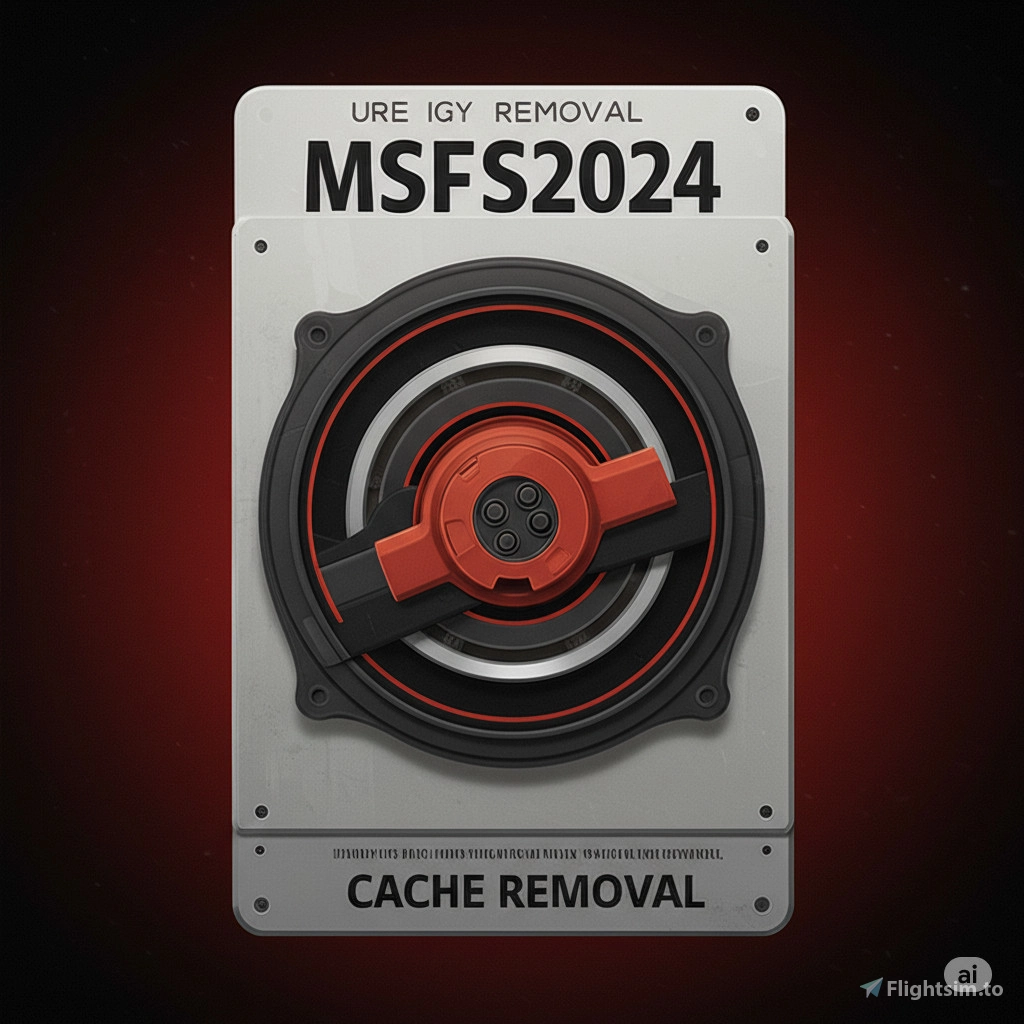
MSFS2020/2024 Cache Cleaner
A lightweight utility designed to optimize Microsoft Flight Simulator 2020 and 2024 performance by safely removing accumulated shader and graphics caches. This tool clears:
- DirectX D3DSCache
- NVIDIA Computer Cache
- NVIDIA DXCache
- NVIDIA GLCache
Warning: Only works for NVIDIA GPUs. If you have an AMD GPU, this program won't work for you.
By removing these temporary files, users can resolve stutters, graphical glitches, and performance drops, especially after driver updates or major sim patches. Ideal for users looking to maintain peak sim performance with minimal effort.
Instructions: Download "MSFS2020/2024 Cache Cleaner.zip" then extract the .bat file inside to a location on your computer. Then, double click the file to run. After the program completes its cleanup, click any key!
MSFS2020/2024 Cache Removal Tool
The MSFS2024 Cache Removal Tool is a utility designed to enhance the performance of Microsoft Flight Simulator 2024 by efficiently clearing accumulated caches, including DirectX and NVIDIA graphics caches. This tool helps in resolving issues like stutters and graphical glitches that may occur after driver updates or significant simulator patches. It provides a straightforward method to maintain optimal simulator performance with minimal user intervention. Users can easily execute the cleanup process with a simple batch file.


Avis des utilisateurs
16 avis
Historique des versions
Renamed tool to be 2020 and 2024 compatible. Program goes inside your PC folders, not inside of your simulator specific folders, so its compatible with both MSFS2020 and MSFS2024.
Présent dans des collections(1)


Similaires
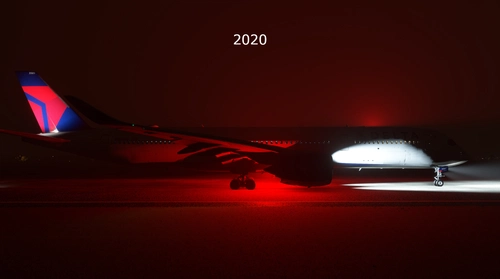
iniBuilds A350 Realistic Beacon and Strobes (Fixed Orange Beacon)
This add-on provides a fix for the iniBuilds A350, addressing the default beacon color and enhancing the visibility of strobe lights. The beacon color is changed from orange to red, and both the beacon and strobe lights intensity and range are improved for more realistic illumination. The mod includes separate installations for the 2020 and 2024 versions of the aircraft, with detailed installation instructions provided.
par tankibenc
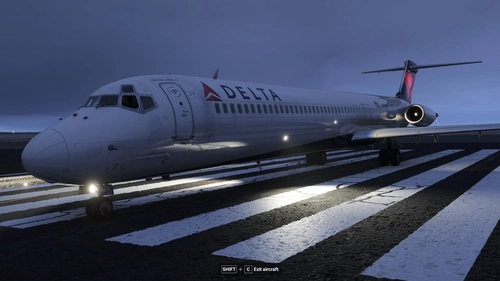
Fly the MaddogX MD-80/83/88 Realistic Light Mod
Enhance the MaddogX MD-80/83/88s exterior lighting in MSFS2020/2024 with this mod, which introduces a variety of improvements for realism. Key changes include converting wing and nacelle lights to a warm halogen color, adjusting the beacon light to a vibrant red, and reducing glare from navigation lights. Additionally, the mod turns off cabin lights for more authentic nighttime cabin visuals.
par tankibenc
Connectez-vous pour participer à la discussion
Se connecterCommentaires(60)
3 months ago
2 months ago
3 months ago
5 months ago
7 months ago
5 months ago
7 months ago
9 months ago
9 months ago
9 months ago
9 months ago
Anyway to add flushing rolling cache & scenery indexes?
9 months ago
12 months ago
about 1 year ago
Thanks.
11 months ago
10 months ago
about 1 year ago
about 1 year ago