Flightsim.to

    Flow Pro Widgets

    Browse Flow Pro Widgets user content for Microsoft Flight Simulator 2024 and 2020. Parcourez 88 add-ons publiés par notre communauté.

    Dernière mise à jour
    Random Failure Trigger for Fenix A320 (Flow Pro)

    Random Failure Trigger for Fenix A320 (Flow Pro)

    The Random Failure Trigger for Fenix A320 (Flow Pro) is an add-on designed to enhance failure management training by introducing a customizable frequency of random failures during flights. This tool automates the necessary MCDU interactions to trigger failures without user input, allowing for practice in emergency situations while minimizing disruptions. Users can configure intervals for failure occurrence, ensuring they only activate during flight and not on the ground. Compatible with MSFS 2024 and requiring Flow Pro by Parallel 42, this widget supports both Captain and First Officer displays.

    320FO320FO
    MSFS2024
    0.0(0)
    57
    10.45 KB
    8 months ago
    METAR2

    METAR2

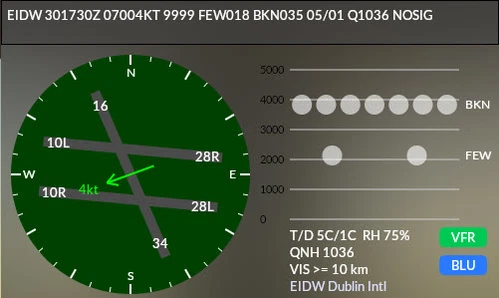
    METAR2 is an addon designed for Flow Pro, enhancing the Otto Search Bar functionality within Microsoft Flight Simulator. Users can retrieve METAR information for any airport by using the xmetar keyword; if the requested airport lacks a METAR station, data from the closest station will be displayed. The data is visualized for better readability. Installation is straightforward, and the addon is compatible with the flightsim.to Auto Installer.

    Ape42Ape42
    MSFS2024
    5.0(3)
    782
    23.2 KB
    7 months ago
    Uncovered Flow

    Uncovered Flow

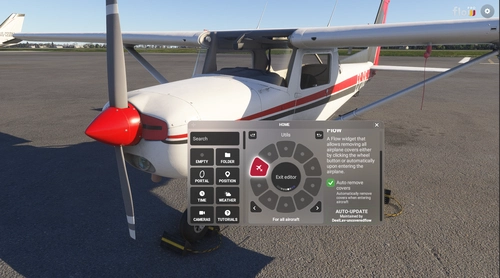
    Uncovered Flow is a Flow widget for Microsoft Flight Simulator 2024 that streamlines the management of aircraft protective covers, including pitot covers and engine inlets. It features one-click installation and removal of all covers, with an automatic removal option upon entering the aircraft. The add-on provides clear visual feedback regarding the status of the covers and ensures functionality is limited to compatible aircraft specifically designed for MSFS 2024.

    GizmoDeelGizmoDeel
    MSFS2024
    0.0(0)
    472
    9.21 KB
    10 months ago
    Flow Infobar Adjustments

    Flow Infobar Adjustments

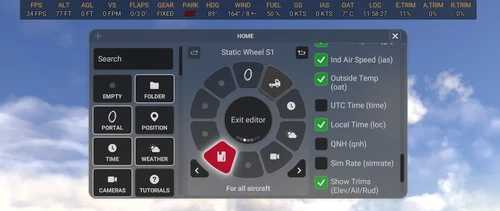
    This add-on adds a few visual tweaks to the original p42 Info Bar, with options like stacked or uppercase labels, centered alignment, and a dark background with adjustable transparency. It also includes small fixes and refinements, such as updated vertical speed labels and a corrected UTC time display. Feedback is welcome while I continue to improve it.

    plerzelwuppplerzelwupp
    MSFS2020/24
    5.0(6)
    1.1K
    17.81 KB
    10 months ago
    GSX  Quick Actions for Flow Pro

    GSX Quick Actions for Flow Pro

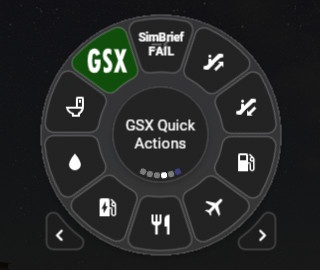
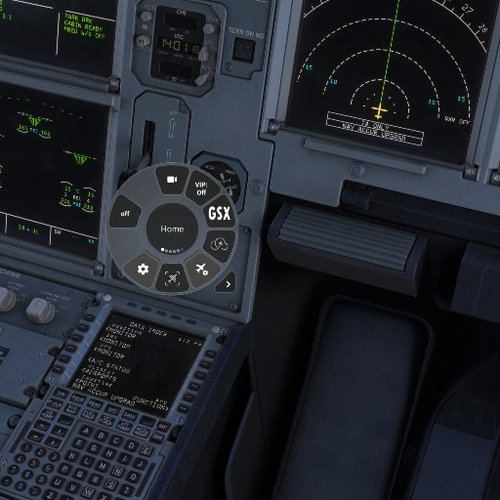
    This add-on features a widget designed to enhance the GSX experience for users of //42 Flow Pro by streamlining service requests. Instead of navigating through the standard GSX menu, users can utilize dedicated buttons to request services such as boarding, deboarding, and refueling. It offers real-time information on the status of requested services and is designed to improve overall ease of use while interacting with GSX functionalities. Installation is straightforward, and the widget provides some specific operational notes to assist users.

    eugenesvveugenesvv
    MSFS2020
    4.0(1)
    892
    10.63 KB
    1 year ago
    Flow Pro: Heading Sync Widget

    Flow Pro: Heading Sync Widget

    The Flow Pro: Heading Sync Widget is designed to enhance cockpit efficiency by automatically syncing the heading bug to the aircrafts current heading. This add-on addresses the challenge of adjusting the heading bug manually via keyboard mapping, offering a more streamlined solution for pilots. It simplifies the process, reducing the need to interact with cockpit controls directly.

    0.0(0)
    296
    8.13 KB
    1 year ago
    Sim Rate Watchdog

    Sim Rate Watchdog

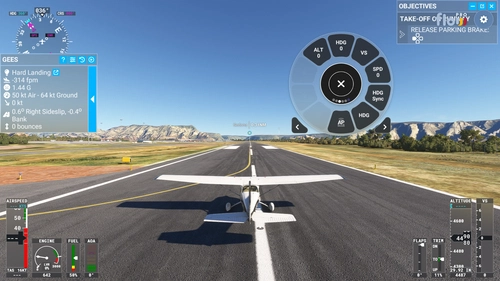
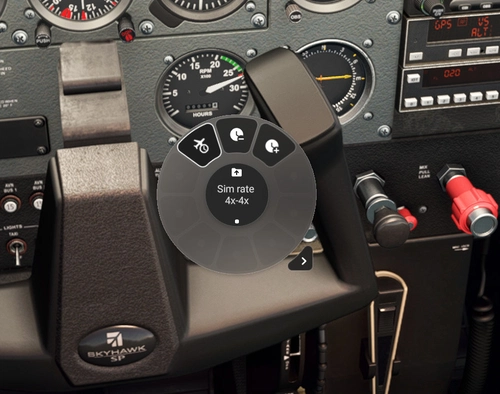
    Sim Rate Watchdog is a utility designed to dynamically adjust the simulation rate in Microsoft Flight Simulator, enhancing autopilot performance during various flight phases. Initially tested on the Asobo C172, it is compatible with airliners and other aircraft. The add-on automatically reduces sim rate as the aircraft approaches a waypoint or during altitude corrections and resets to 1x when nearing the destination. Users can manually control the sim rate while ensuring the system reverts back after leaving the critical area or upon reaching the airport.

    lockemxlockemx
    MSFS2020
    5.0(1)
    269
    9.00 KB
    2 years ago
    Flow Pro Widget: Autopilotbar

    Flow Pro Widget: Autopilotbar

    The Flow Pro Widget: Autopilotbar is a simple information bar designed to display key autopilot parameters in Microsoft Flight Simulator 2020. Currently in development, this add-on offers customization options for layout, size, color, and transparency through CSS adjustments. It aims to assist users, particularly those using specific aircraft like the C-160 Transall, by providing relevant autopilot information during flights.

    StuxITStuxIT
    MSFS2020/24
    5.0(1)
    486
    11.11 KB
    2 years ago
    Flow Change Device preset

    Flow Change Device preset

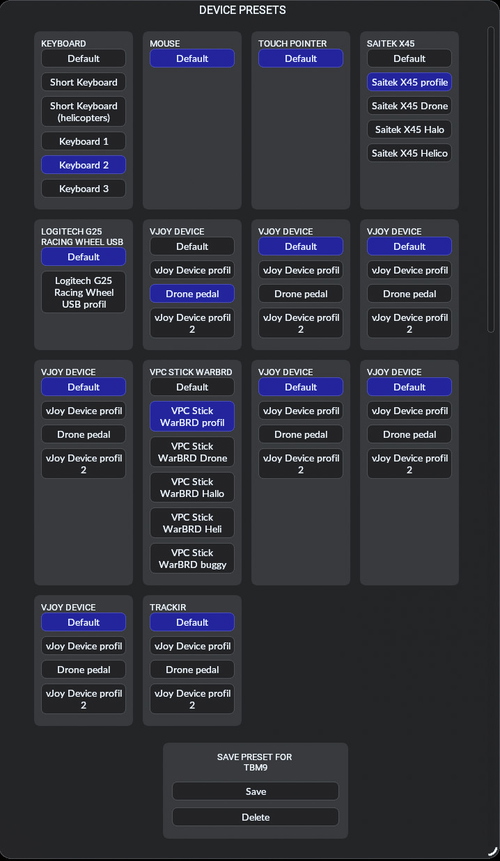
    The Flow Change Device preset is a widget designed to simplify the process of switching between device presets in Microsoft Flight Simulator. It provides a streamlined interface to load presets automatically based on the selected aircraft and supports searching for presets using the device name. While the widget allows loading and switching between presets seamlessly, it does not have the capability to create or save new presets. Additionally, it includes a Flow API feature that enables users to execute custom commands for changing presets via scripting.

    GizmoDeelGizmoDeel
    MSFS2020
    5.0(5)
    271
    14.04 KB
    2 years ago
    Variable setter "setx" (Flow Pro Widget)

    Variable setter "setx" (Flow Pro Widget)

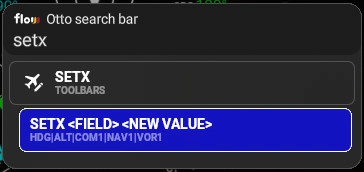
    Add the "setx" variable setter command to your Flight Simulator experience with this Flow Pro addon by //42. Easily adjust values like heading bug, autopilot altitude, and frequencies directly from the Otto search bar. Check out the possibilities and installation steps for this versatile tool.

    Ape42Ape42
    MSFS2020
    0.0(0)
    60
    8.55 KB
    2 years ago
    Showing 25 - 36 of 88 results